Delete Connection
- Navigate to the Dashboard and open the Connections section.
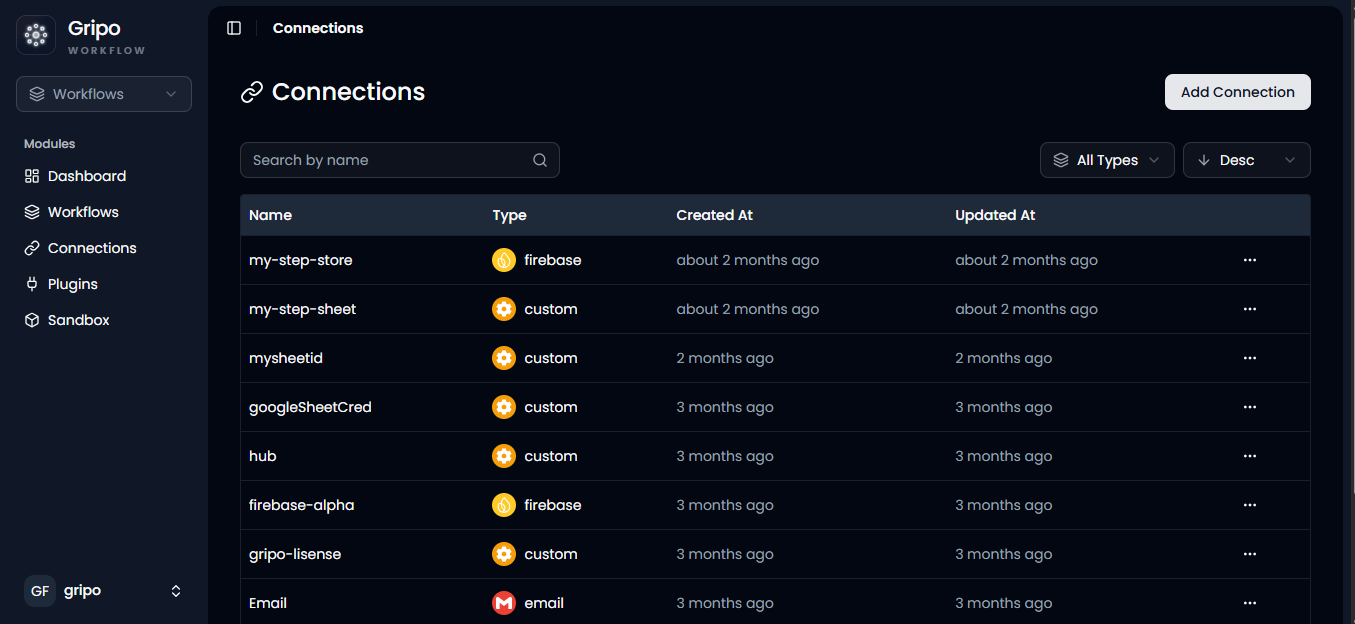
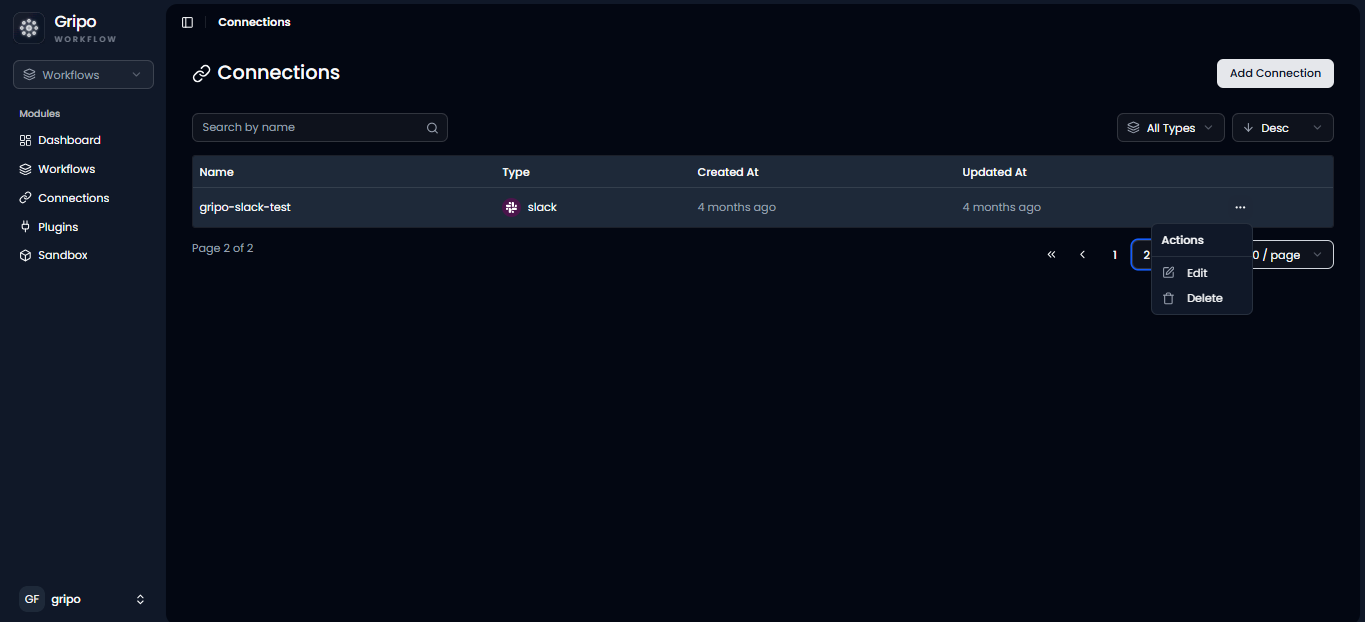
- From the list of available connections, click on the three dots (…) next to the connection you want to manage. Then, select an action Delete
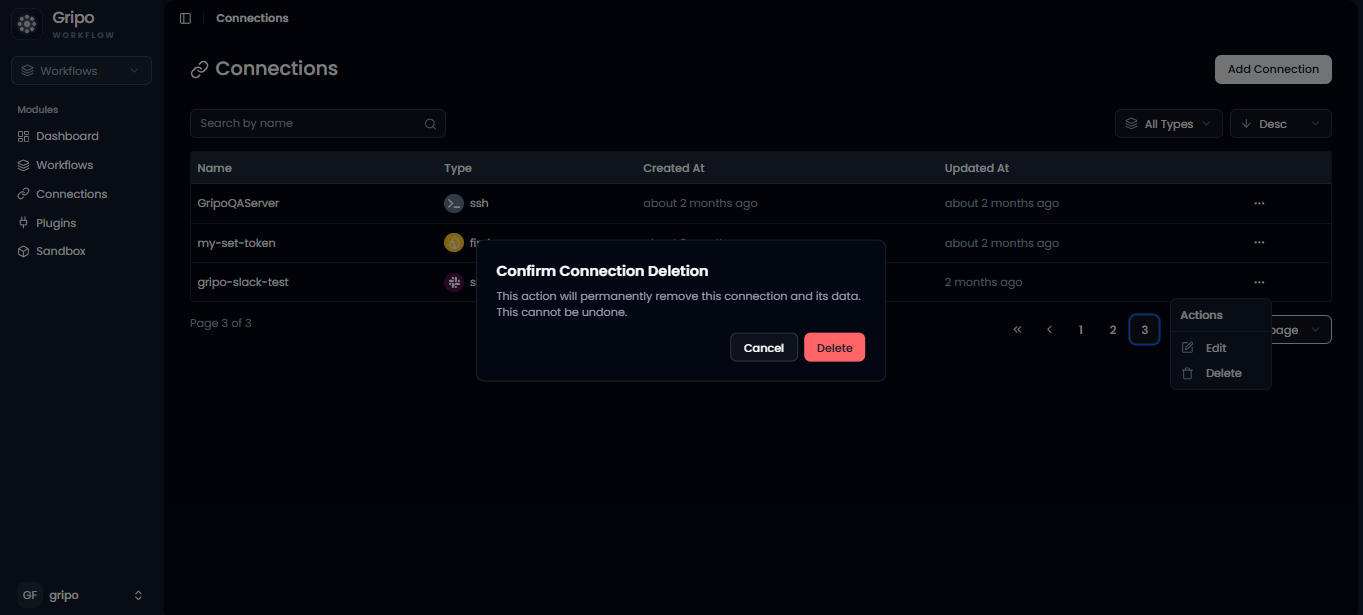
- On clicking Delete, a confirmation pop-up will appear.
- Click Delete in the pop-up to confirm and permanently remove the selected connection.