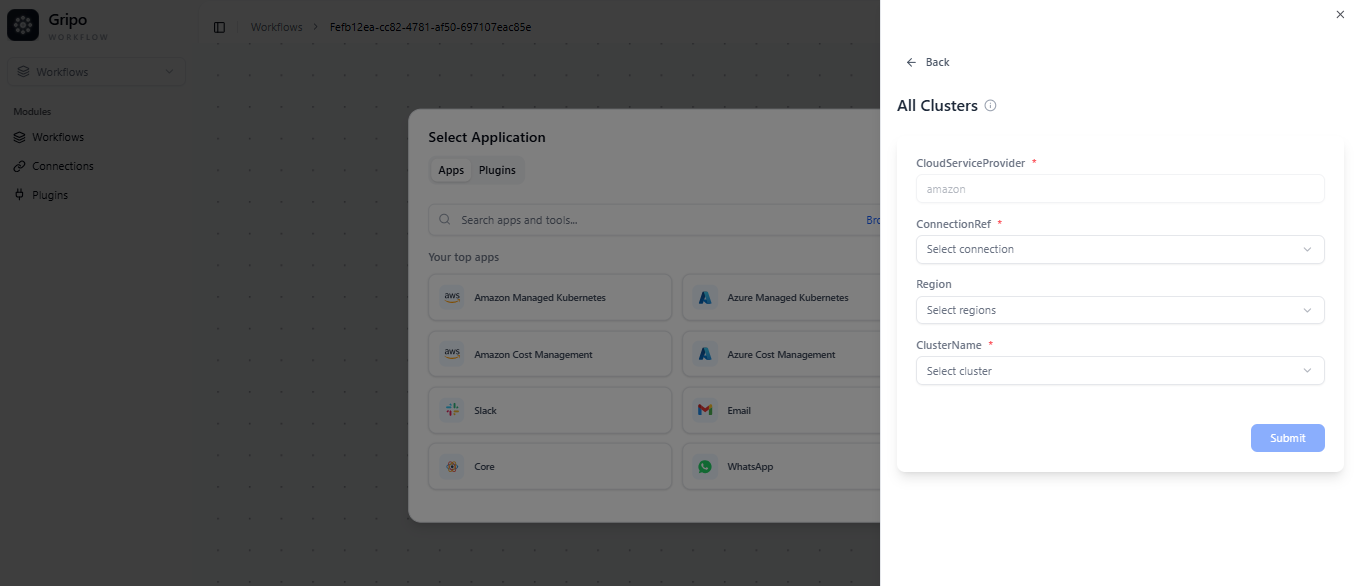
All Cluster Action
-
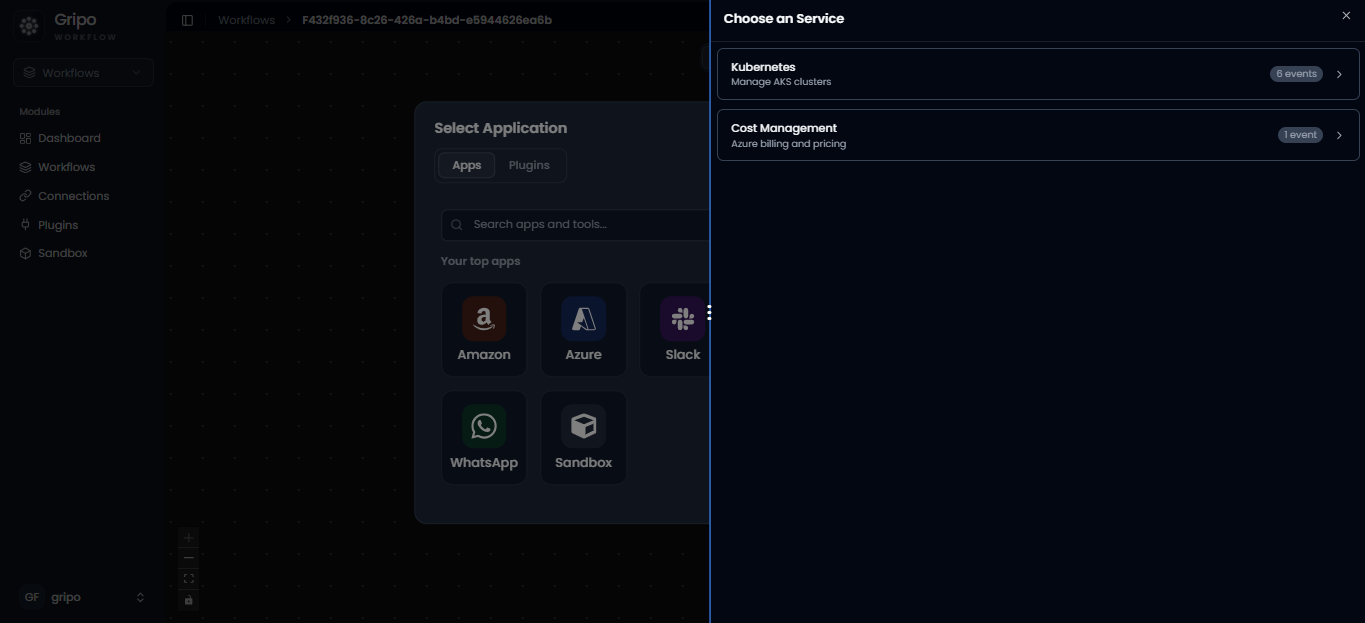
- After selecting Amazon , two option of services appears.
- Click on Kubernetes
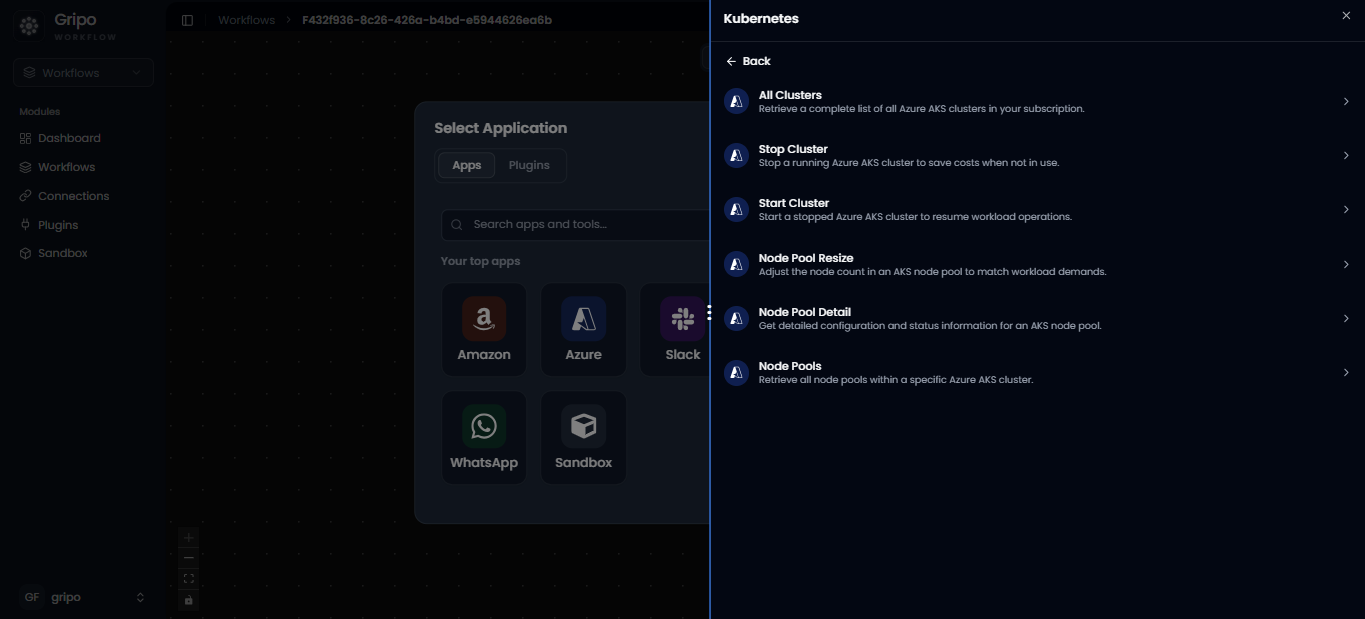
- A list of available Amazon cluster actions will appear.
- From this list, choose “All Clusters” to fetch details of all clusters in your Amazon environment.
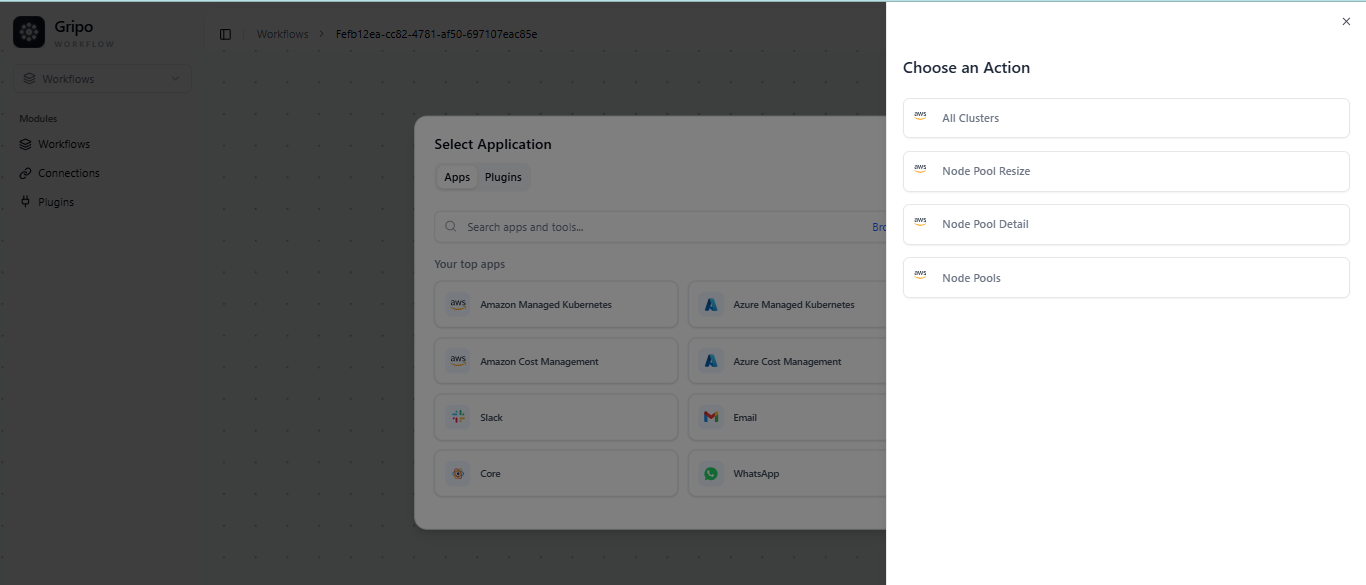
- After selecting Amazon Managed Kubernetes, a list of available Amazon cluster actions will appear.
- From this list, choose “All Clusters” to fetch details of all clusters in your Amazon environment.
- Provide your connection reference to securely link your Amazon account.
- provide Region and Cluster name
- Click on Submit Button.
- All Cluster Action is added in Amazon Managed Kubenetes.