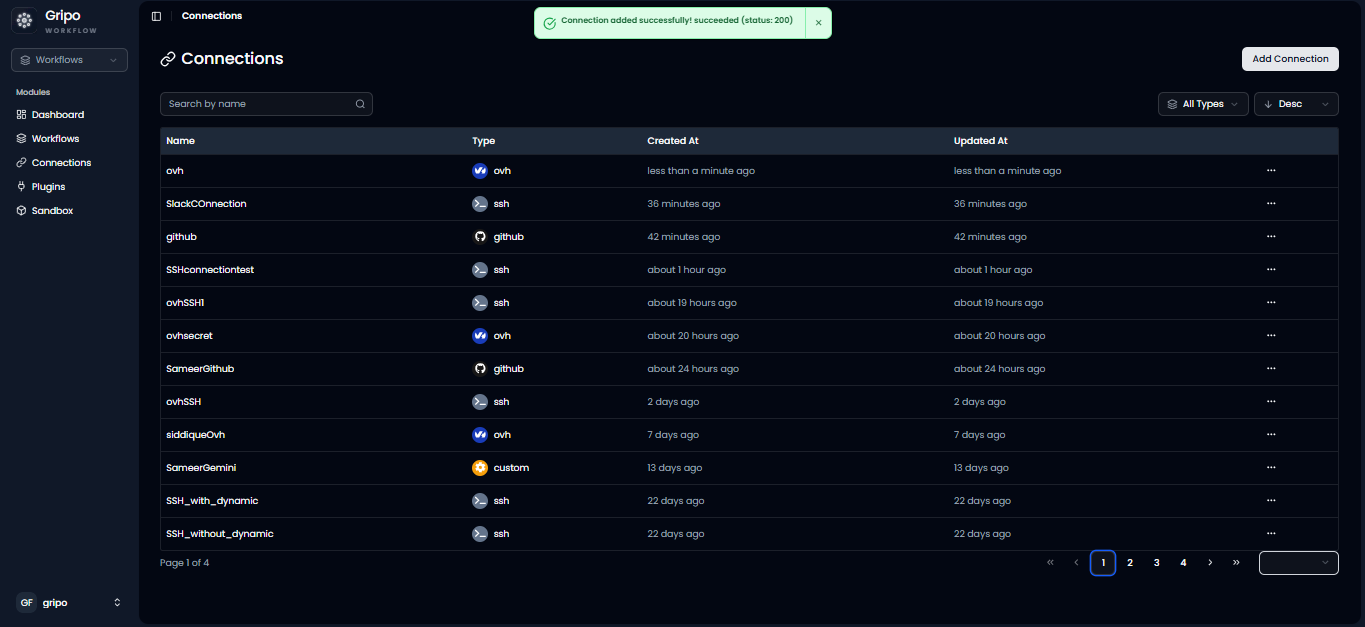
OVH Cloud Connection
OVH Cloud Provider Connections allow GRiPOFlow to securely authenticate with your OVH Cloud account using API credentials.
Before You Begin
To use OVH Cloud services in GRiPOFlow, you must create an OVH Cloud connection and generate API credentials from the OVH Cloud Portal.
Use the following sections to complete the setup:
Configure the OVH Cloud Connection in GRiPOFlow
OVH Cloud Connection Form
- Navigate to the Connection section.
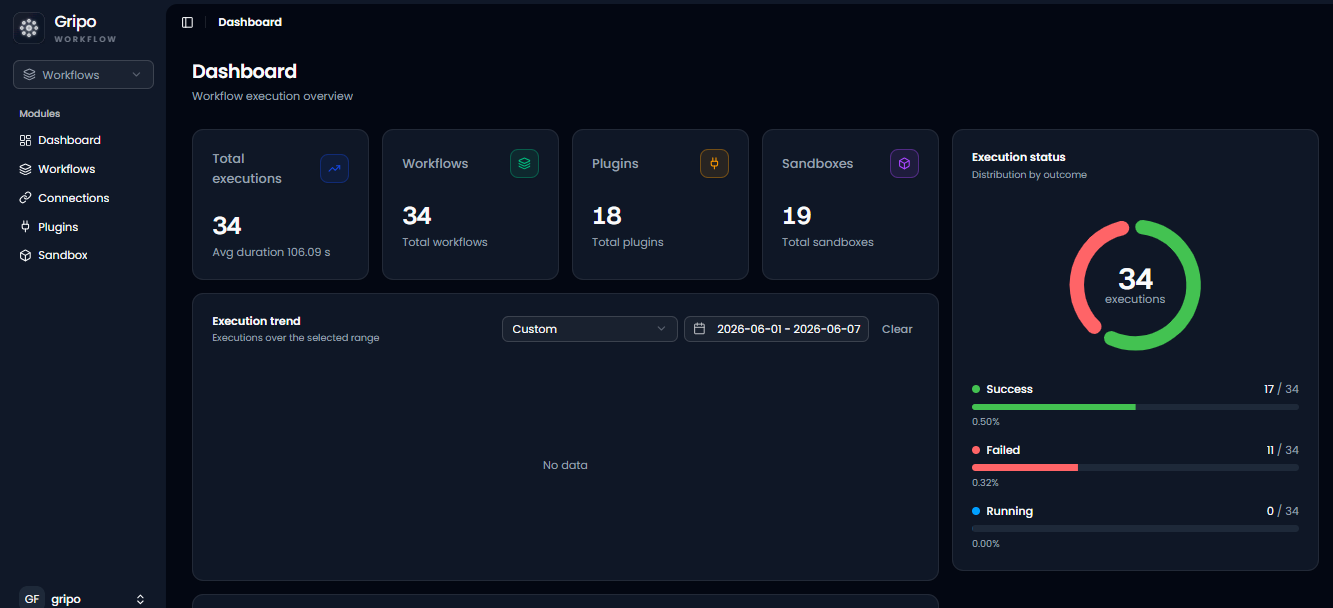
- Click Add Credentials.
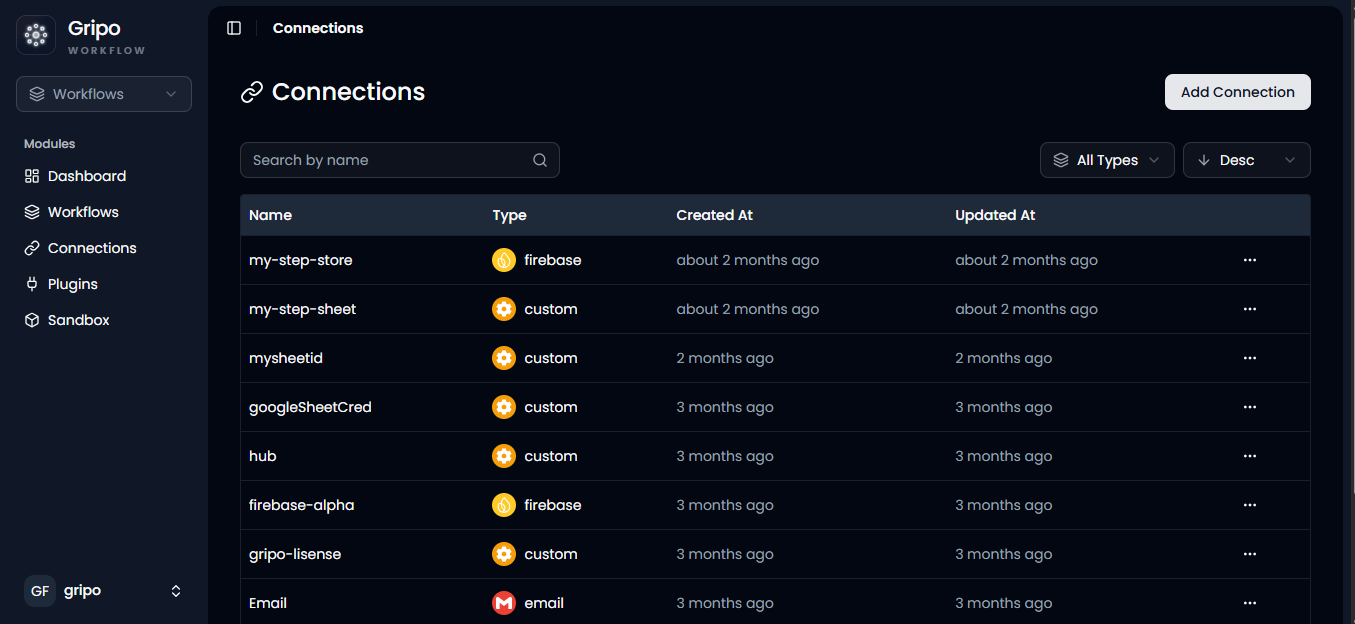
- A window will appear. From the Application dropdown, select OVH.
- Click Next.
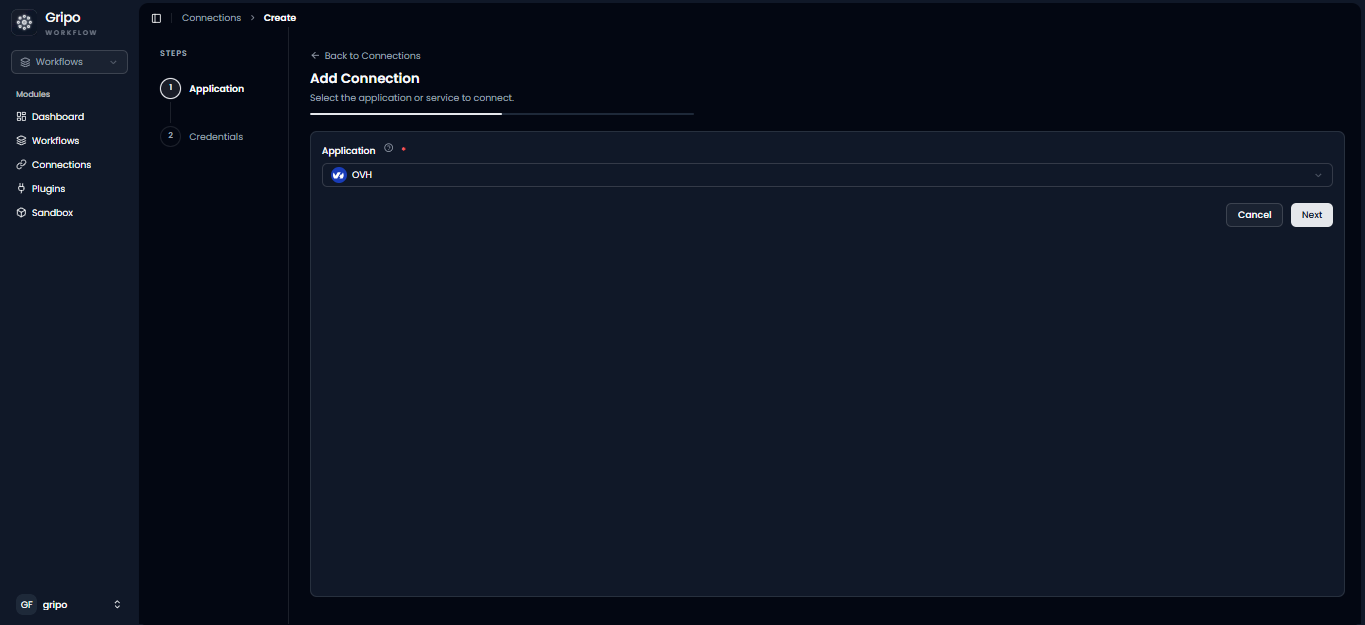
- A form will be displayed for entering your OVH credentials.
- Enter a Connection Name.
- Provide the following credentials:
- Application Key
- Application Secret
- Consumer Key
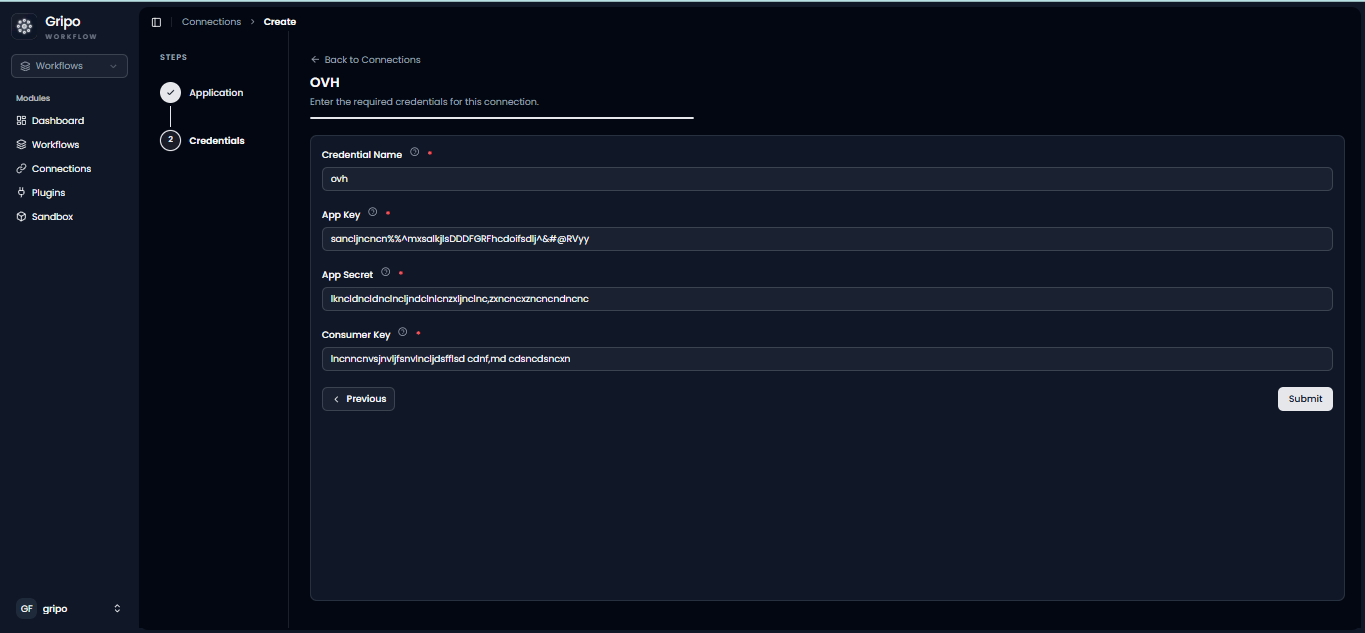
Before creating the connection, generate your OVH API credentials from the OVH Cloud Portal.
Generate OVH Cloud API Credentials
Create API Credentials from the OVH Cloud Portal
-
Open your web browser and navigate to the OVH Cloud portal:
-
Sign in to your OVH Cloud account.
-
Visit the API Credentials page.
-
Click Create API Keys.
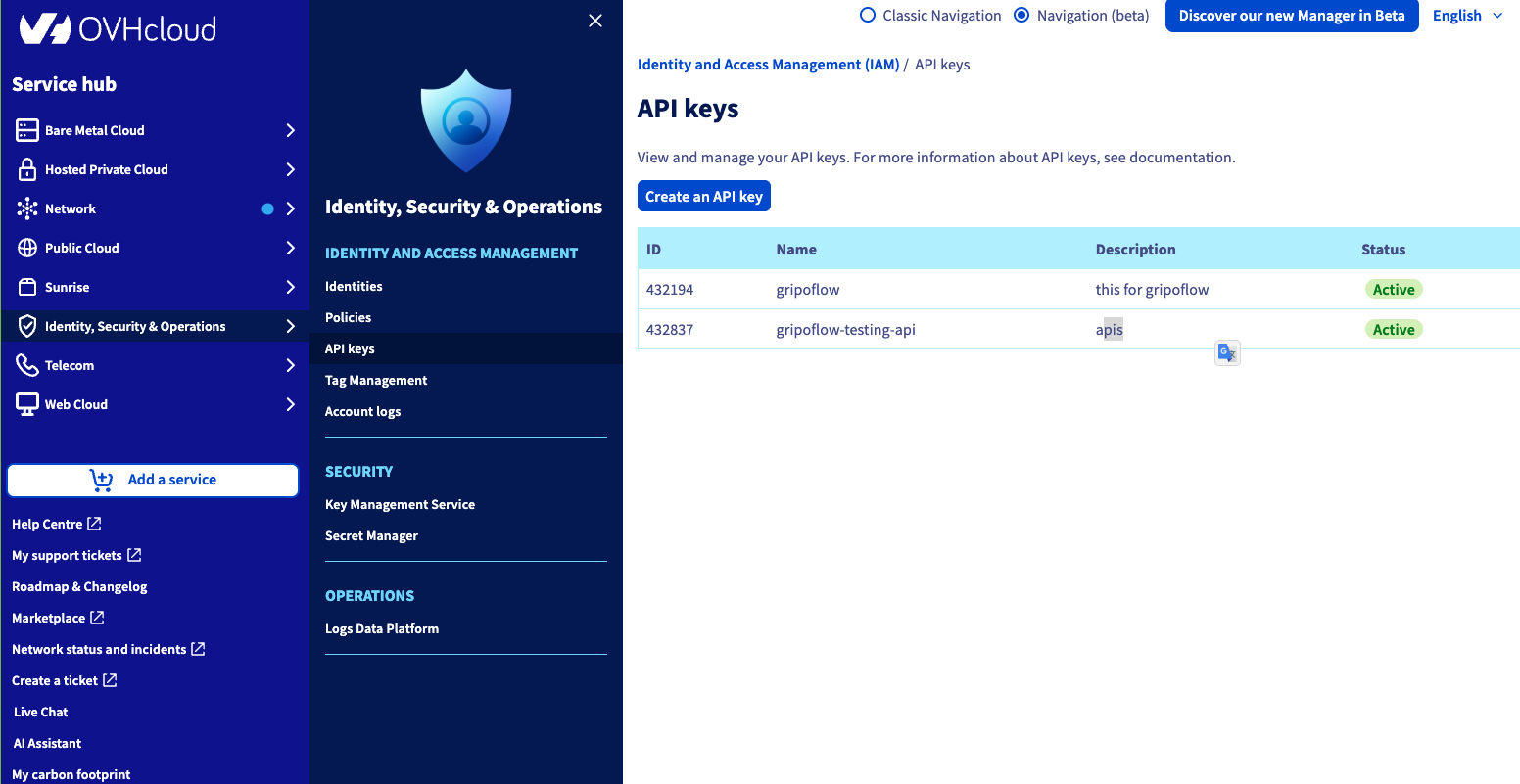
-
Configure the required API permissions according to the OVH services you want to access.
-
Generate the credentials.
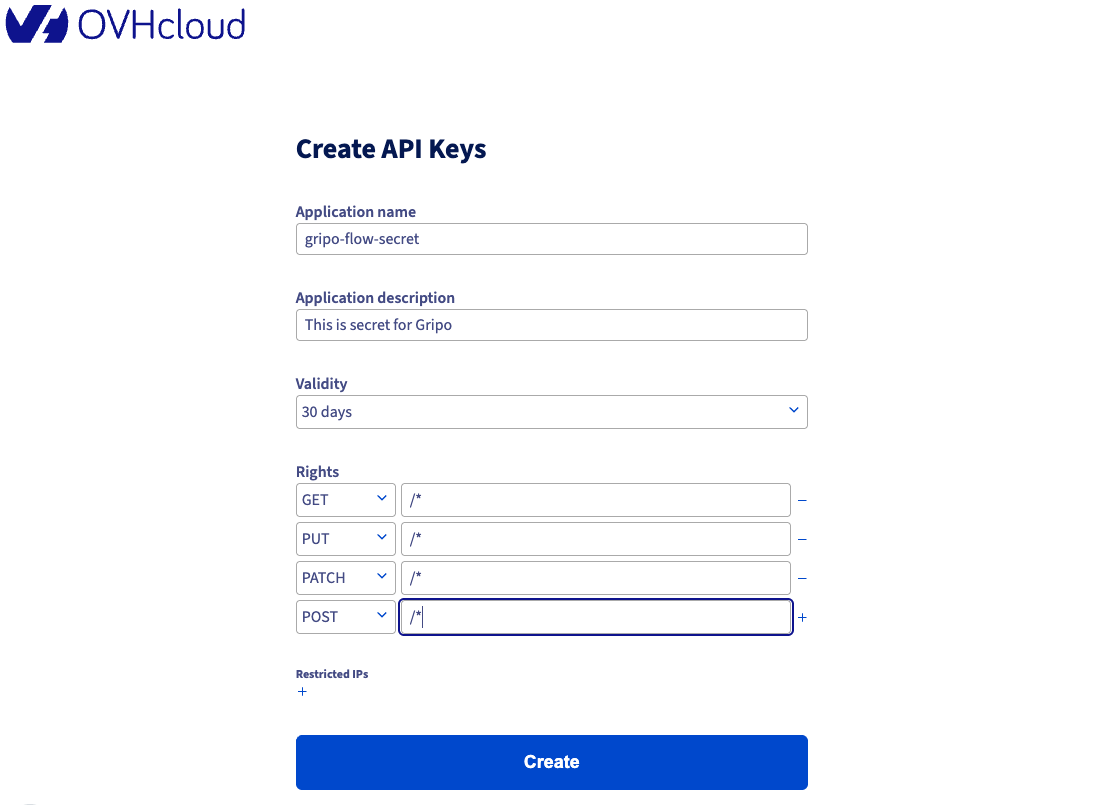
- Copy the following values:
- Application Key
- Application Secret
- Consumer Key
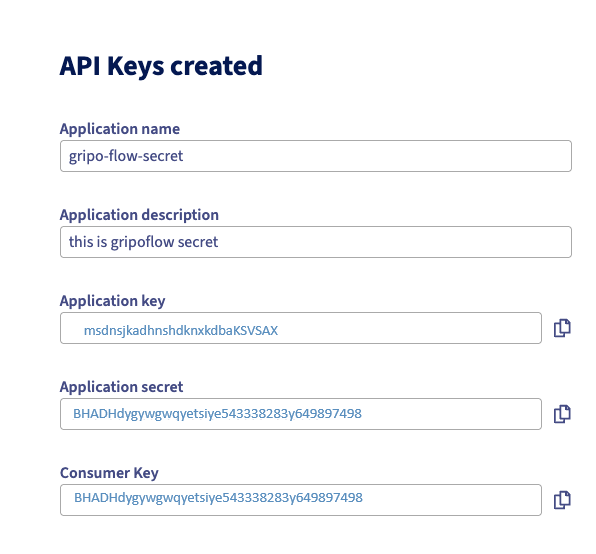
Complete the OVH Cloud Connection
Add the API Credentials to GRiPOFlow
-
Return to GripoFlow.
-
Paste these values into their respective fields.
-
Click Submit to create the connection.