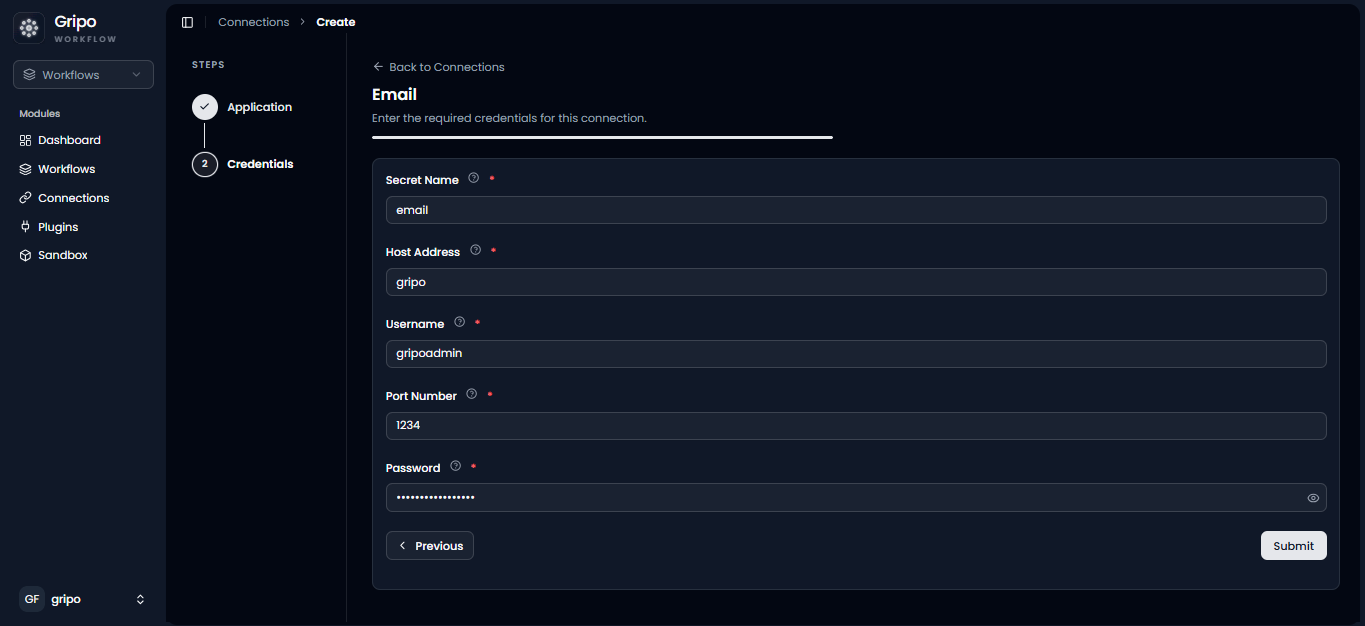
Email Connection
Email Provider Connections allow GRiPOFlow to securely authenticate with your email server using SMTP credentials.
Before You Begin
To use email services in GRiPOFlow, you must have the SMTP credentials for your email account.
The following information is typically required:
- SMTP Host
- Port
- Username
- Password
If you haven’t created a connection yet, see the Connection Management guide.
Configure the Email Connection in GRiPOFlow
Email Connection Form
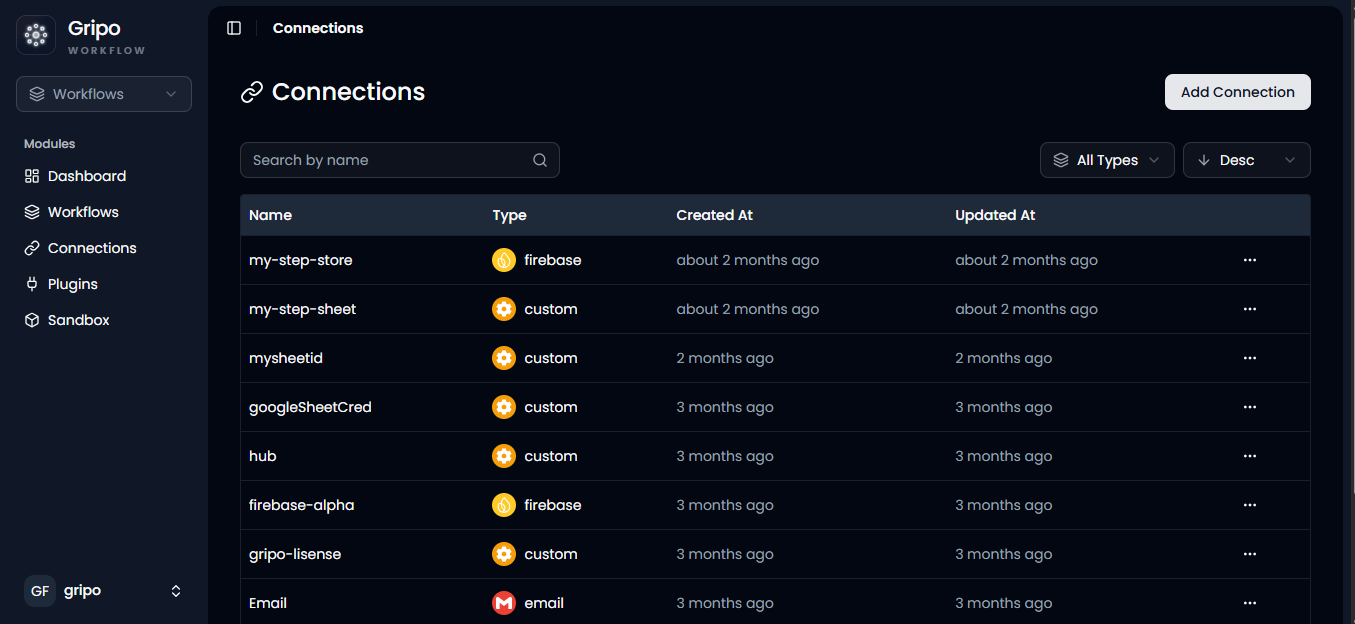
- To create a connection, navigate to the Connection section
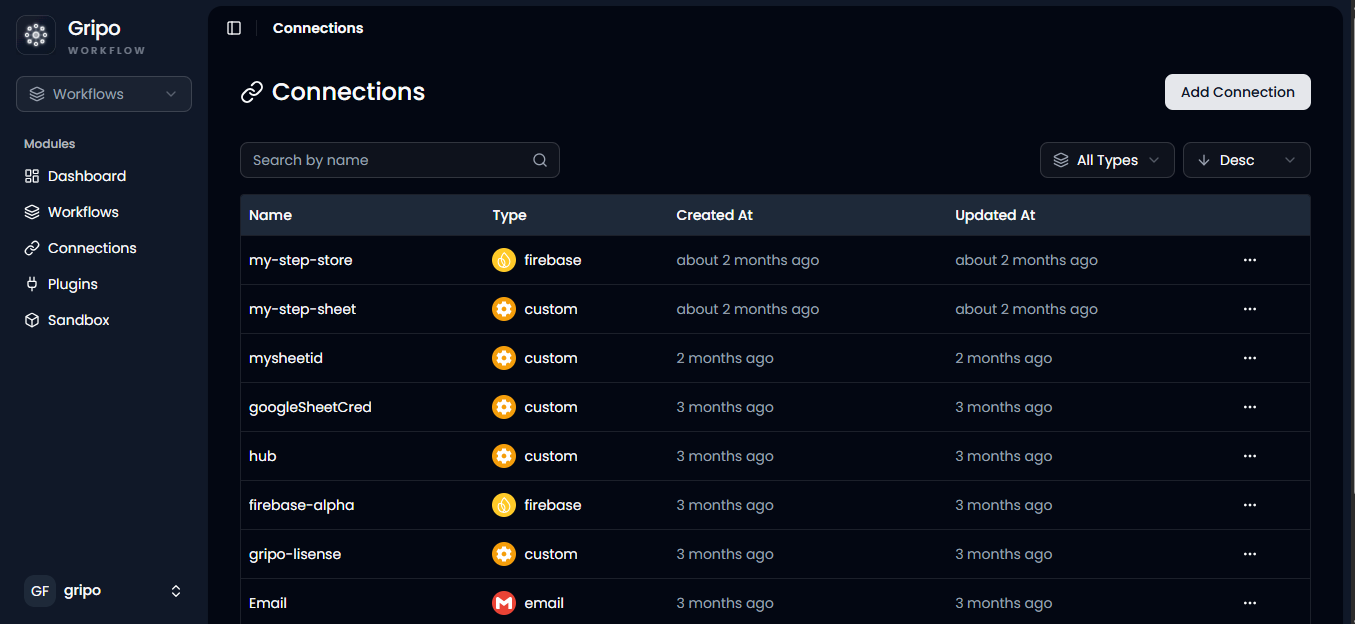
- Click on Add Credentials
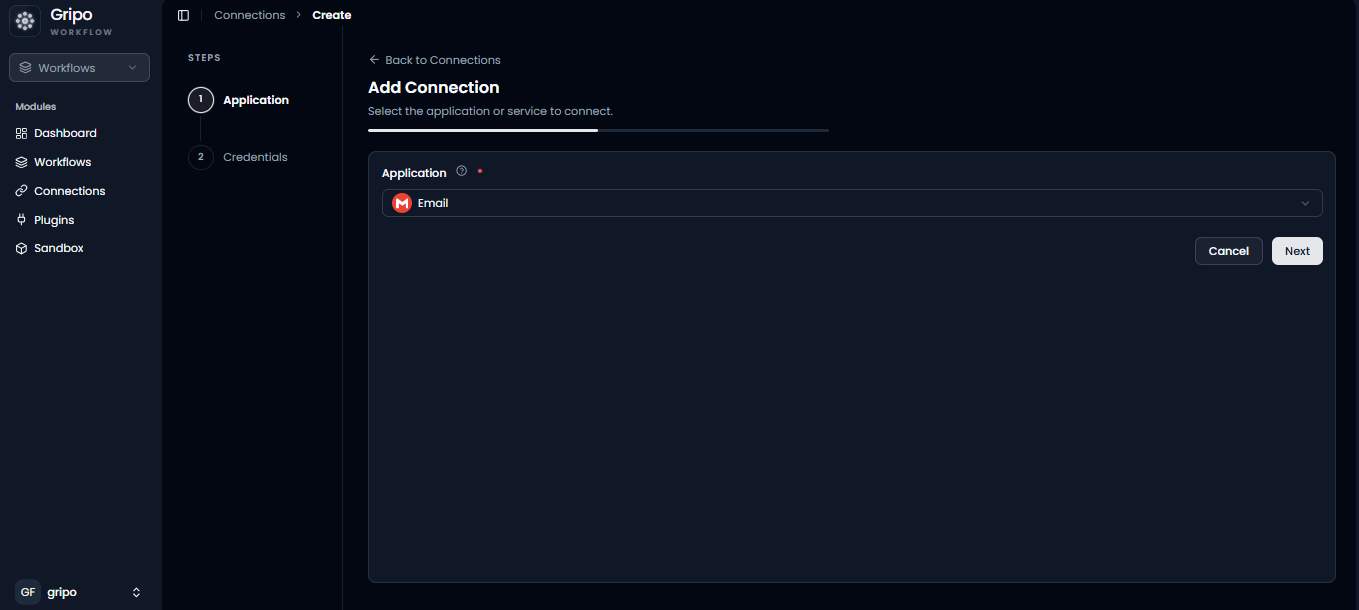
- A window appears. From the Application dropdown, choose E-Mail.
- Click on Next button
- A form will be presented for you to enter the required details.
- Enter a Secret name for your credential.
- Provide the Host
- Provide the User Name
- Provide the Port
- Provide the Password
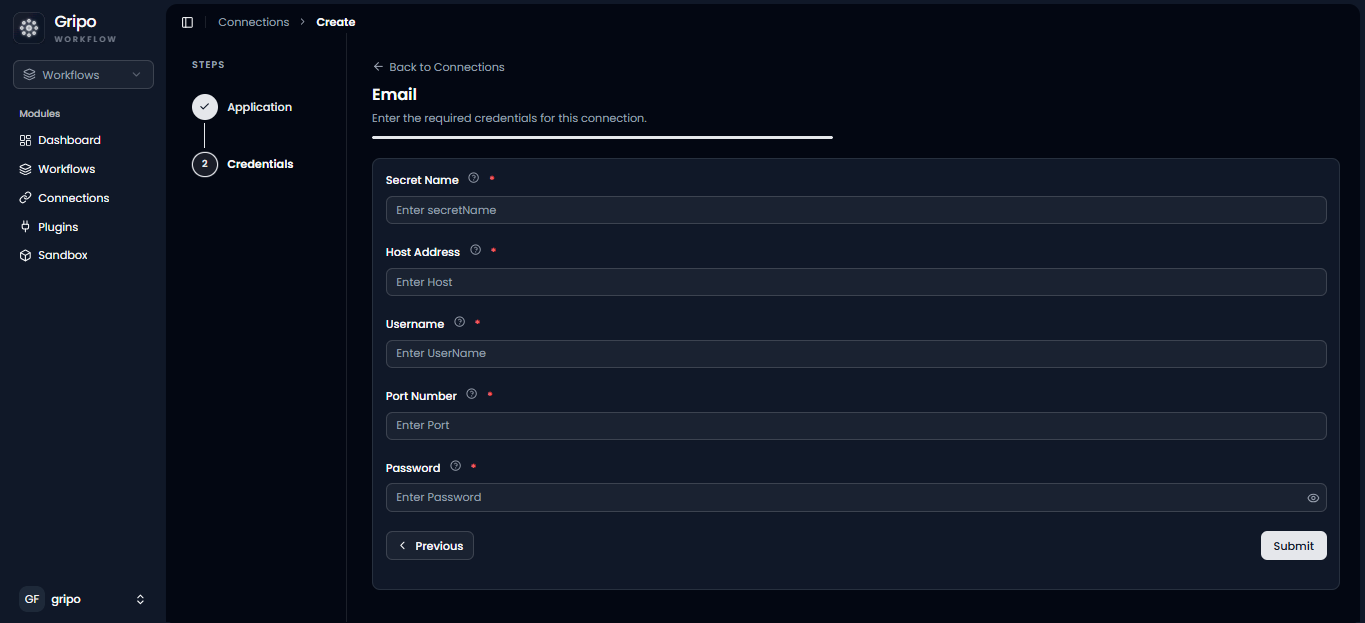
- After filling the form , click on Submit button.