Stop Cluster Action
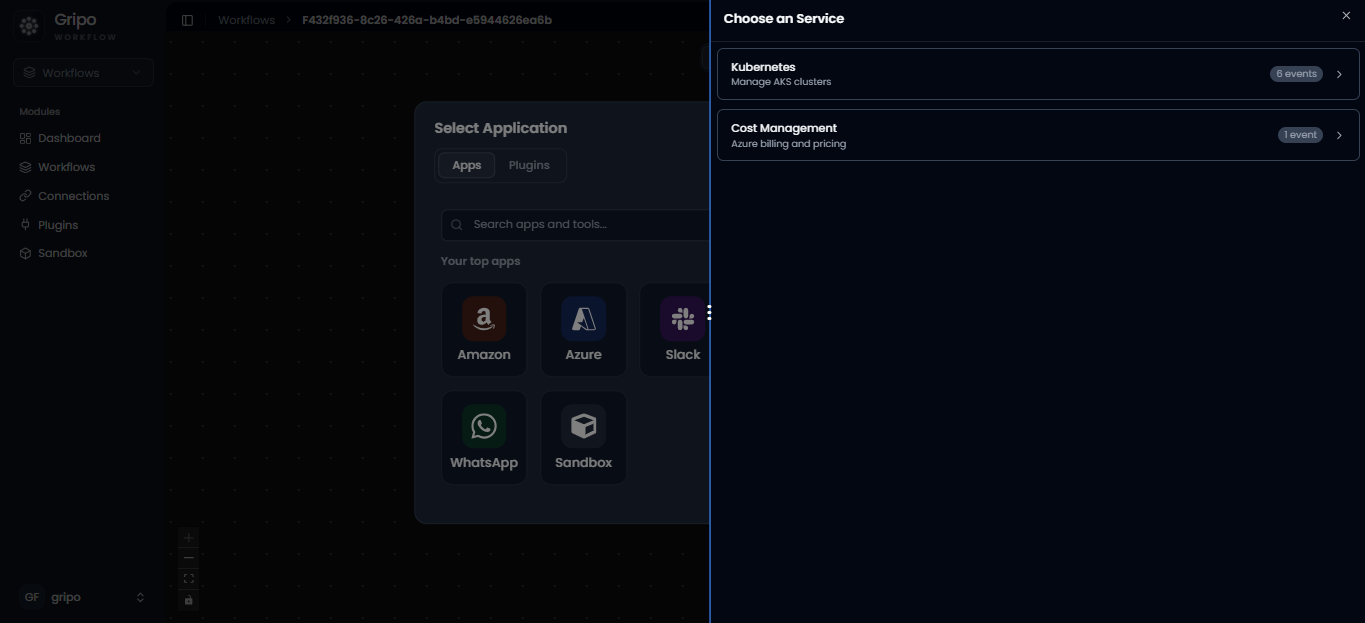
- After selecting Azure , two option of services appears.
- Click on Kubernetes
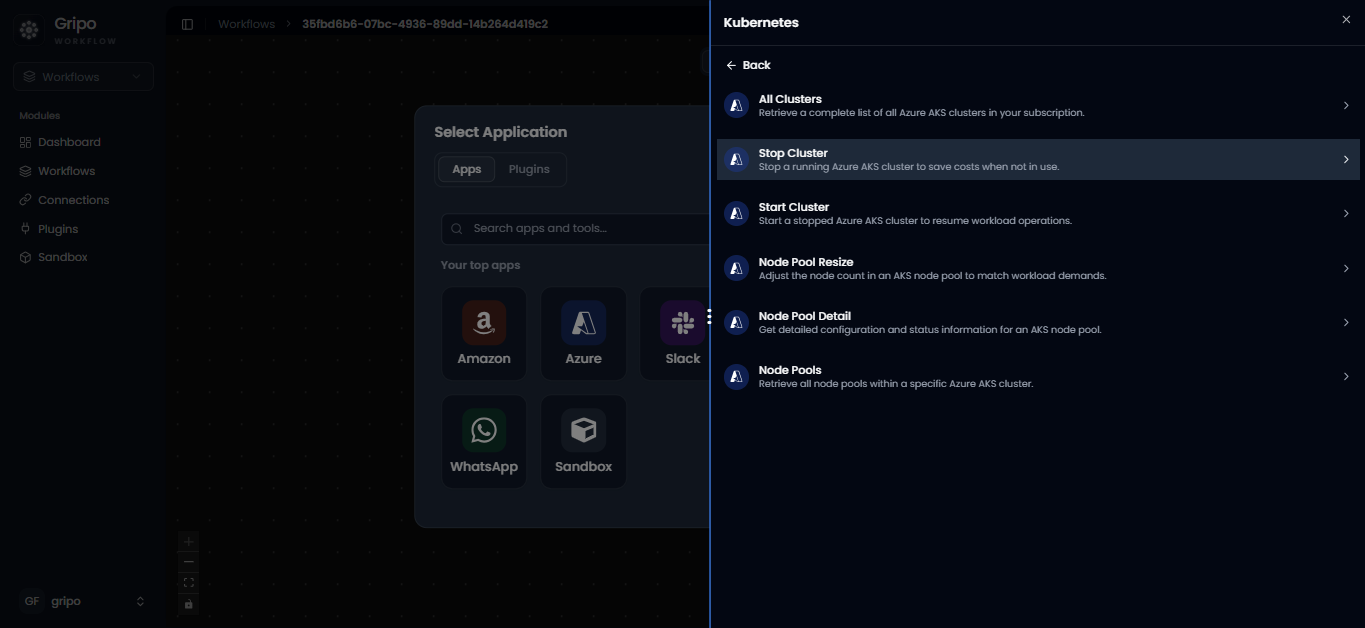
- From this list, choose “Stop Cluster to fetch details of all clusters in your Azure environment.
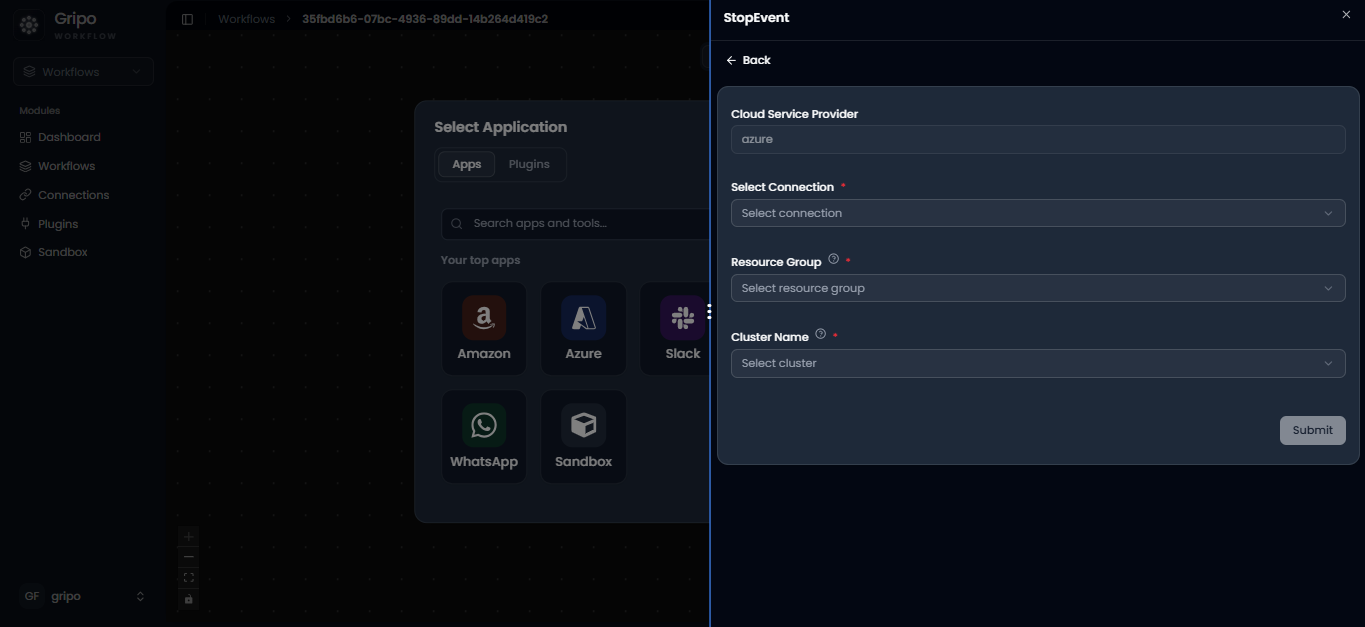
- After selecting Azure Managed Kubernetes, a form appears showing Azure as the Cloud Provider name.
- Provide the following details:
Connection Reference
Resource Group
Cluster Name - Once all fields are filled, click on the Submit button.
- Your Stop Cluster action is now added under the Azure Managed Kubernetes activity.