Import Plugin
Importing a plugin allows you to quickly add an existing plugin to your GripoFlow workspace. Simply upload a previously exported JSON file and start using the plugin in your workflows.
Steps to Import a Plugin
- In GripoFlow, navigate to the Plugins section.
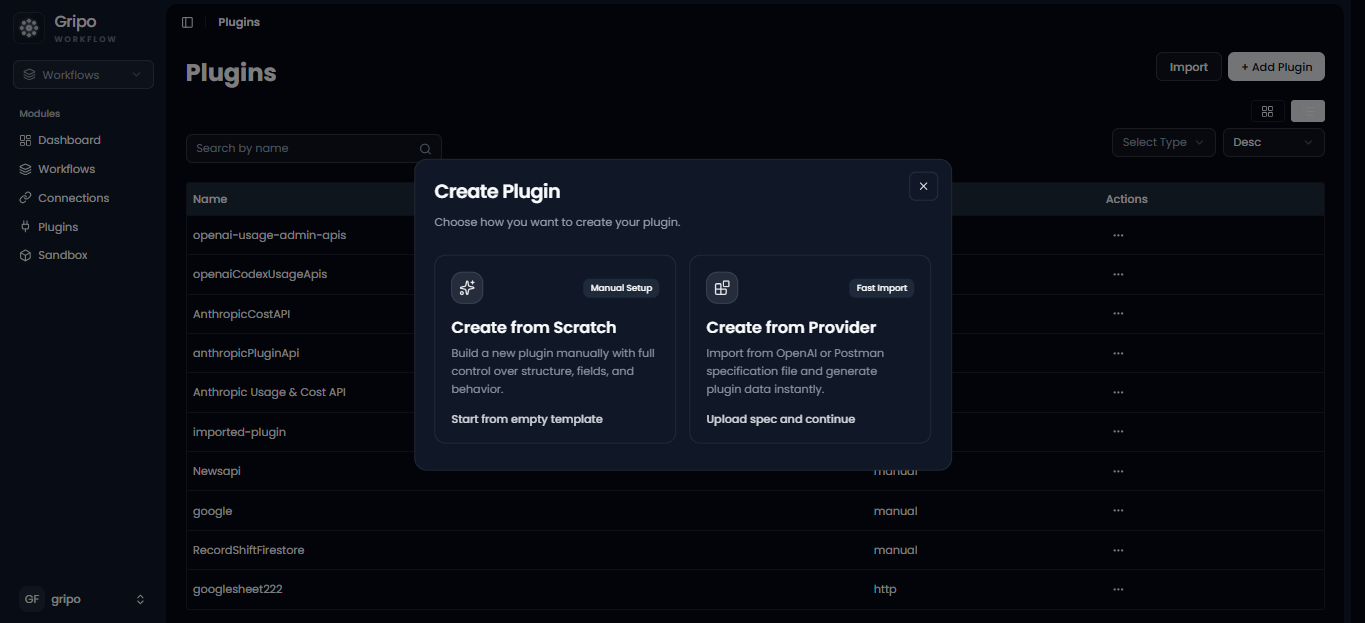
- Click the Import button.
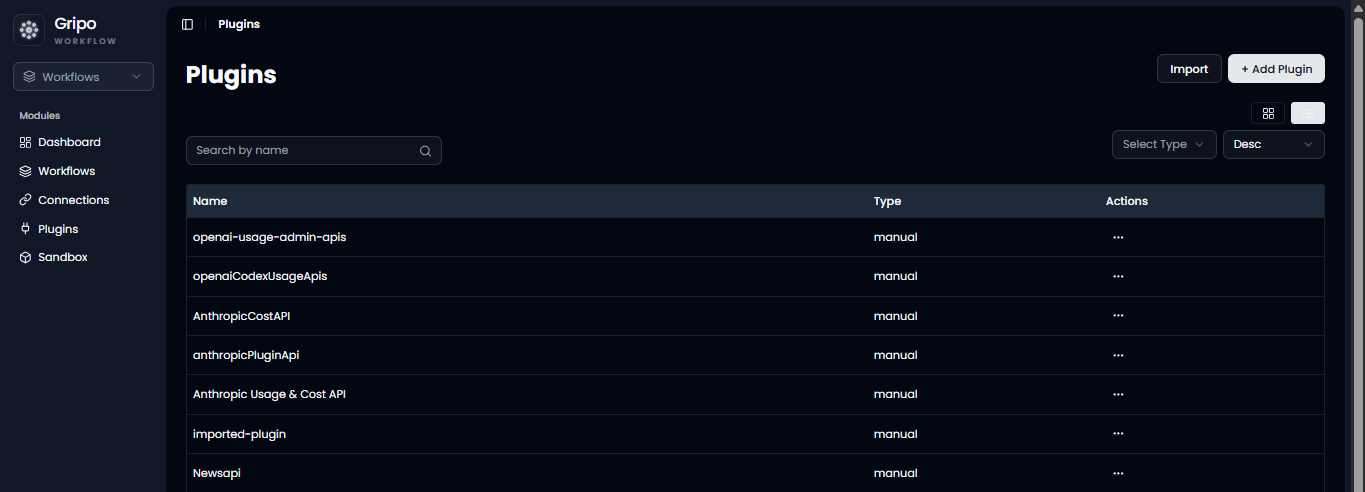
- Click on Upload or dragdown button
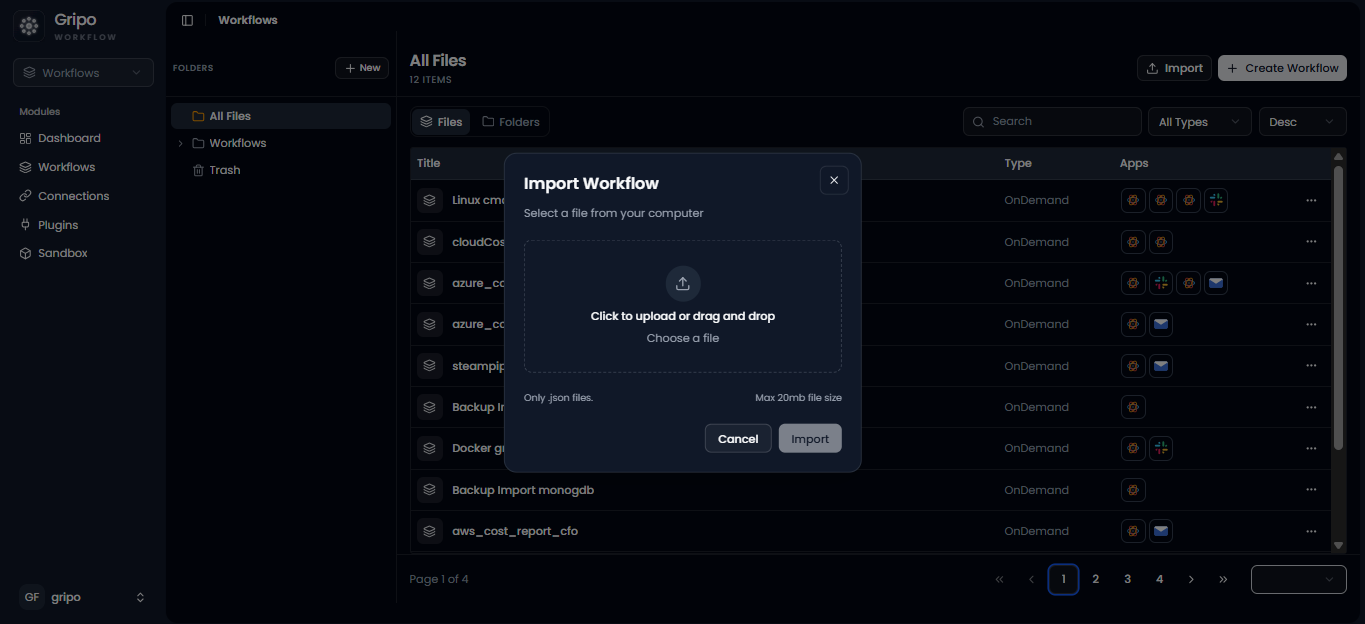
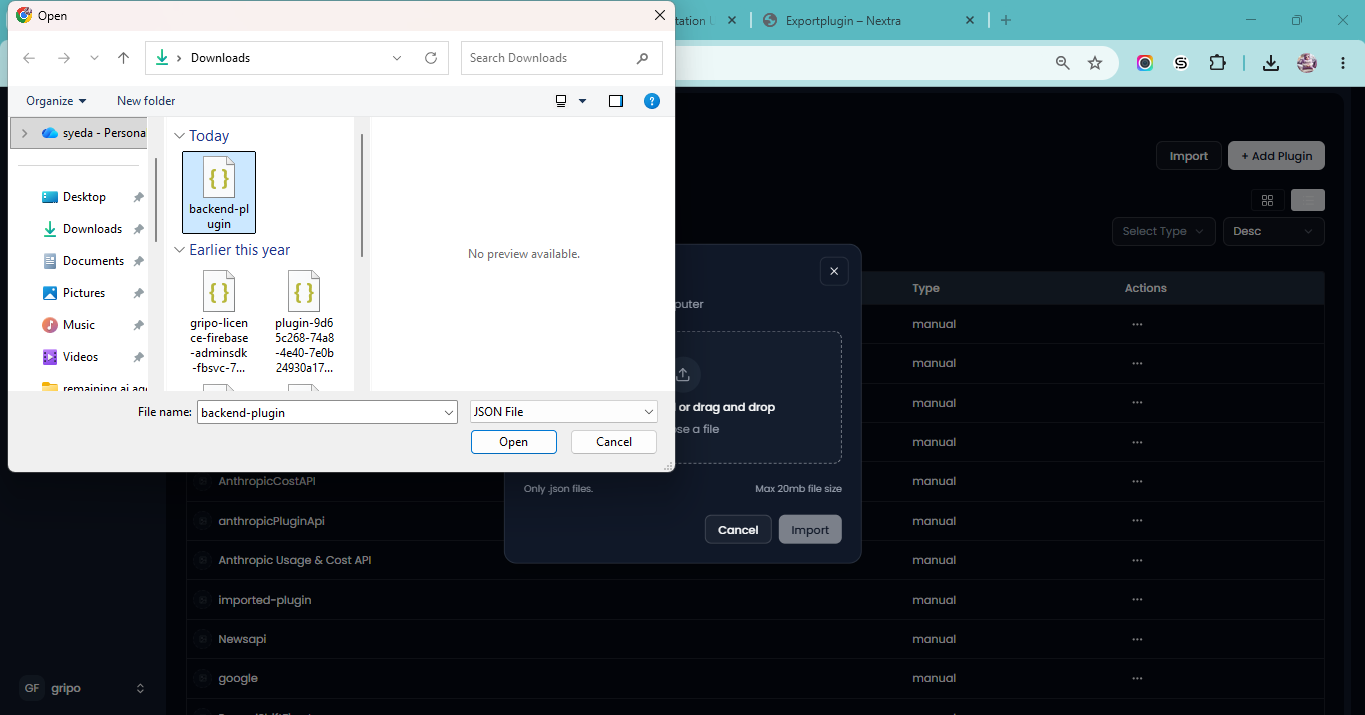
- Select the exported JSON plugin file from your local system.
-
If a plugin with the same name already exists, enter a new unique name for the imported plugin. Otherwise, keep the existing name.
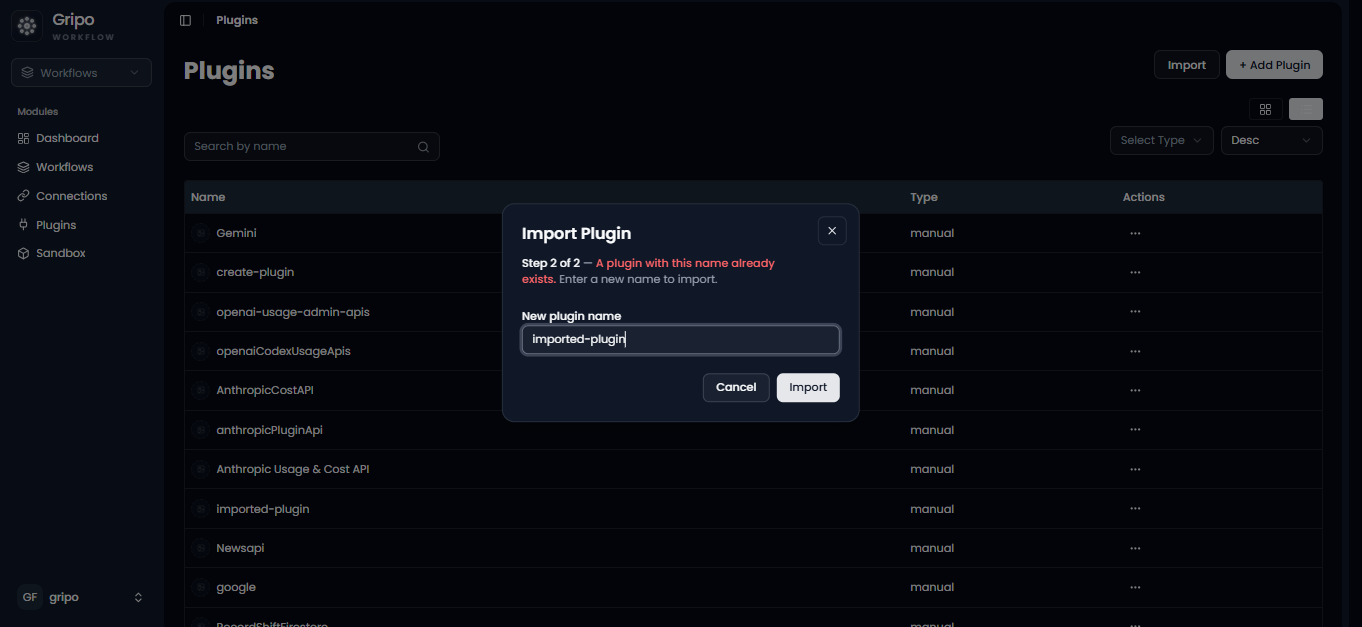
-
Click the Import button.
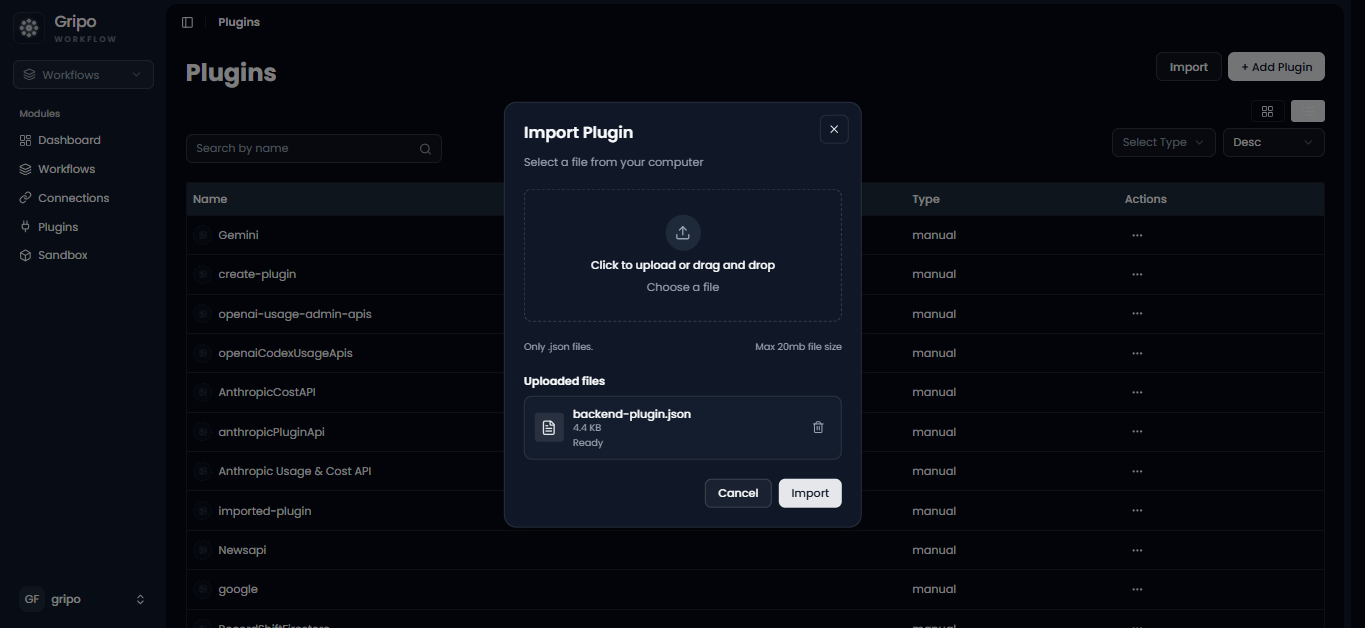
-
After the import is completed, the plugin will appear in the Plugins list and will be ready to use in your workflows.