Slack Connection
Slack Provider Connections allow GRiPOFlow to securely authenticate with your Slack workspace using a Bot User OAuth Token.
Before You Begin
To use Slack services in GRiPOFlow, you must create a Slack connection and generate a Bot User OAuth Token from the Slack API Portal.
Use the following sections to complete the setup:
Configure the Slack Connection in GRiPOFlow
Slack Connection Form
- To create a connection, navigate to the Connection section
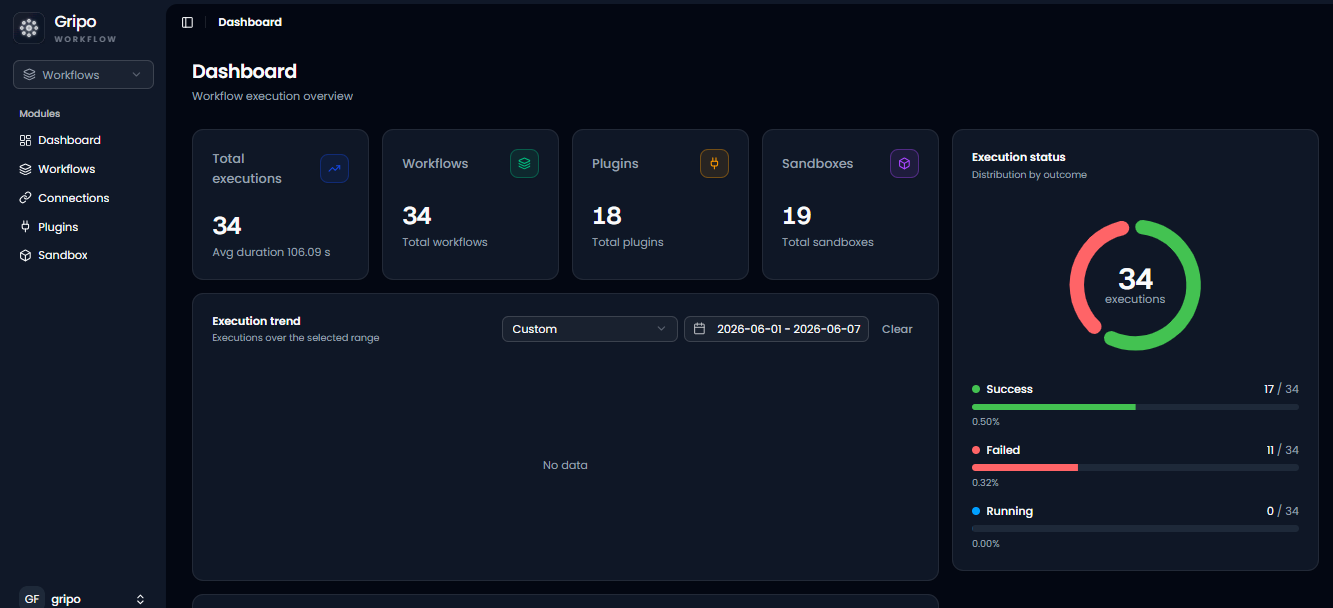
- Click on Add Credentials
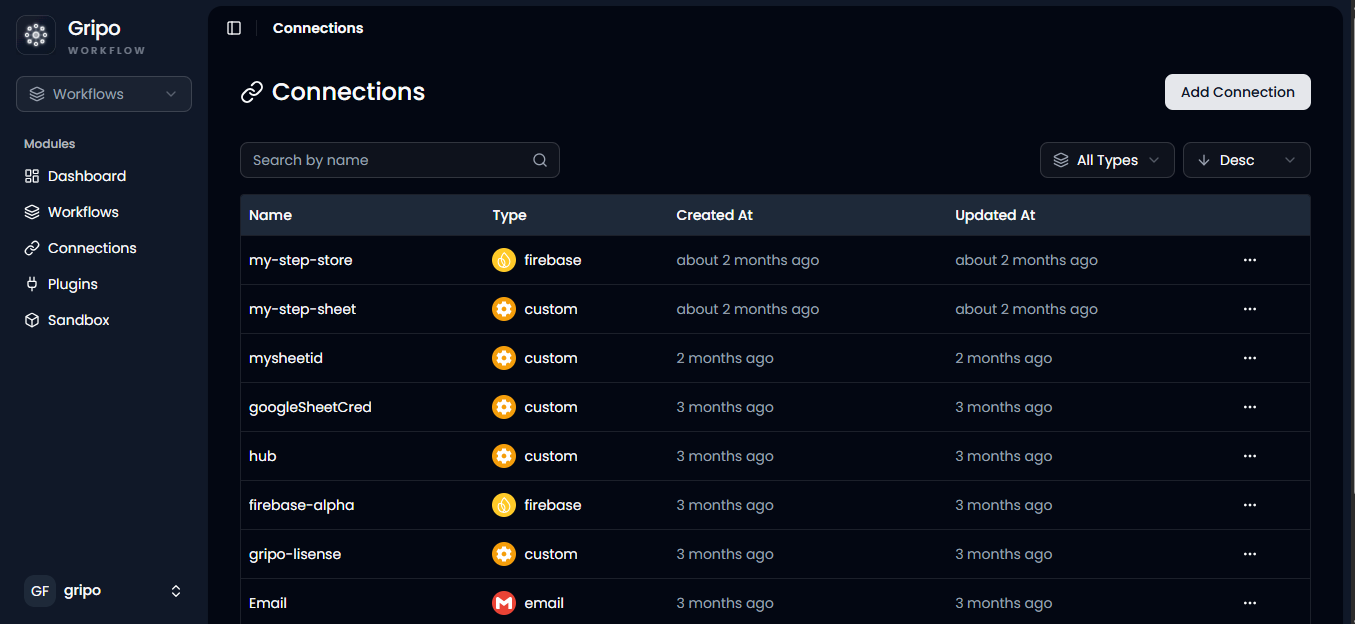
- A window appears. From the Application dropdown, choose Slack.
- Click on Next button
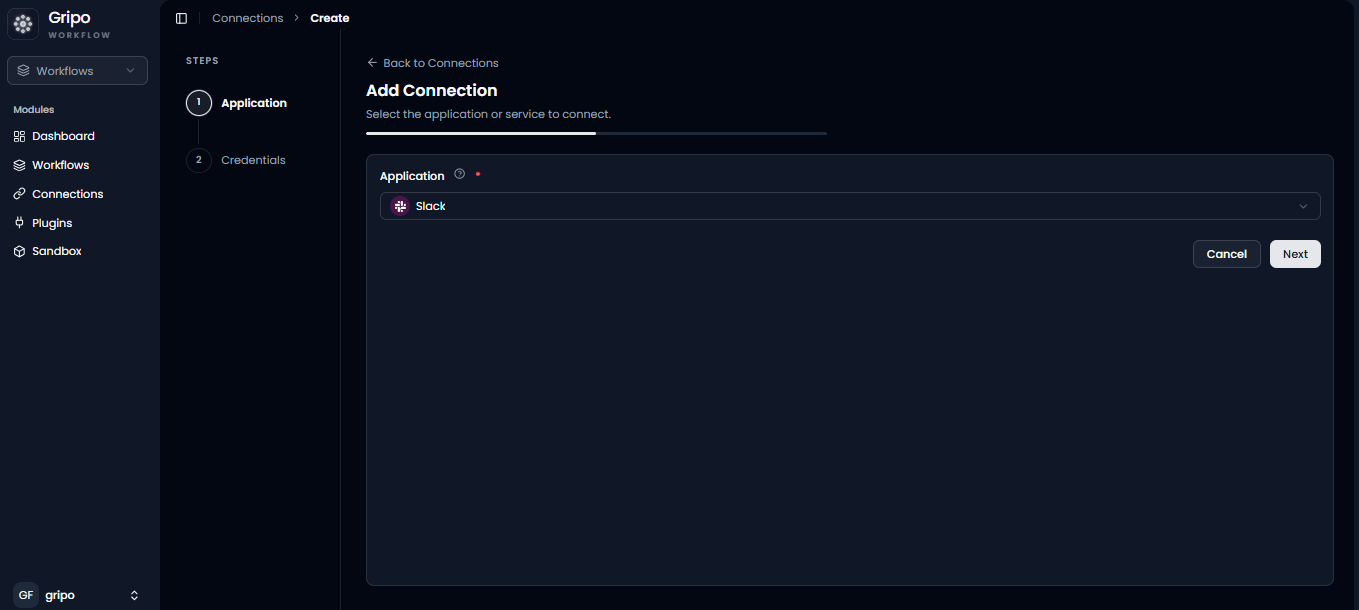
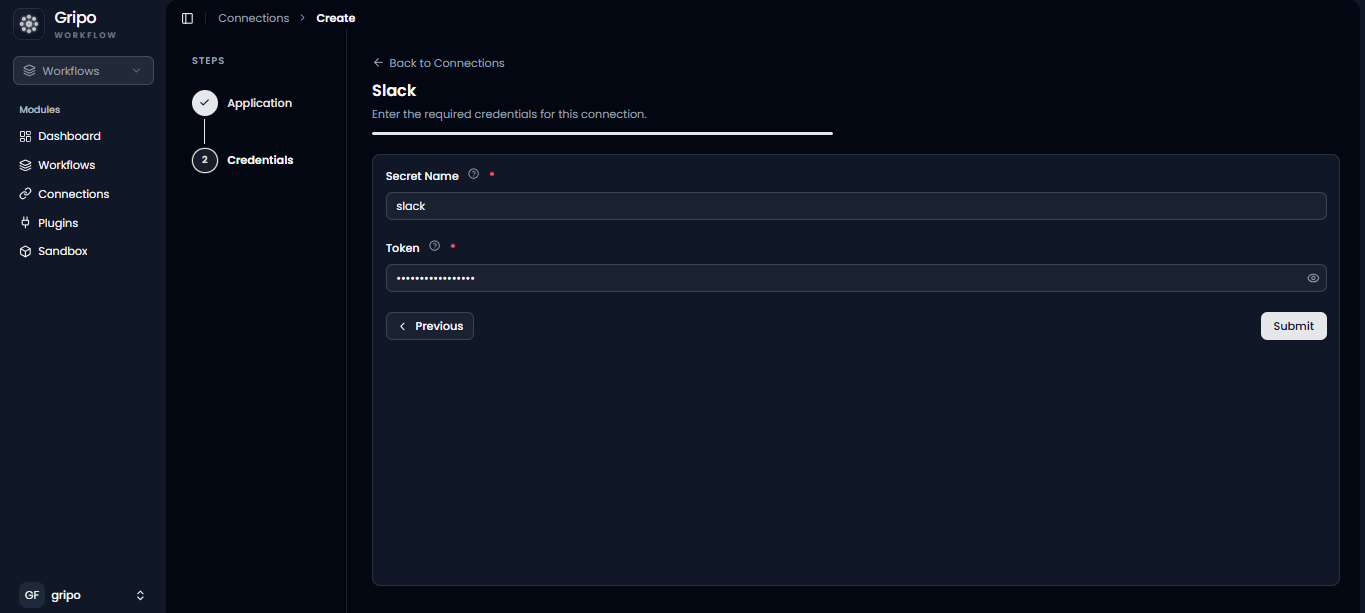
- A form will be presented for you to enter the required details.
- Enter a Secret name for your credential.
- Provide the Token
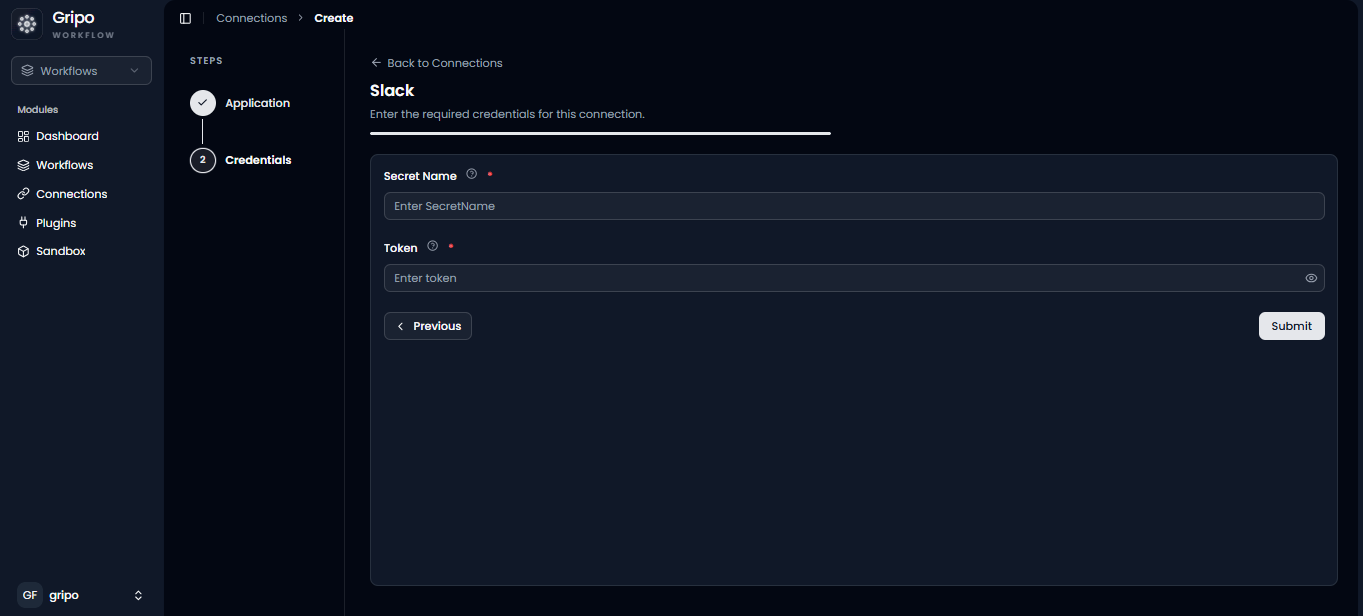
- To fill in the Token fields, the Token must first be created in the Slack Portal.
Generate a Slack Bot User OAuth Token
Create a Bot User OAuth Token from the Slack API Portal
We’ll demonstrate how to establish a Slack connection to Gripo Flow in this step.
- Navigate to https://api.slack.com/signin?redir=%2Fdeveloper-program/dashboard#/confirmemail
- Create a Developer account if you dont have one
- Click on the Create New App
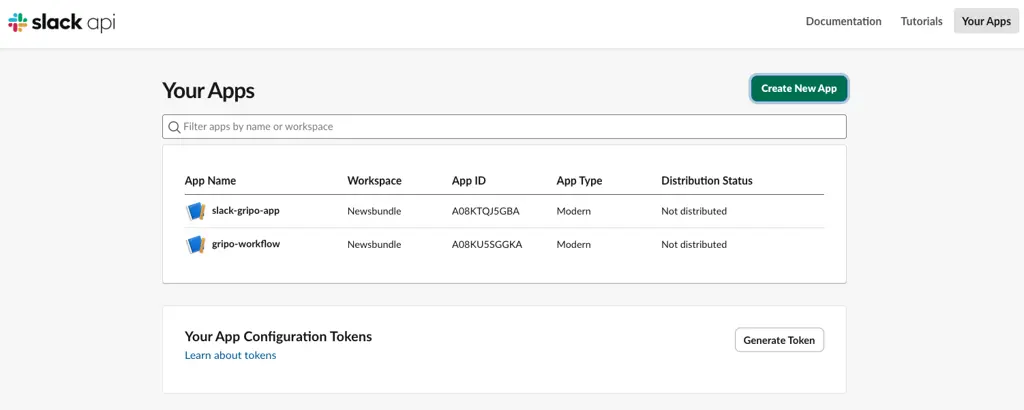
- Click from Scratch
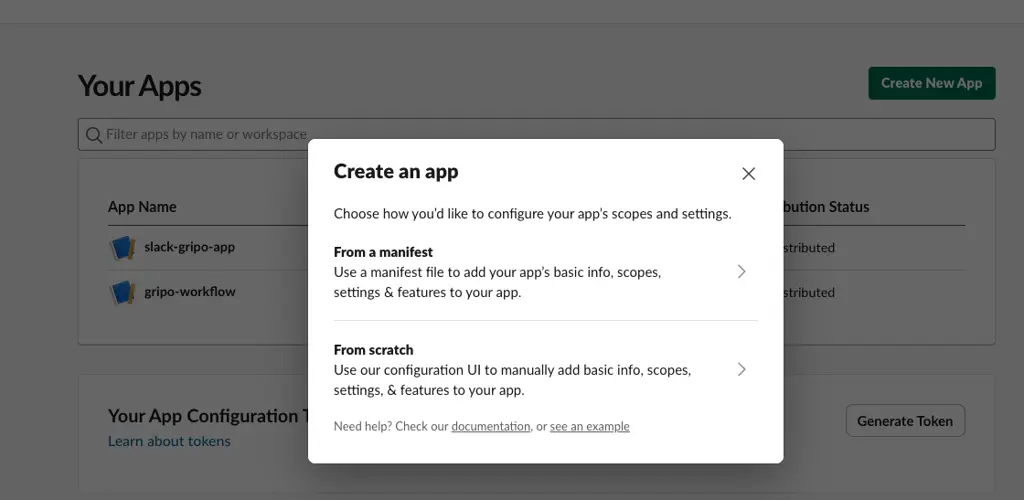
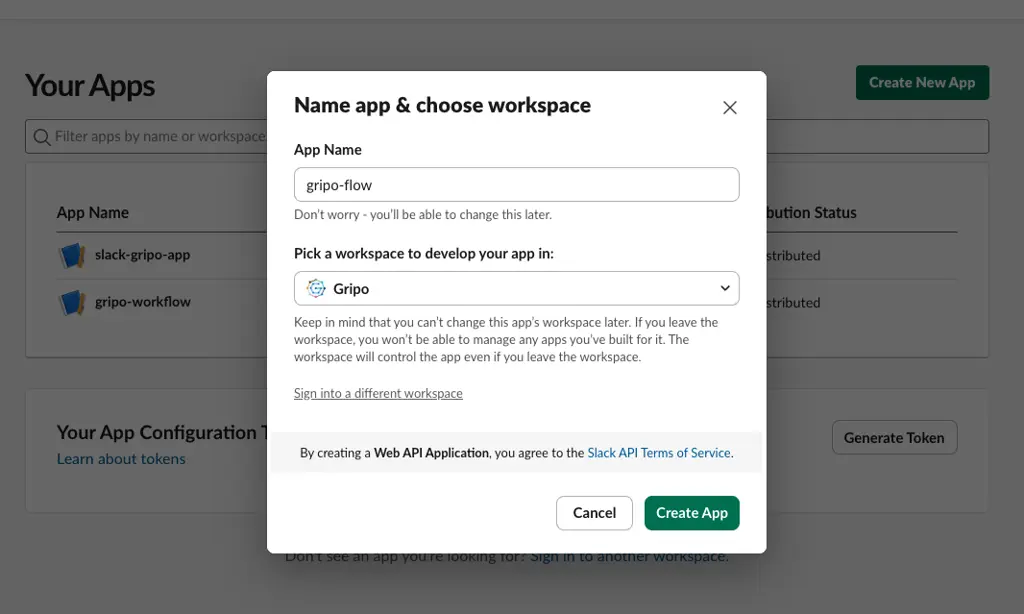
- Specify the application name and select a workspace ” Gripo” to continue
- Click on Create App button
- Once the App is created on the left side bar click on the App Home
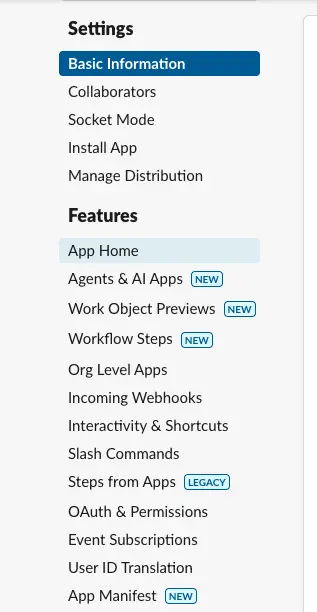
- Then click ‘Review Scopes’ to add the review scope.
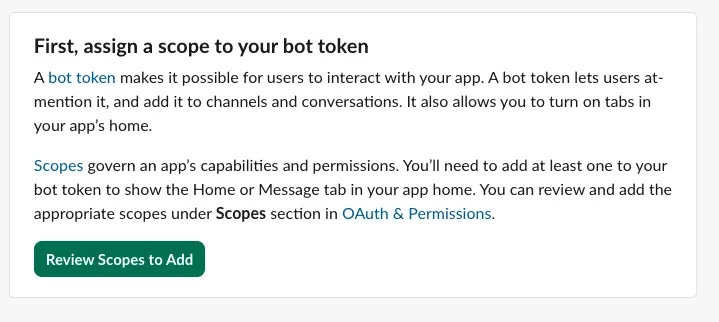
- Click on Add on OAuth Scope in Bot Token Scopes.
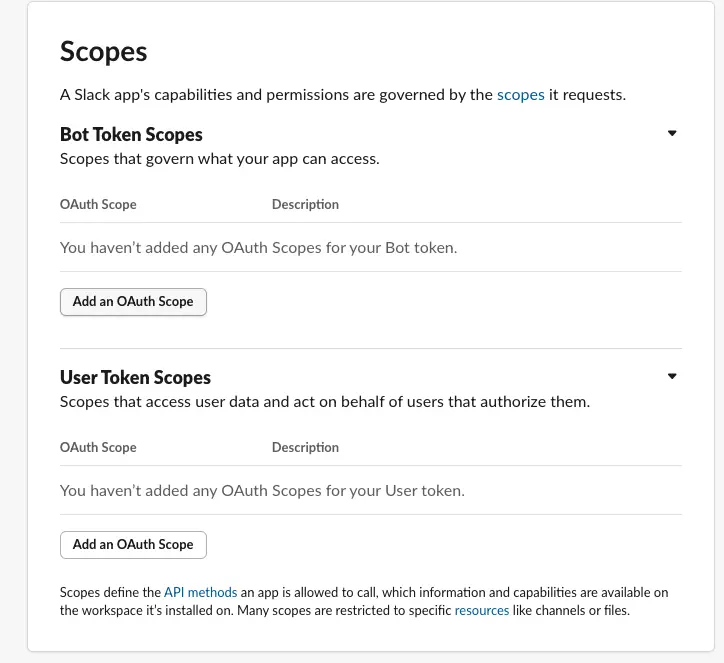
- A list of OAuth scopes will appear.
- Select them one by one and click the ‘Add OAuth Scope’ button
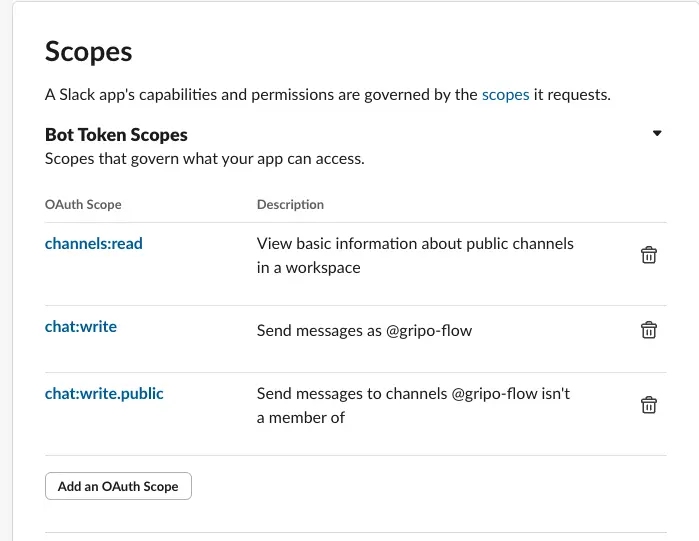
- After that Click on OAuth & Permissions
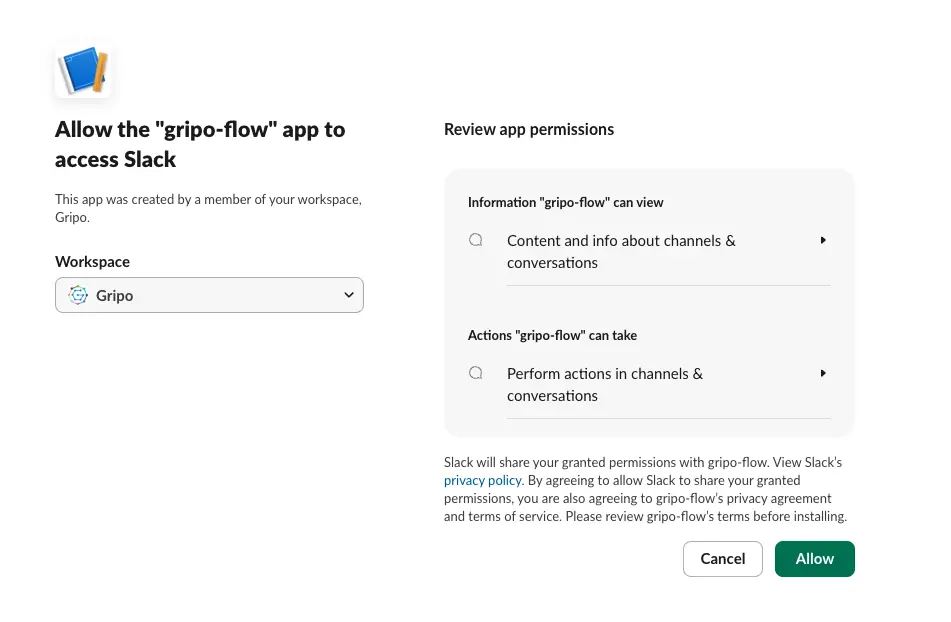
- Click on install Gripo button
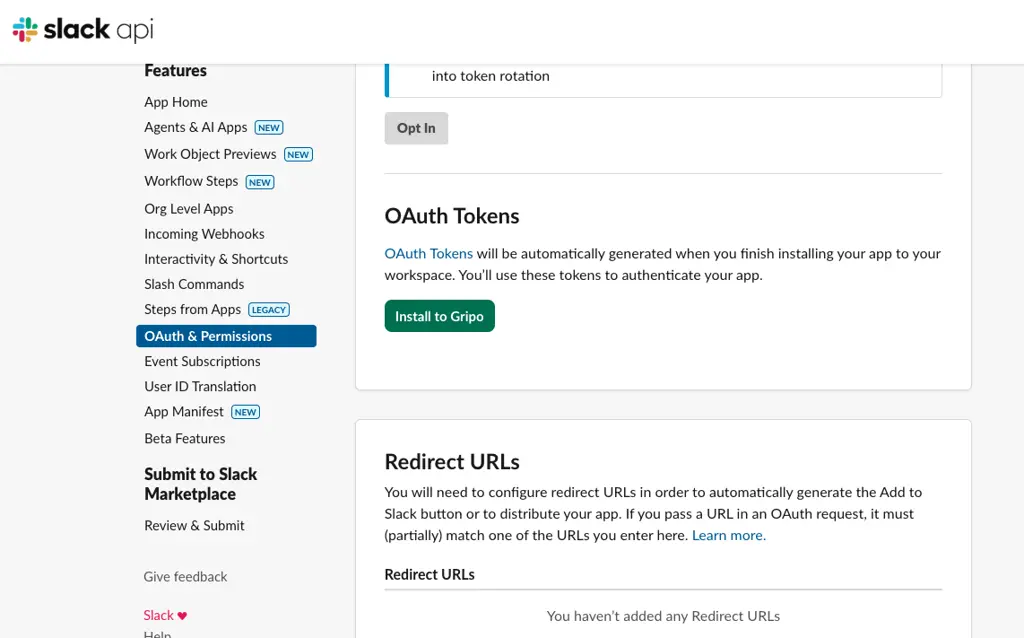
- Select the workspace Gripo
- Click on Allow
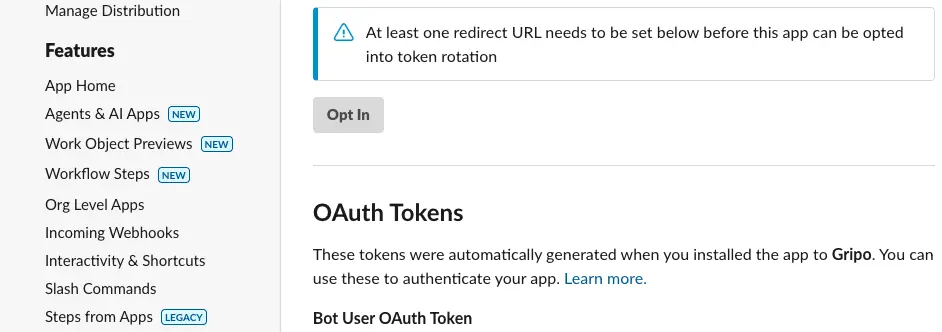
- Under the Bot User OAuth Token section, locate your newly created token and copy it
Complete the Slack Connection
Add the Bot User OAuth Token to GRiPOFlow
- After filling the form , click on Submit button
- The created Slack credential will appear in the list of credentials.