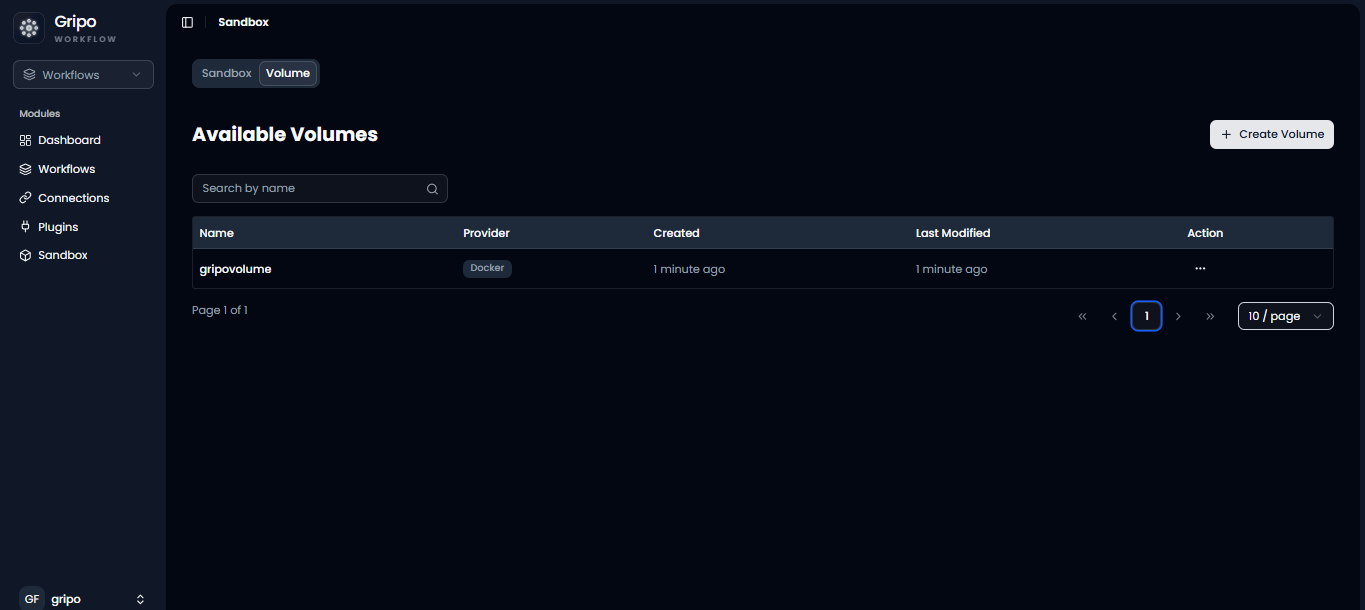
Volume
A volume in a GripoFlow sandbox is used to store and manage data outside the container, so it doesn’t get lost when the sandbox restarts or is recreated. It is important because it ensures data persistence and allows your application to keep important files and state safely.
Create Volume
- From the dashboard, click on the Sandbox option to proceed.
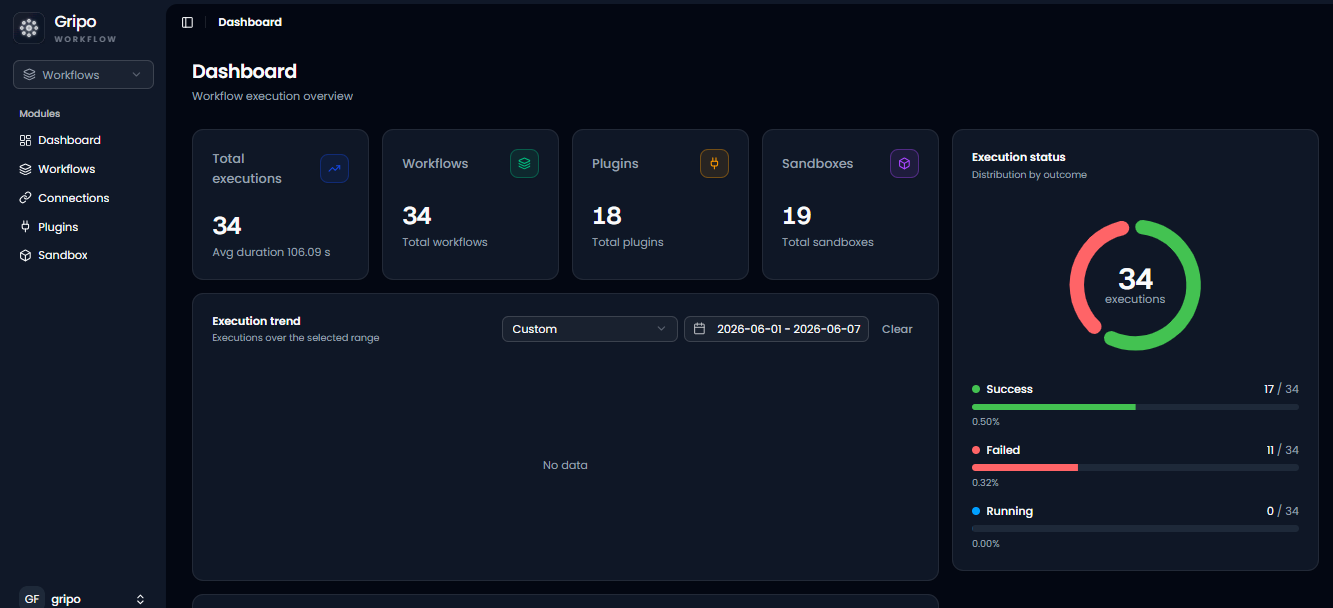
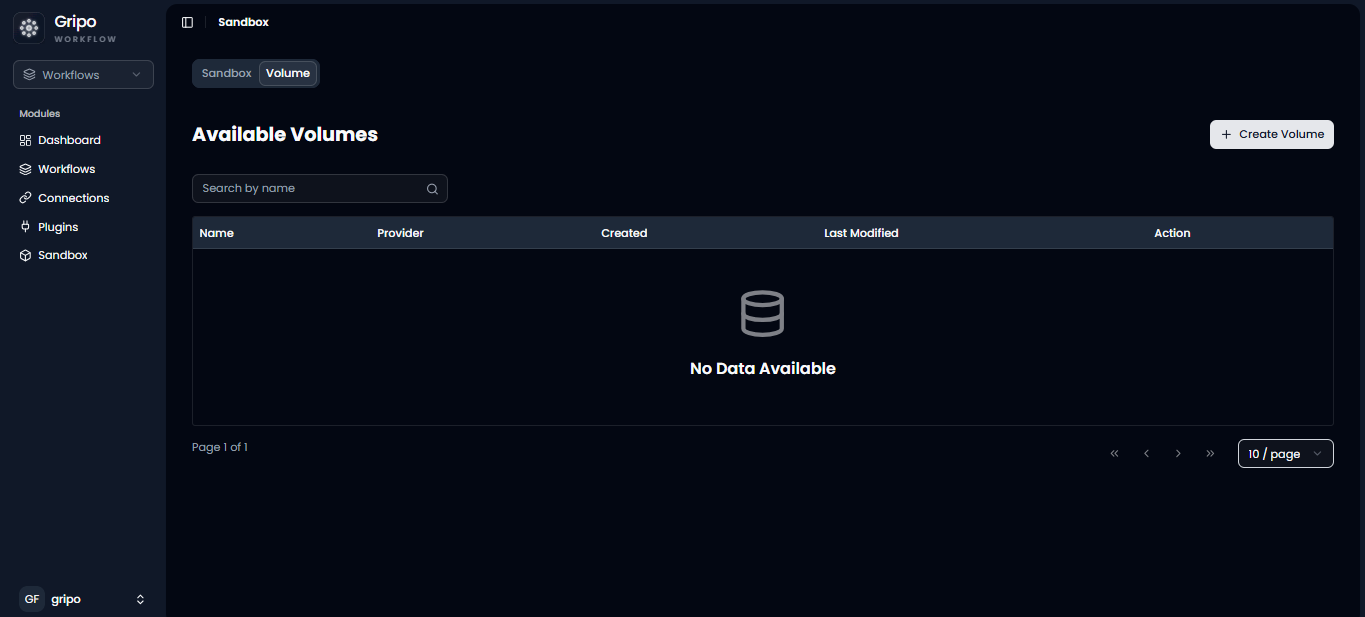
- To create a volume, go to the Volume tab.
- Click the Create Volume button.
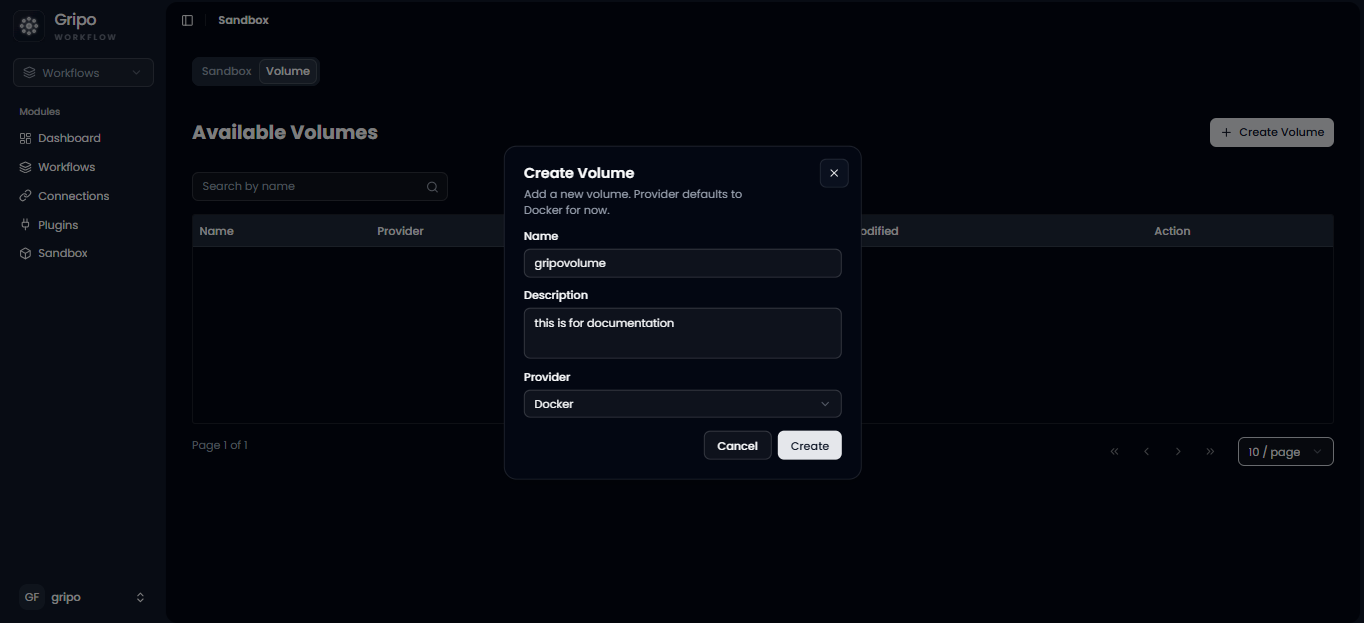
- A small window will appear where you need to provide a name, description, and select Docker from the dropdown.
- Then click the Create button.
- A confirmation popup will appear indicating the volume has been created.
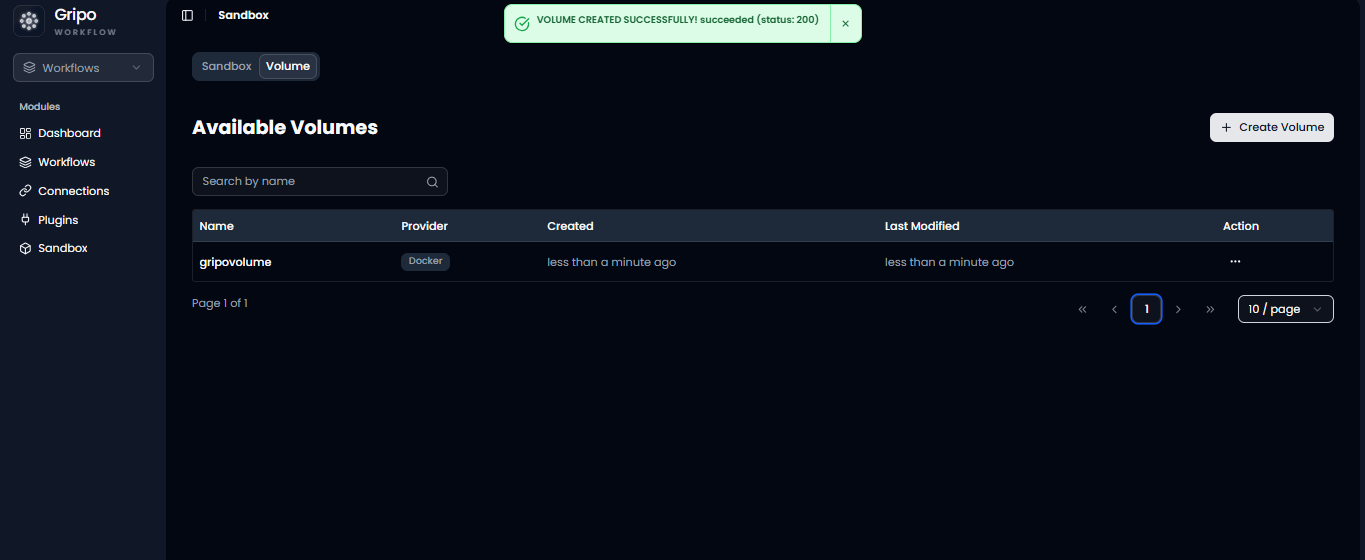
- The new volume will also be visible in the list of volumes.