Export Plugin
Exporting a plugin lets you create a backup or share it with other GripoFlow workspaces. The plugin is downloaded as a JSON file, which can be imported whenever needed.
Steps to Export a Plugin
- In GripoFlow, go to the Plugins section.
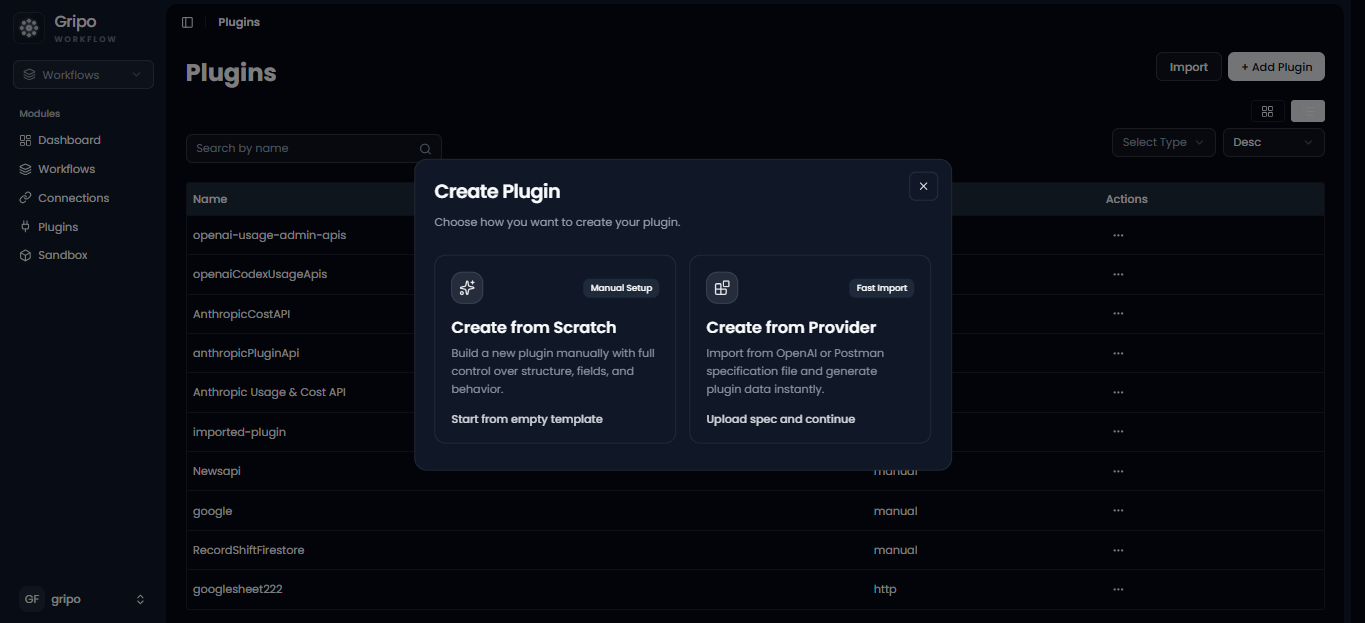
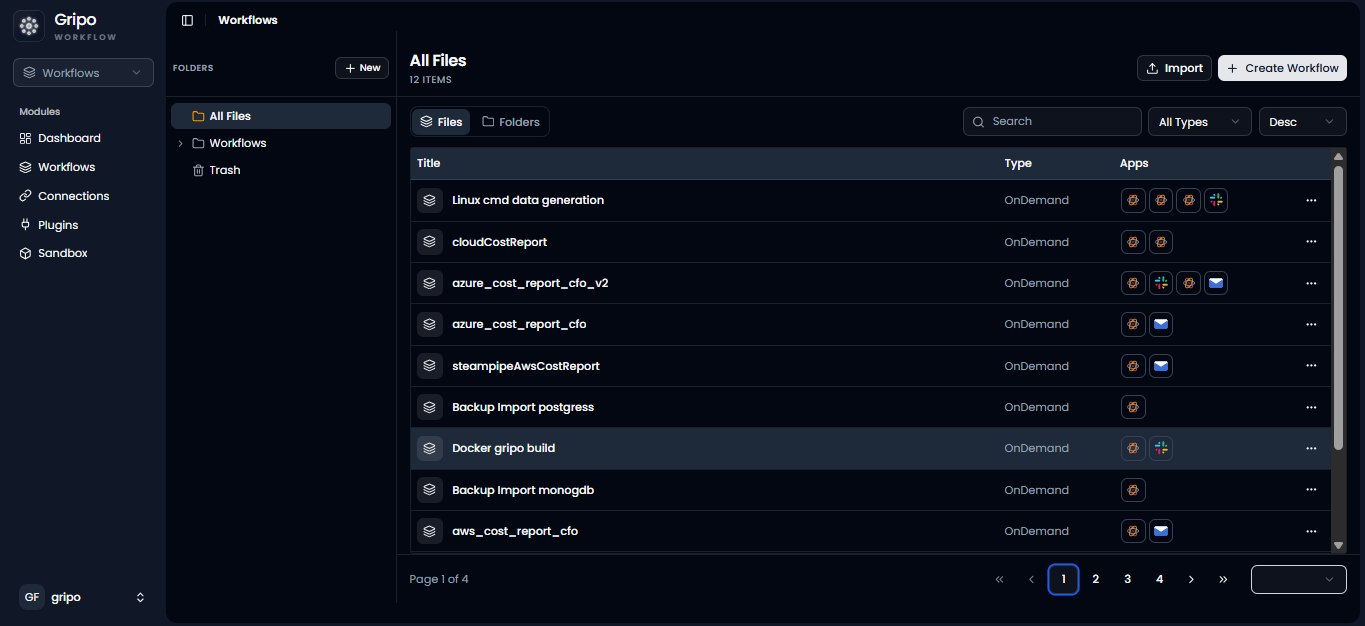
- Select the plugin you want to export.
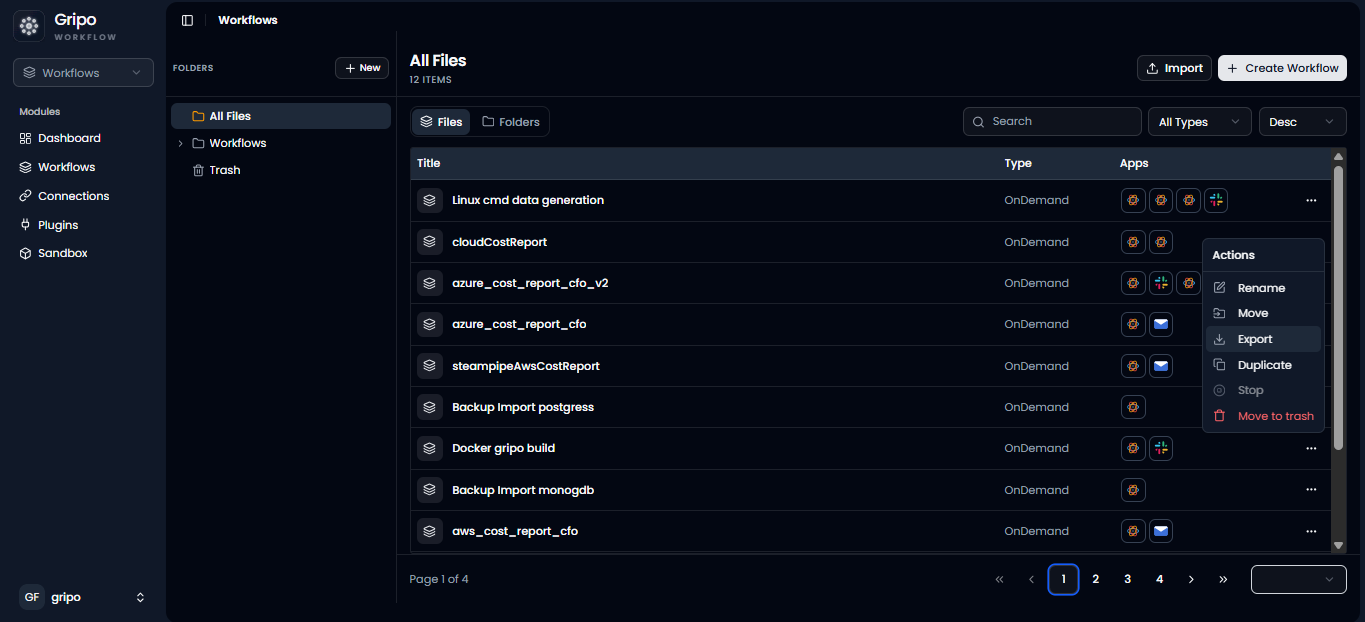
- Click the three-dot (⋮) menu next to the plugin.
- From the dropdown menu, click Export.
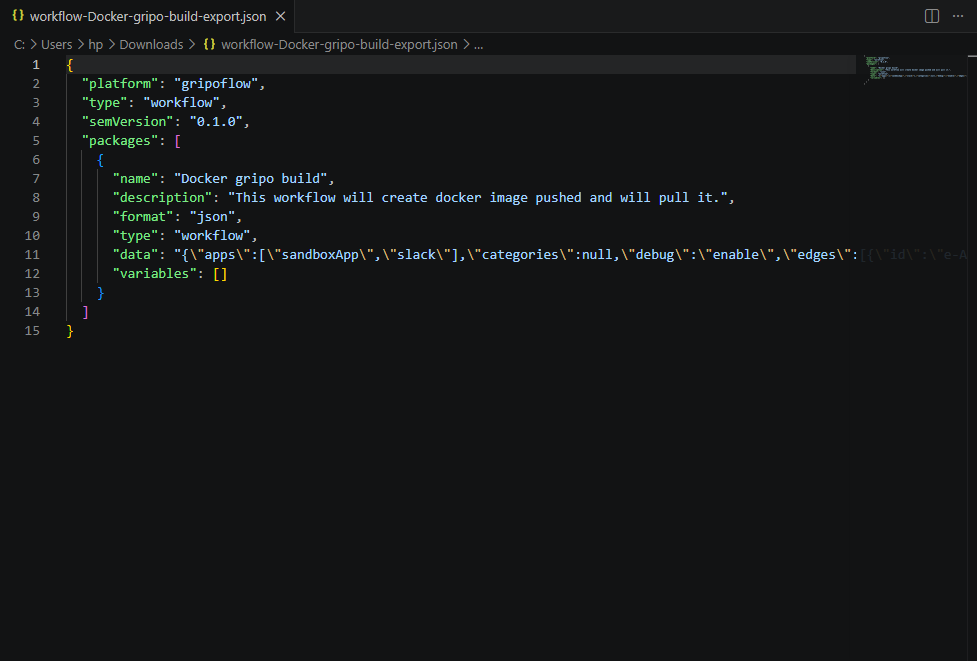
- The plugin will be downloaded to your local system as a JSON file.
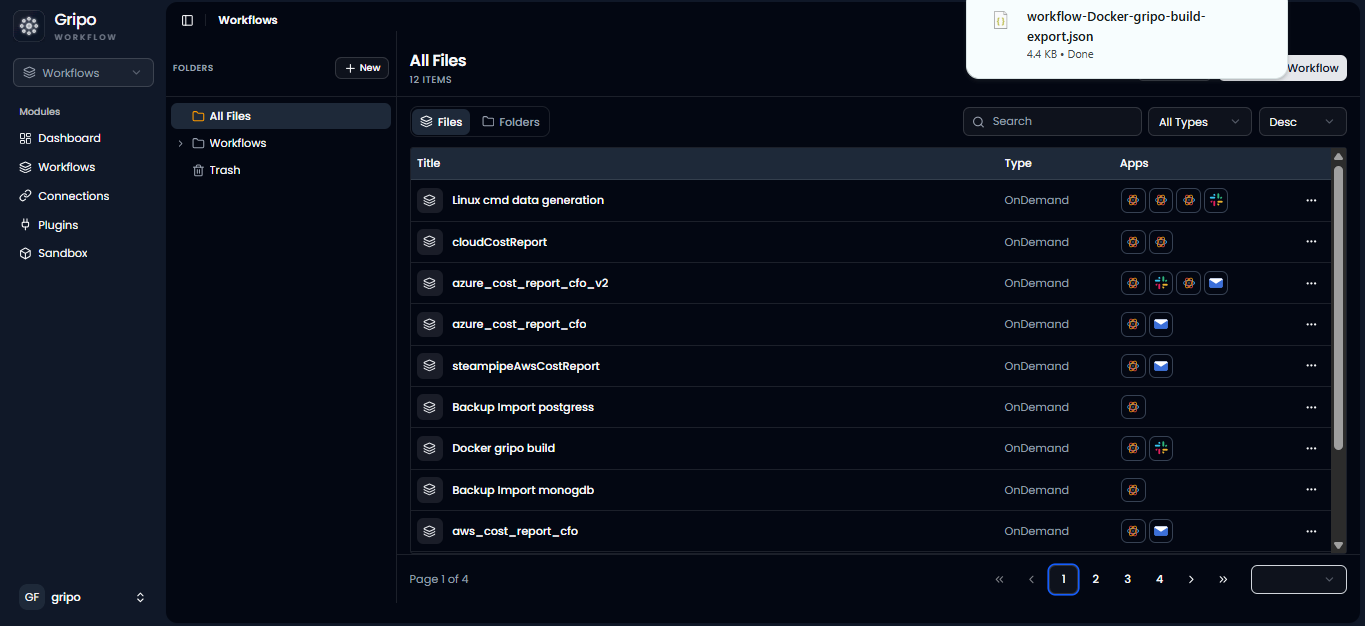
- To verify the export, open the downloaded file. If the export was successful, you will see the plugin data in JSON format.