GitHub Connection
GitHub Provider Connections allow GRiPOFlow to securely authenticate with your GitHub account using a Personal Access Token (PAT).
Before You Begin
To use GitHub services in GRiPOFlow, you must create a GitHub connection and generate a GitHub Personal Access Token from your GitHub account.
Use the following sections to complete the setup:
Configure the GitHub Connection in GRiPOFlow
GitHub Connection Form
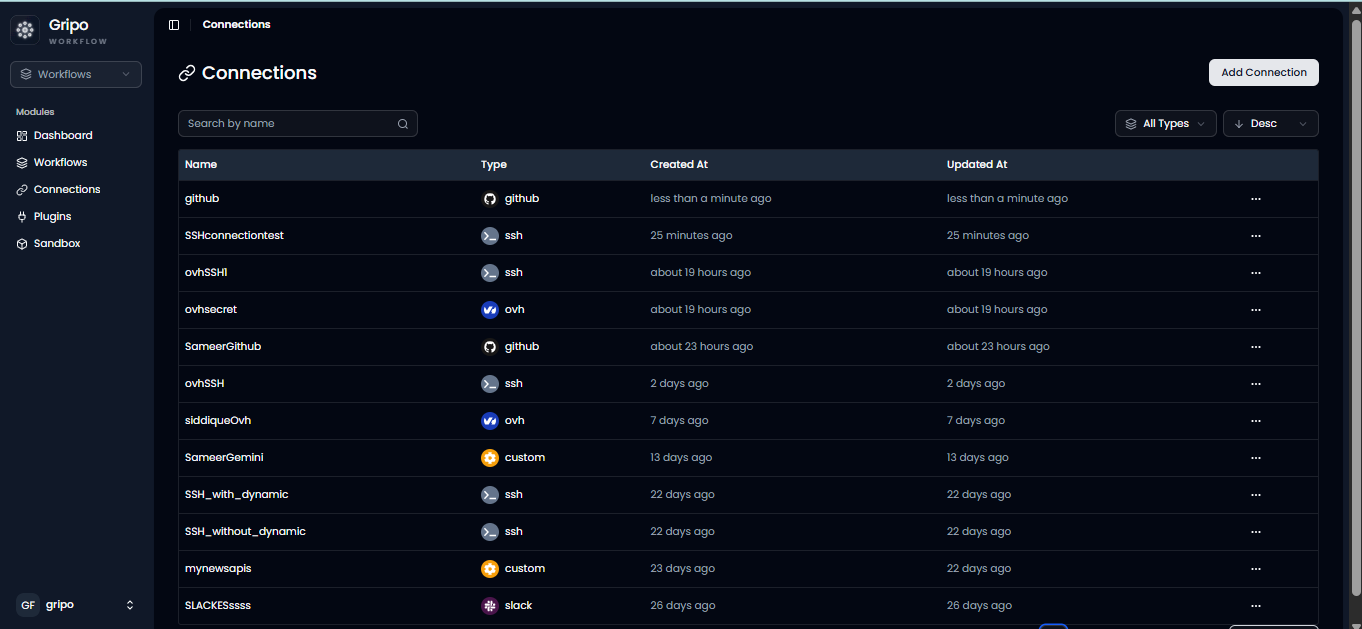
- Navigate to the Connection section.
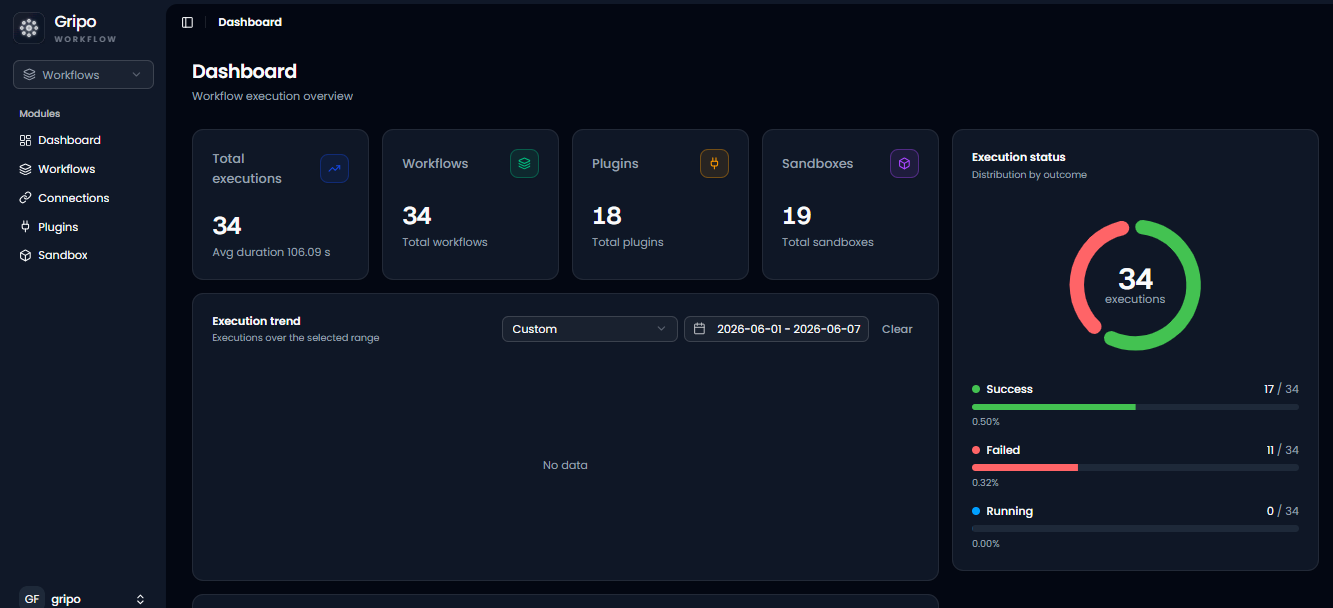
- Click Add Credentials.
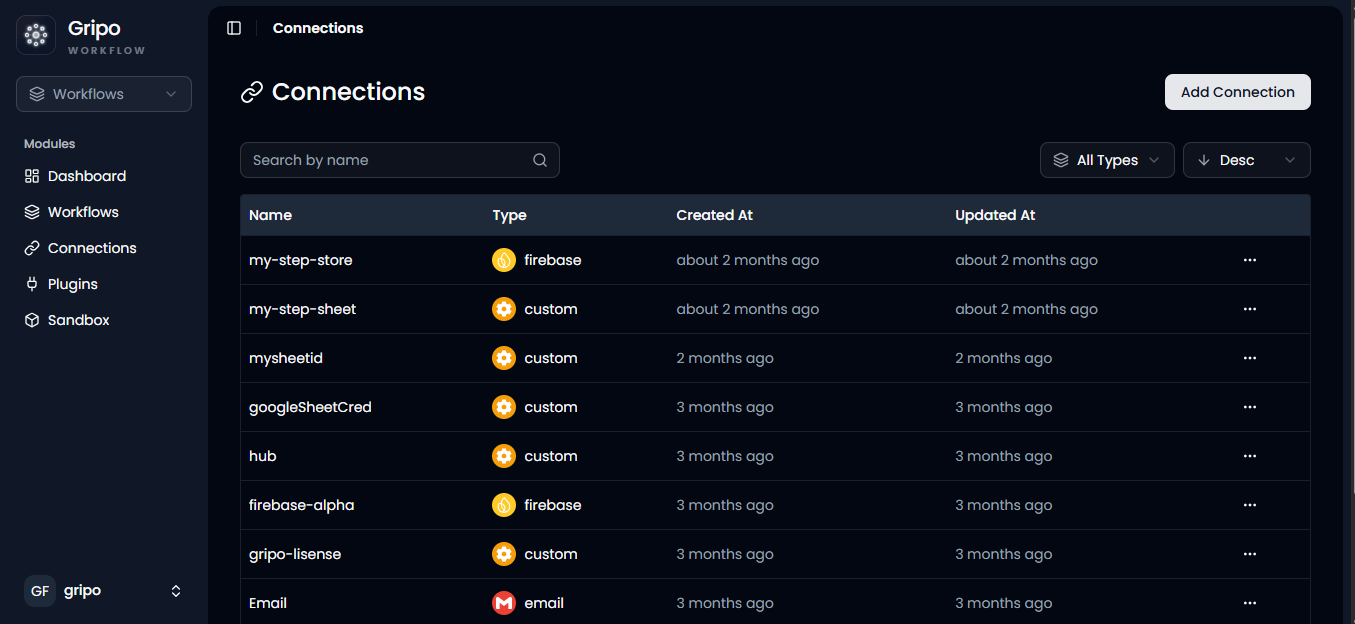
- A window will appear. From the Application dropdown, select GitHub.
- Click Next.
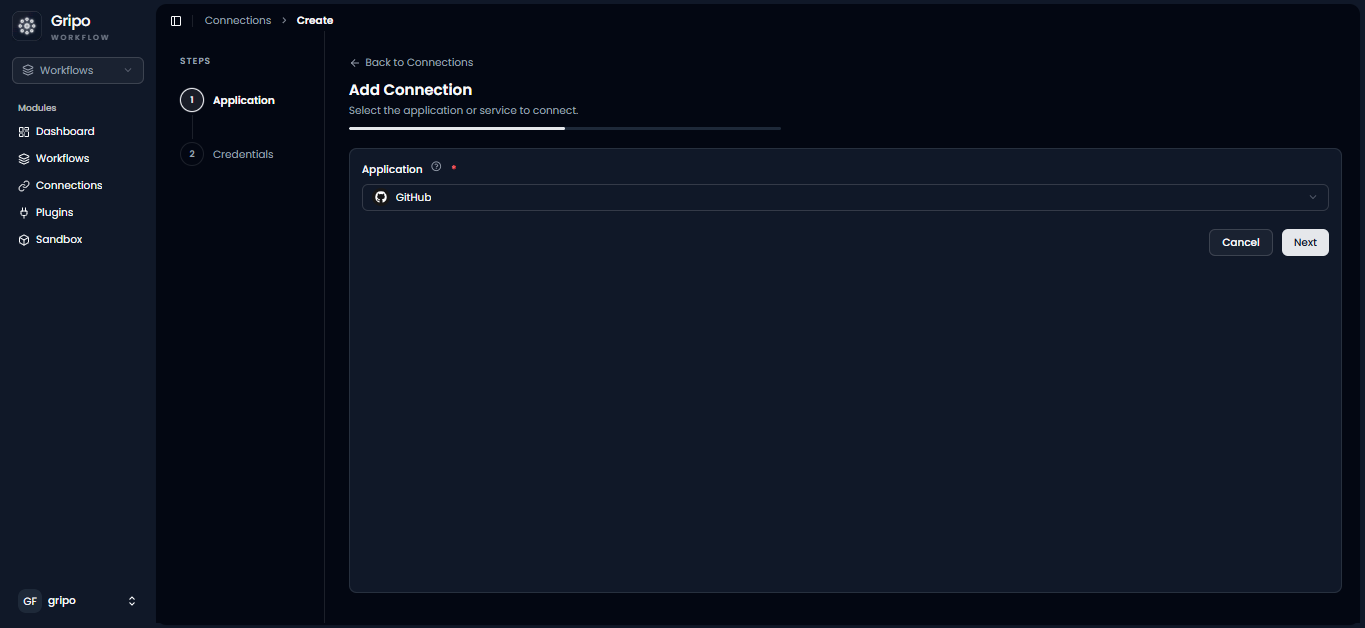
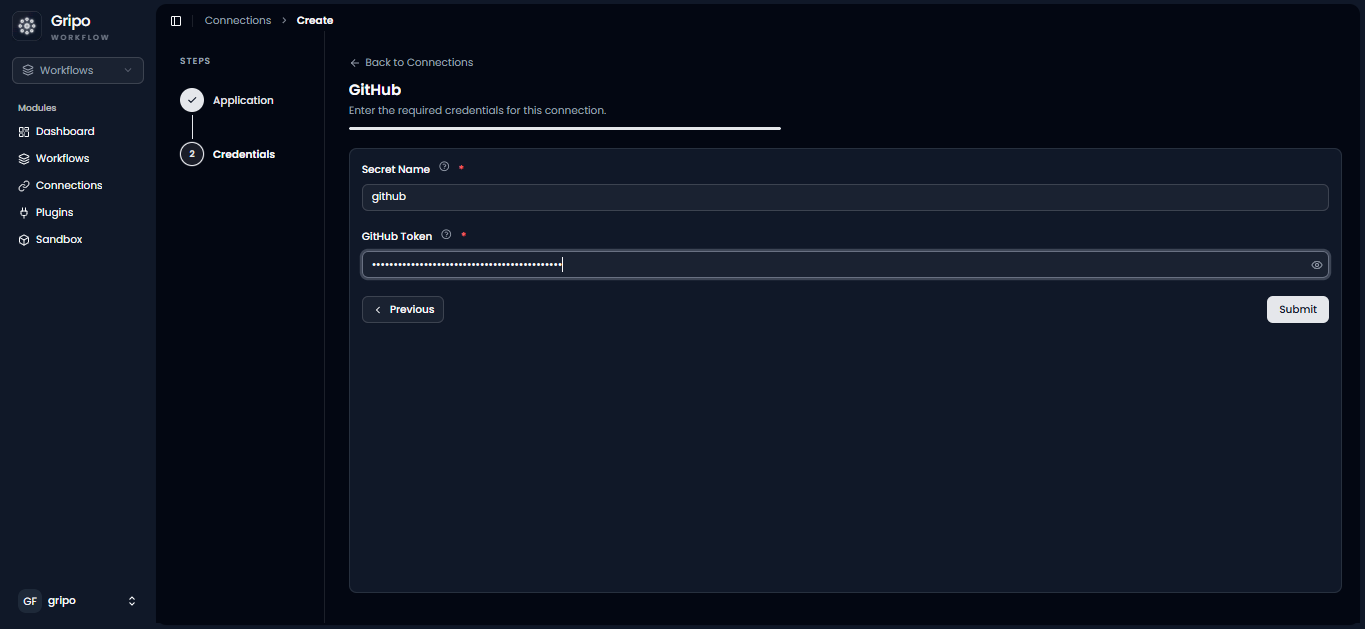
- A form will be displayed for entering your GitHub credentials.
- Enter a Connection Name.
- Paste your GitHub Personal Access Token (PAT) into the Token field.
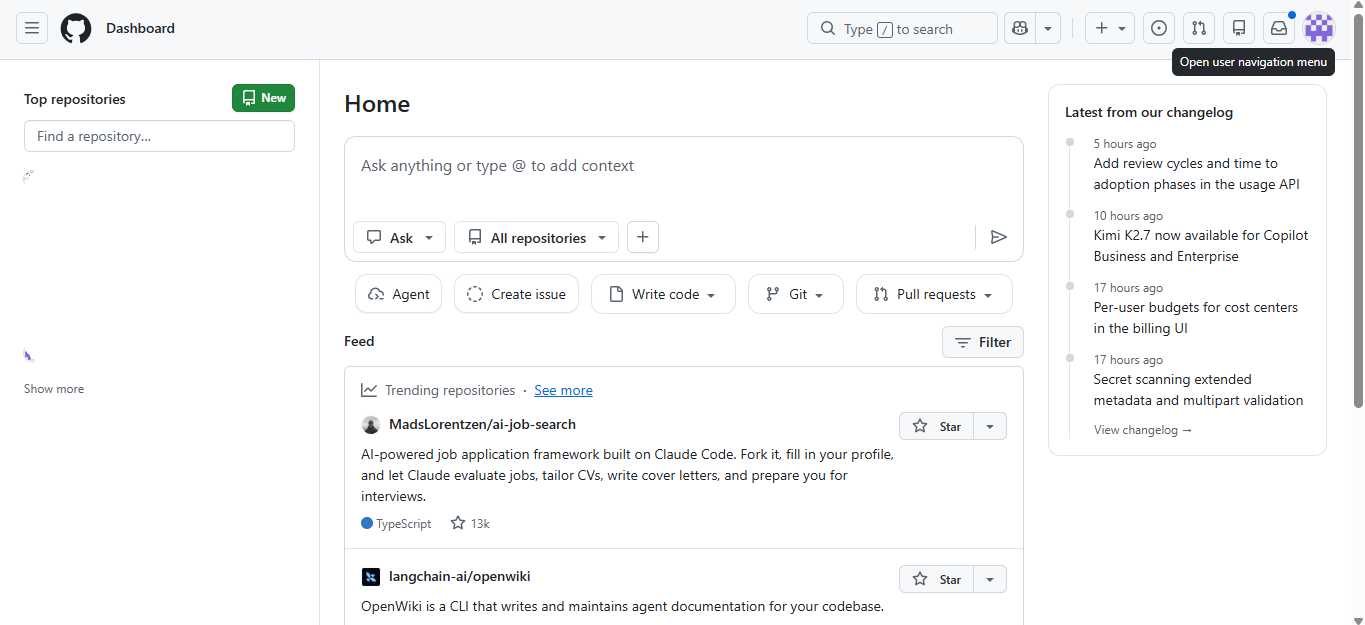
Before creating the connection, generate a GitHub Personal Access Token from your GitHub account.
Generate a GitHub Personal Access Token
Create a GitHub Personal Access Token
-
Open your web browser and navigate to:
-
Sign in to your GitHub account.
-
Click on Settings
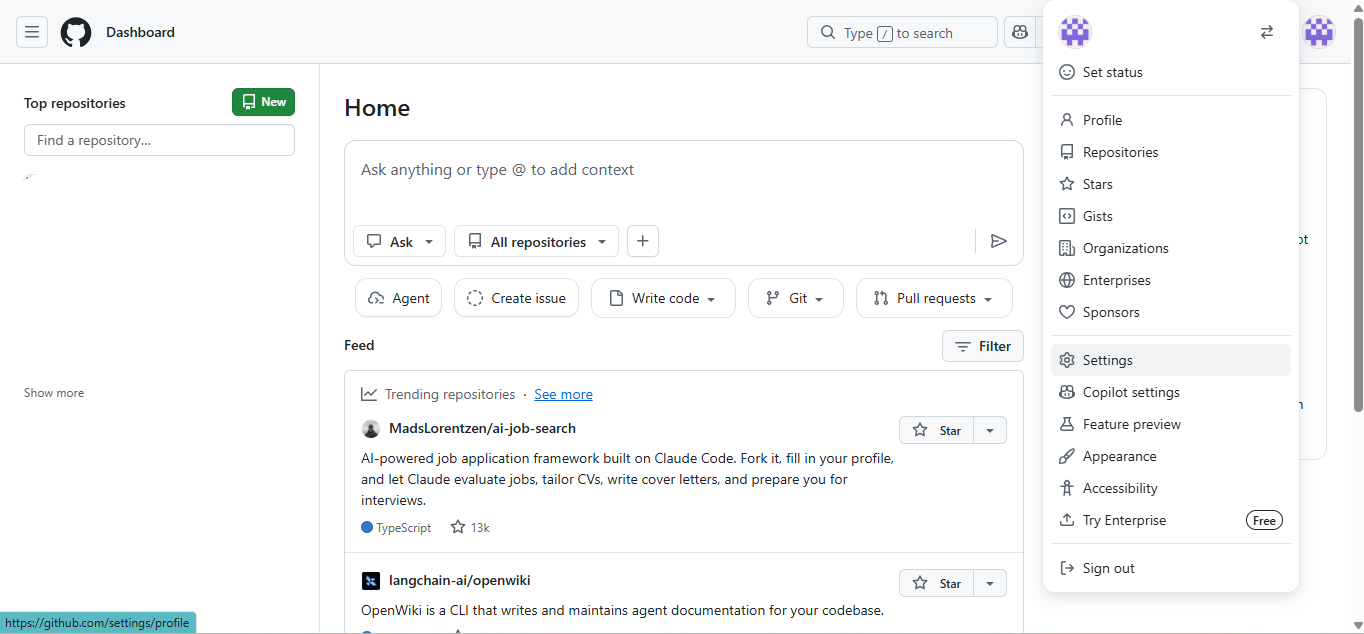
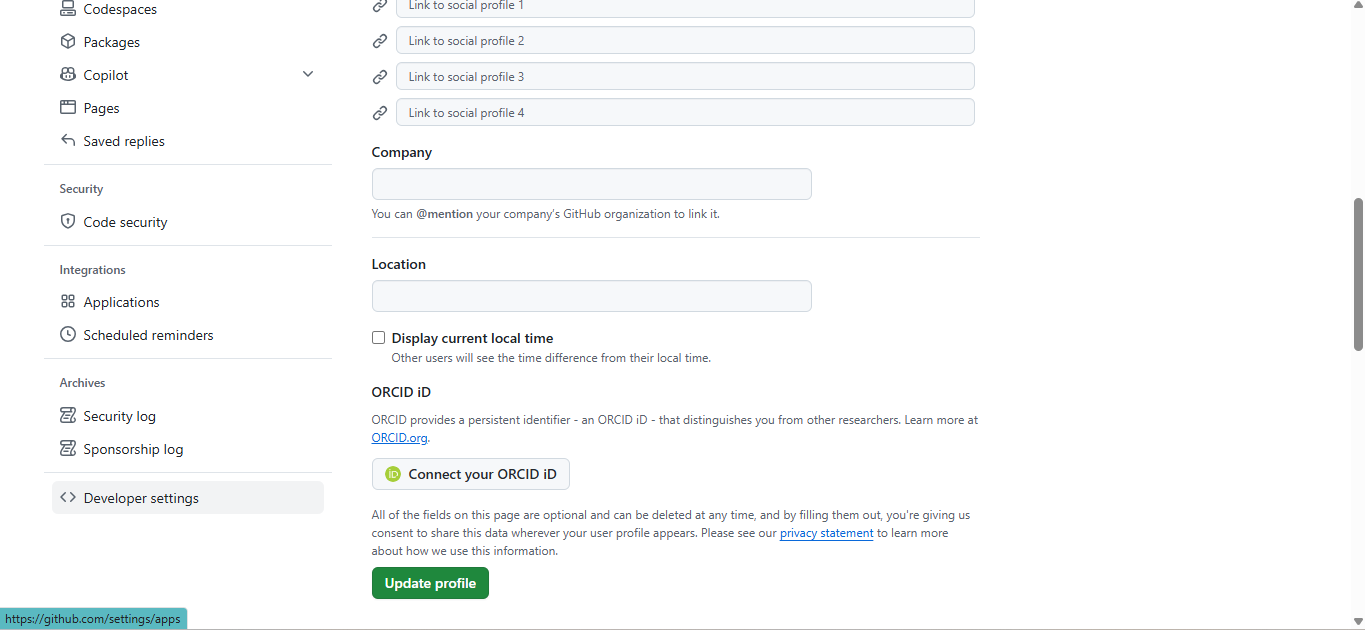
- In settings , click on Developer Setting
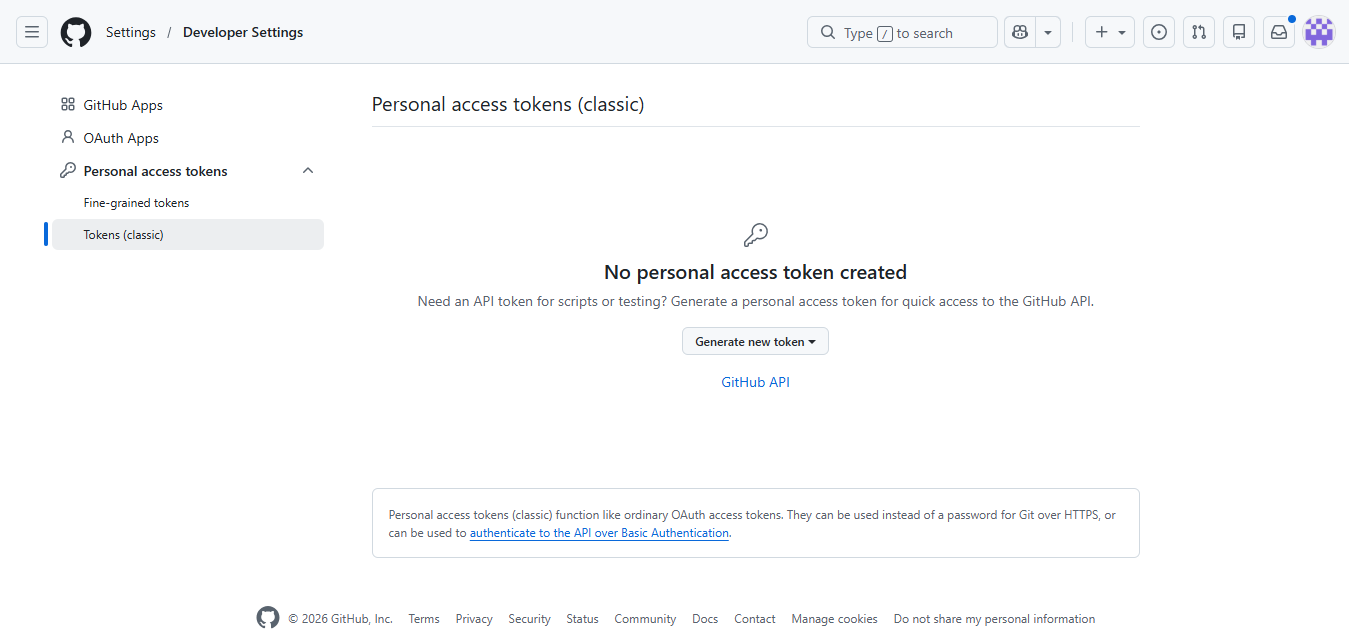
- Click on Token (classic) button , inside personal access taken.
-
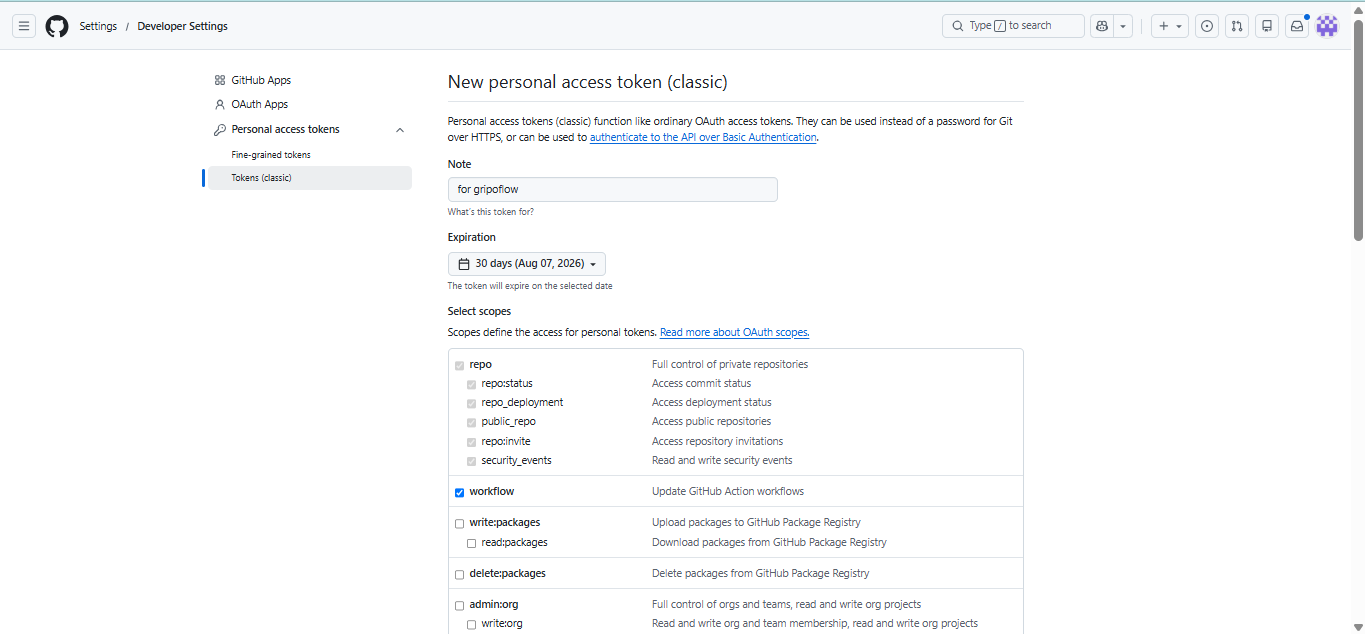
- Click Generate new token and select Generate new token (classic) (or create a fine-grained personal access token if required by your organization).
-
Enter a Note to identify the token.
-
Select an Expiration period.
-
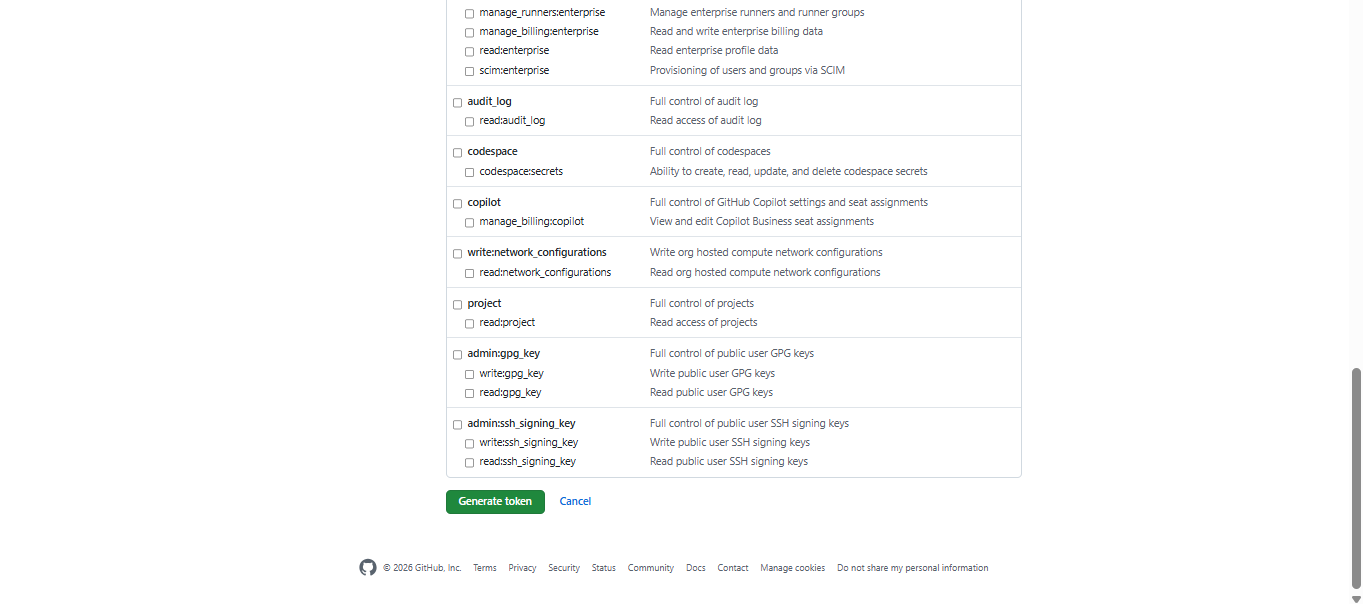
Choose the required Scopes (Permissions) for the GitHub resources you want GripoFlow to access.
-
Click Generate token.
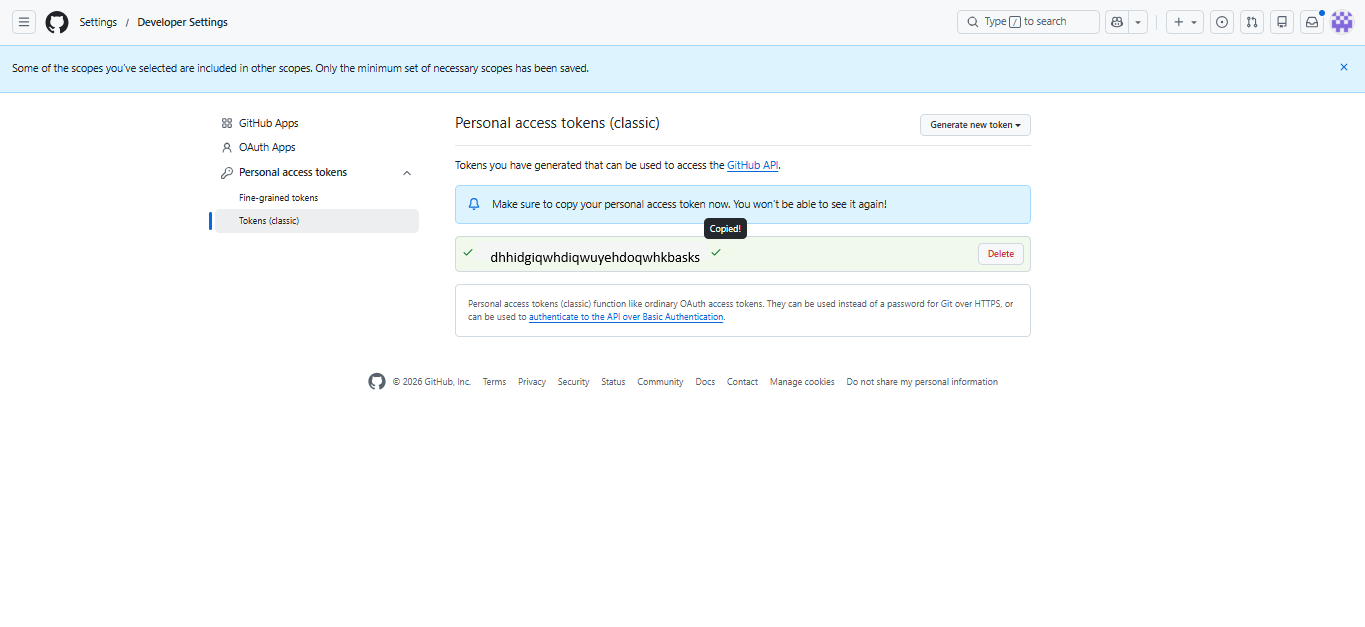
- Copy the generated Personal Access Token immediately. GitHub will only display it once.
Complete the GitHub Connection
Add the Personal Access Token to GRiPOFlow
-
Return to GripoFlow
-
Paste the copied Personal Access Token into the Token field.
-
Click Submit to create the connection.
- Newly created github connection is visible in the list.