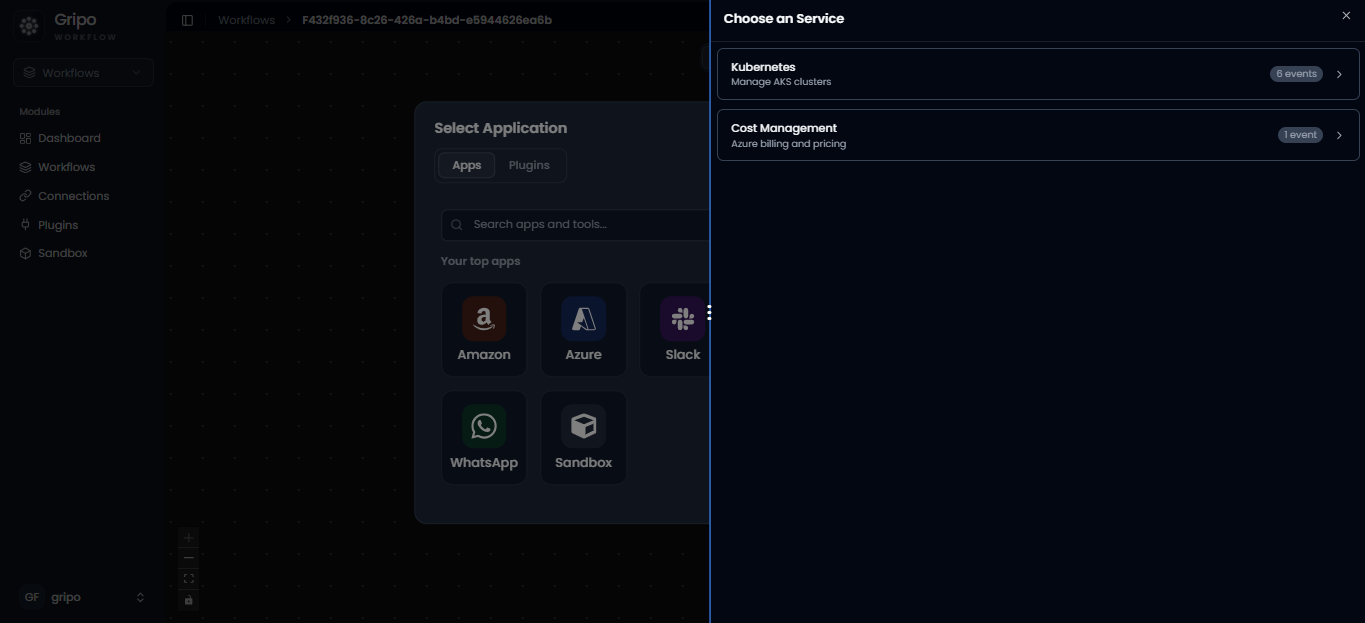
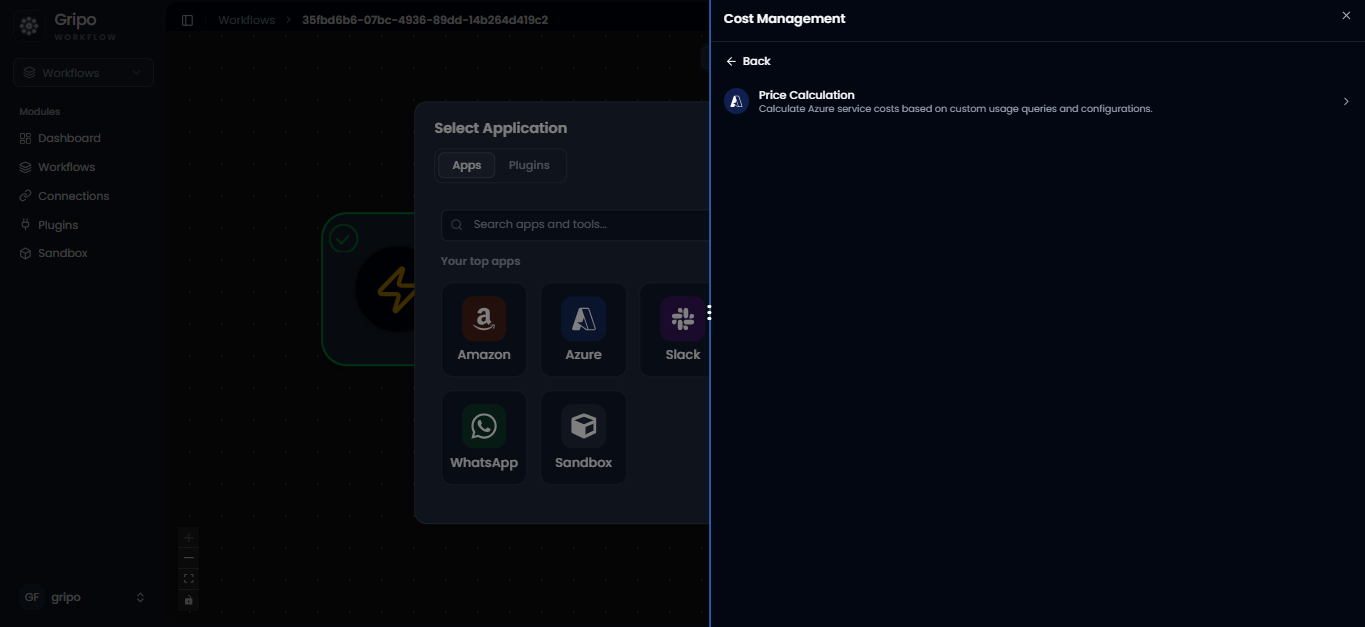
Overview:
The Azure Cost Management activity helps you manage and control Azure costs effectively. It tracks spending, sends alerts when limits are reached, and helps automate actions to optimize cost usage — all within your GRiPO workflows.
Examples:- Generate automatic Azure cost reports.
- Send alerts when daily or monthly spending increases.
- Power off idle clusters to reduce costs.
Add Azure Cost Managed Kubernetes activity
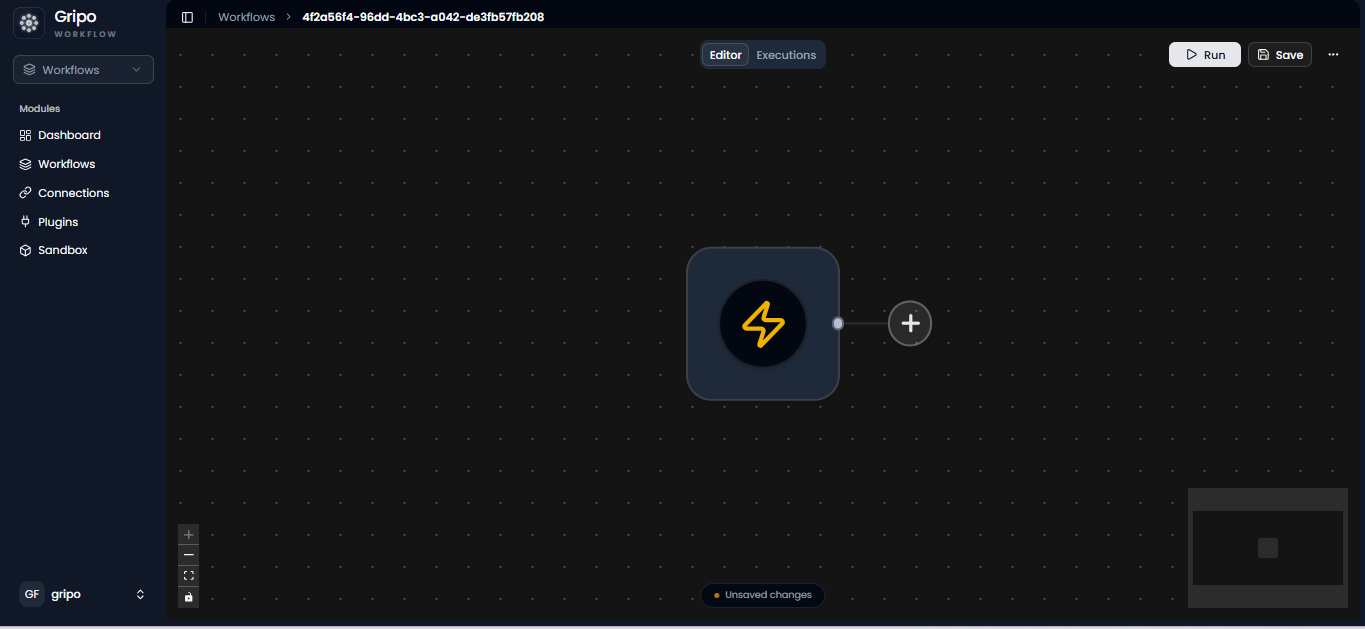
- After the workflow is created, click on the “+” button to add azure managed kubernetets.
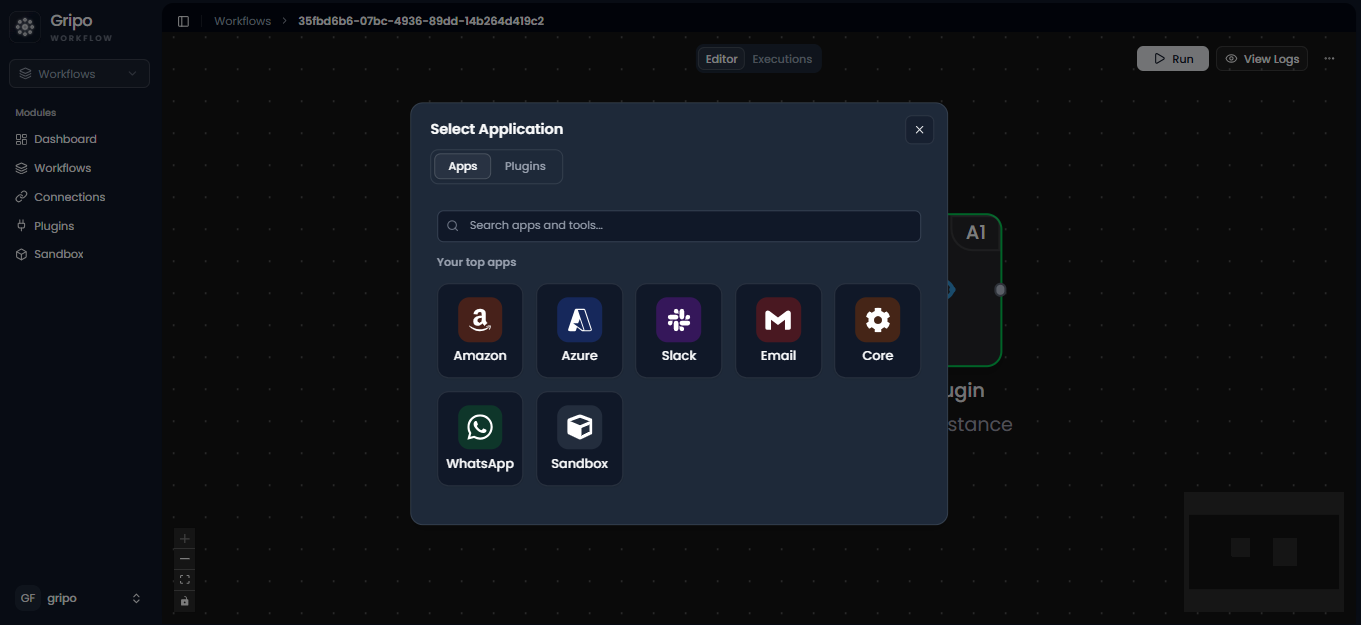
- Select Azure from the application.
- After selecting Azure , two option of services appears.