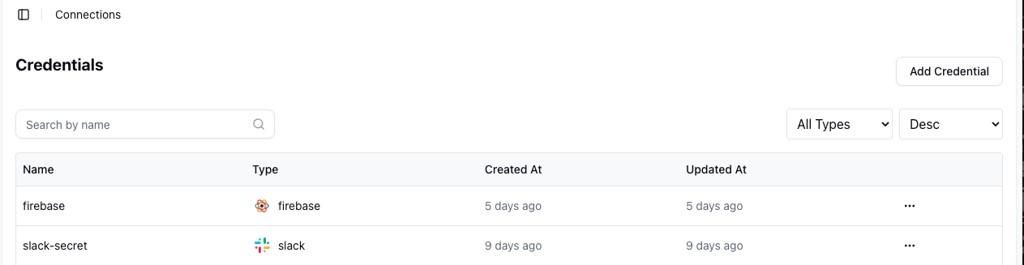
Slack Credential:
To communicate with the Slack service, you must add the Slack secret to the Gripo Workflow. To obtain the credentials and add them to GRiPO’s workflow, follow these instructions.
Create Connection on Gripo’s Workflow
- To create a connection, navigate to the Connection section

- Click on Add Credentials
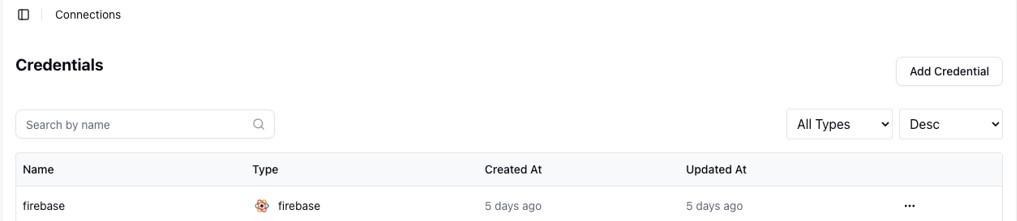
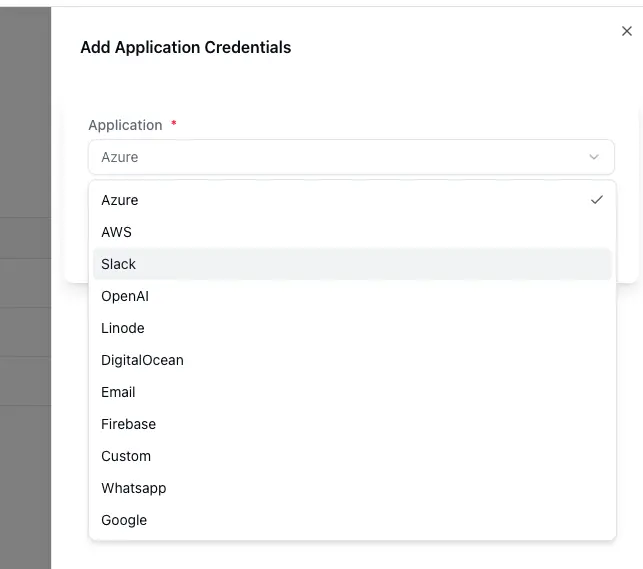
- A window appears. From the Application dropdown, choose Slack.
- Click on Next button
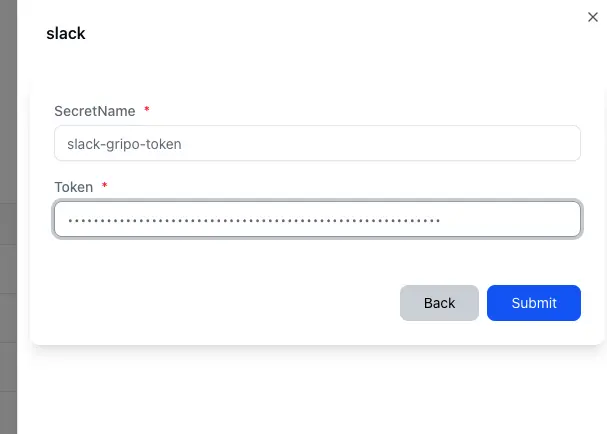
- A form will be presented for you to enter the required details.
- Enter a Secret name for your credential.
- Provide the Token
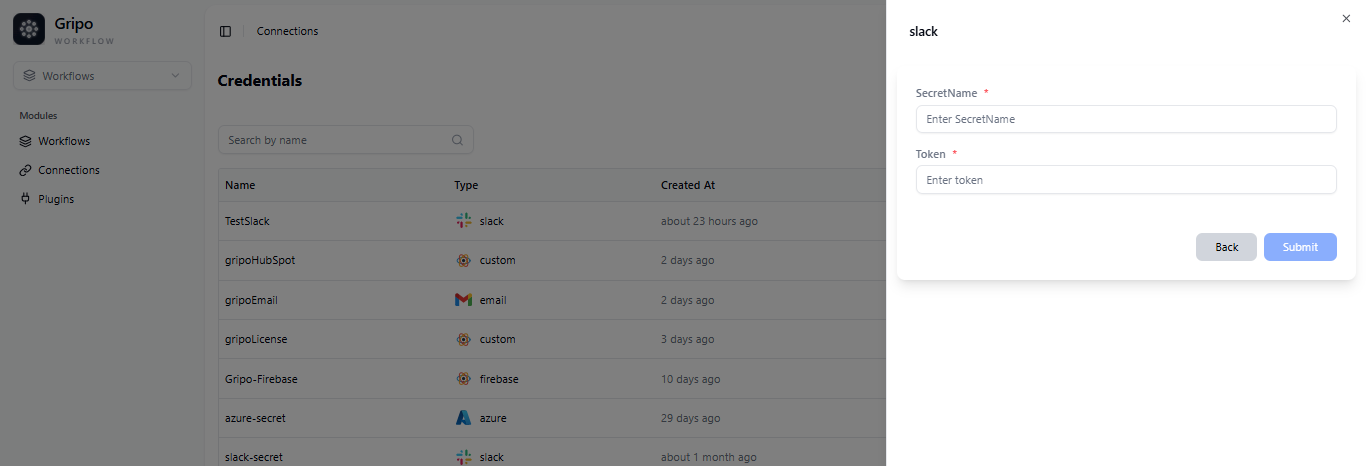
- To fill in the Token fields, the Token must first be created in the Slack Portal.
Create Token From Slack Portal
We’ll demonstrate how to establish a Slack connection to Gripo Flow in this step.
- Navigate to https://api.slack.com/signin?redir=%2Fdeveloper-program/dashboard#/confirmemail
- Create a Developer account if you dont have one
- Click on the Create New App
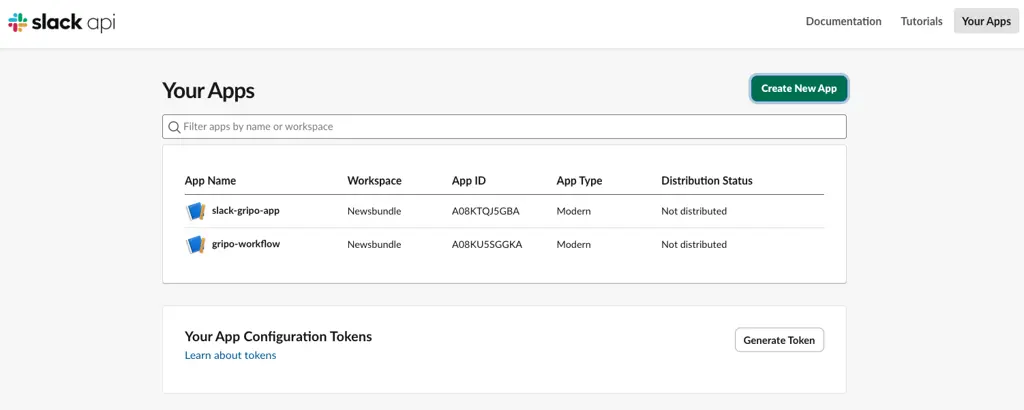
- Click from Scratch
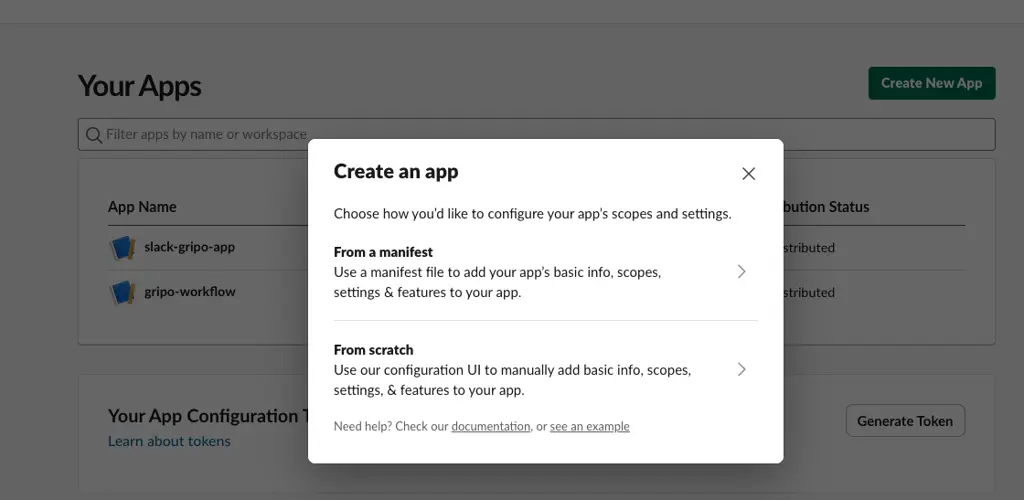
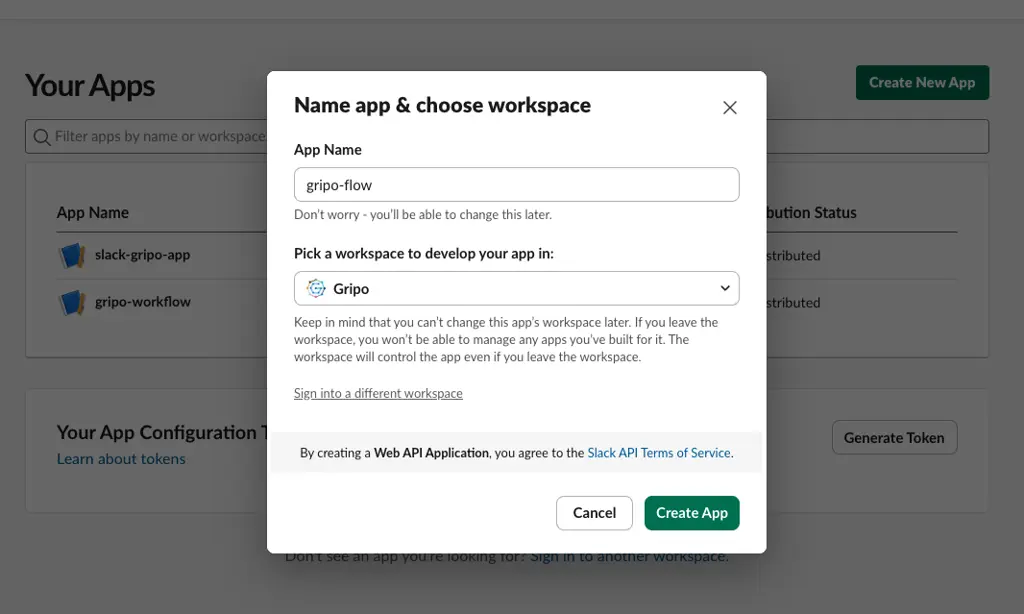
- Specify the application name and select a workspace ” Gripo” to continue
- Click on Create App button
- Once the App is created on the left side bar click on the App Home
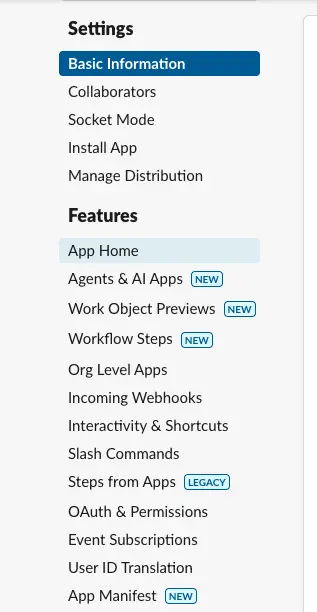
- Then click ‘Review Scopes’ to add the review scope.
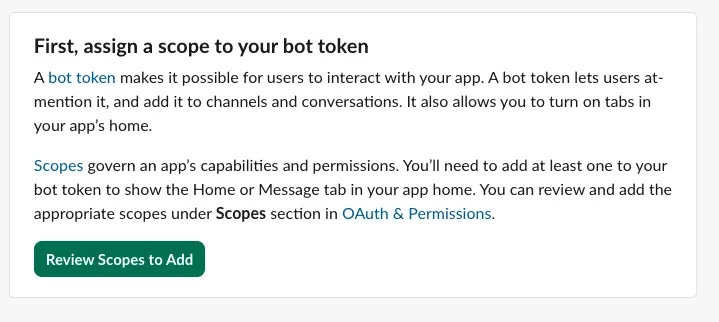
- Click on Add on OAuth Scope in Bot Token Scopes.
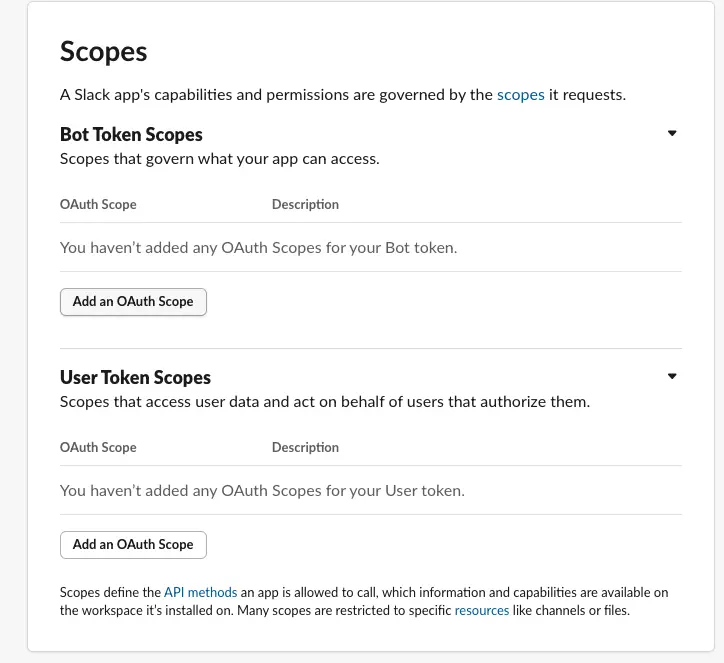
- A list of OAuth scopes will appear.
- Select them one by one and click the ‘Add OAuth Scope’ button
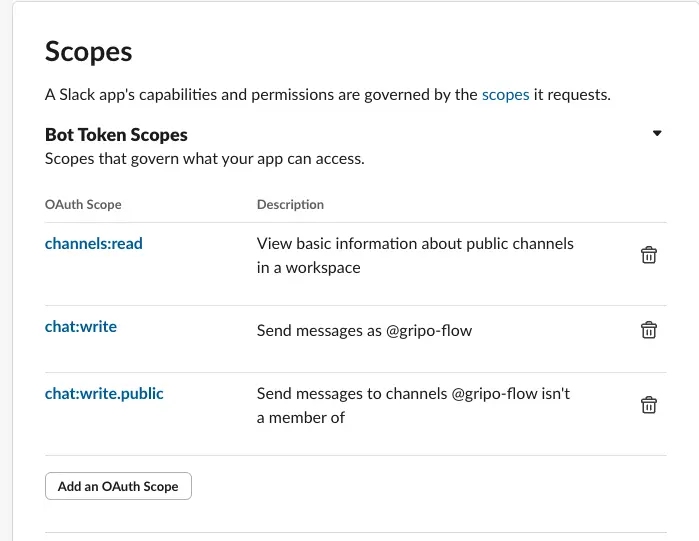
- After that Click on OAuth & Permissions
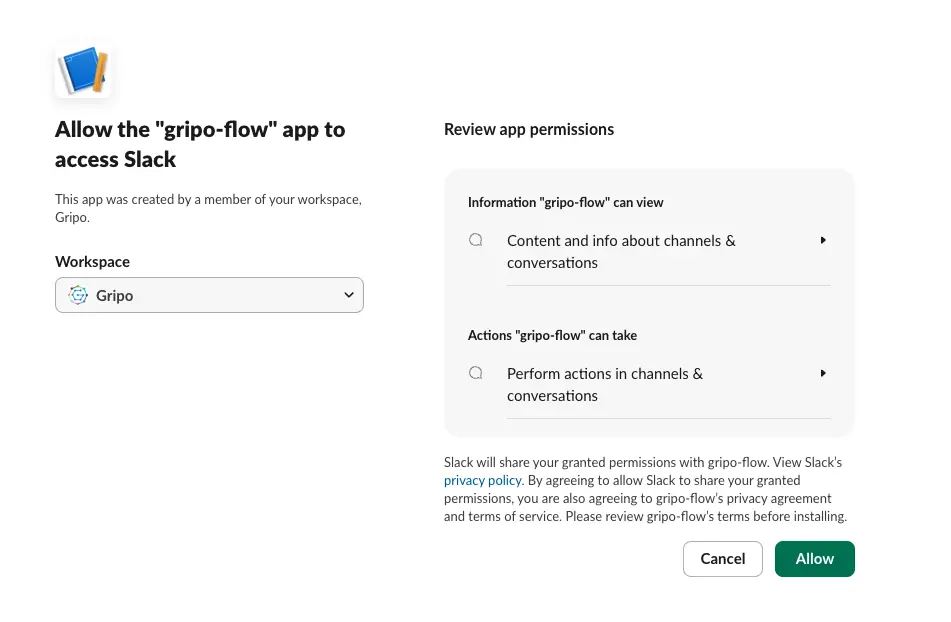
- Click on install Gripo button
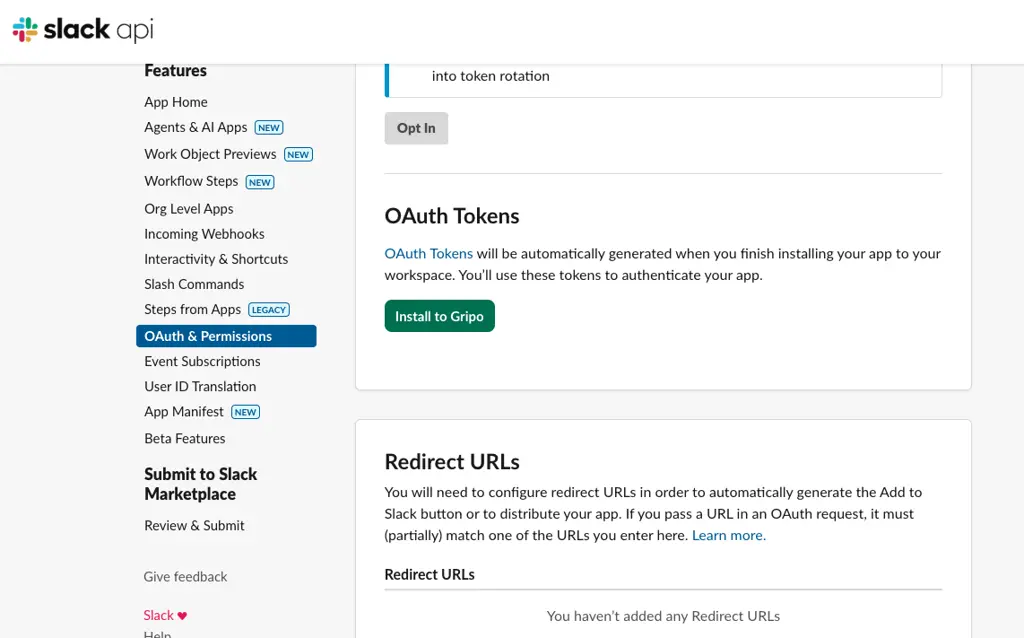
- Select the workspace Gripo
- Click on Allow
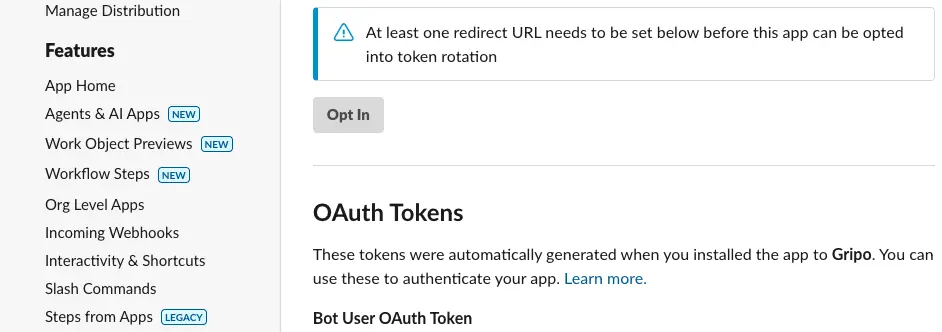
- Under the Bot User OAuth Token section, locate your newly created token and copy it
- After filling the form , click on Submit button
- The created Slack credential will appear in the list of credentials.