Add Field
- You can define the fields that your event will use to send or receive data.
- Click on Add Field
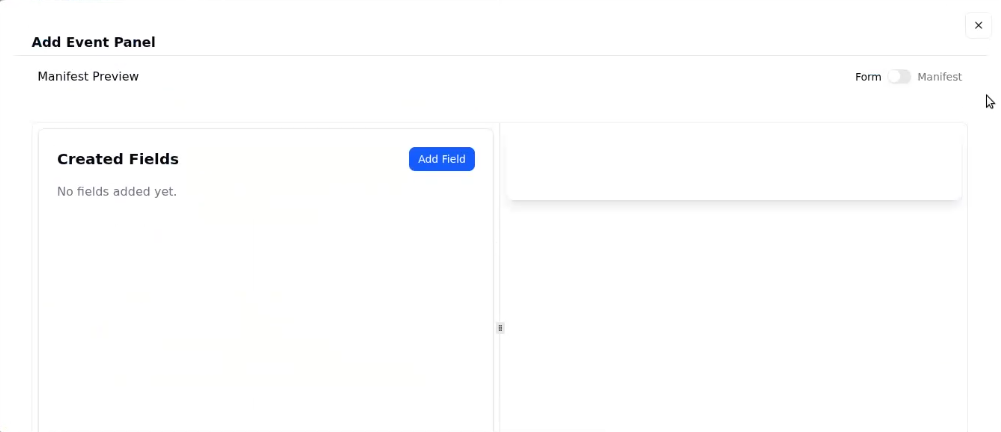
- A window will open showing three sections:
Basic
Validation
Advance - Add as many field as you required
- After filling the Forms of basic, validation or advance according to your preference ,click on save changes
- Fields in the event is added
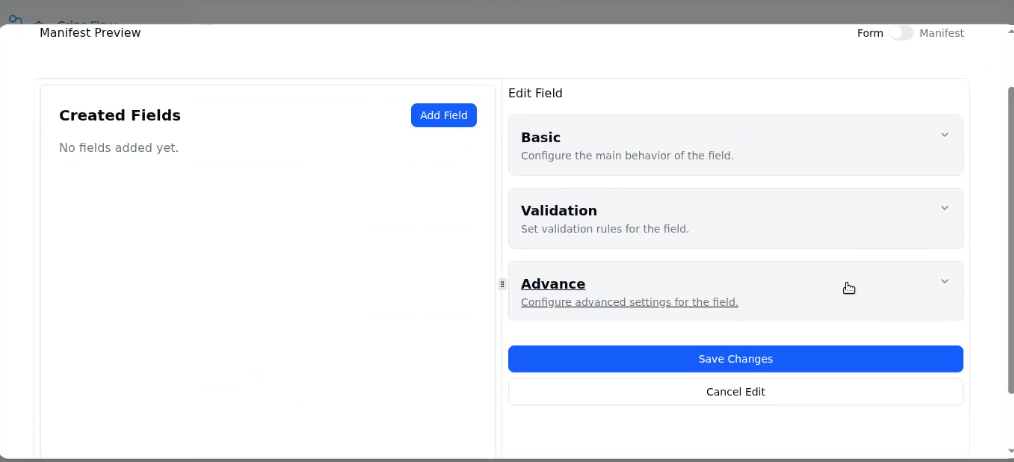
- To add basic fields in your event, click on the Basic dropdown.
- To add validation fields, click on the Validation dropdown
- To add advanced fields in the event, click on the Advancedropdown.