Basic Section
In this section, you can add the main input fields that will appear in your event form.
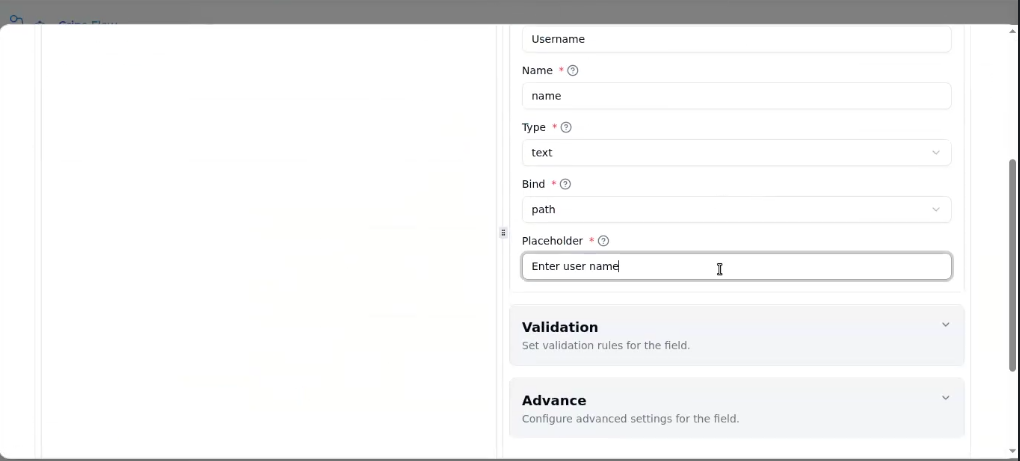
Fields in Basic Section:
- Display Name: The name displayed above the input field in your form.
- Name: The internal name of the field (used to identify the field inside the API request).
- Type: Select the field type such as Text, Number, Checkbox, Dropdown, or Radio button.
- Bind: Choose where this data will be saved inside the API request — for example:
Body: Sends the data in the body of the API call.
Path: Adds the data in the URL path.
Header: Sends the data in the request header.
Query: Sends the data as a query parameter. - Placeholder: Add placeholder text that guides the user about what to enter in this field.
If you only need basic fields, click Save after filling this section, and your event will be added successfully.