Add Events
- Once your manifest is ready, it’s time to add Events.
- Events define the actual API actions your plugin can perform (for example: GET data, POST data, delete a record, etc.).
- Click on Add Events.
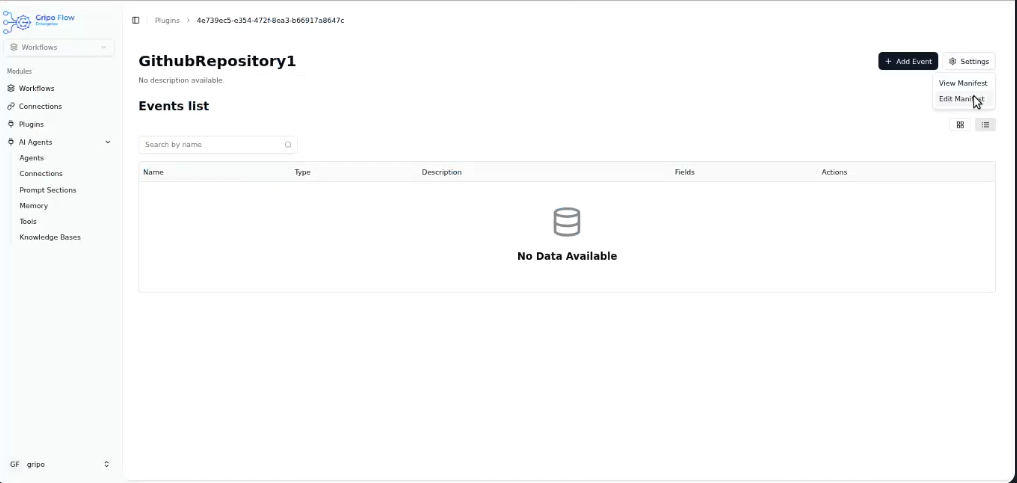
A form will appear with the following fields:
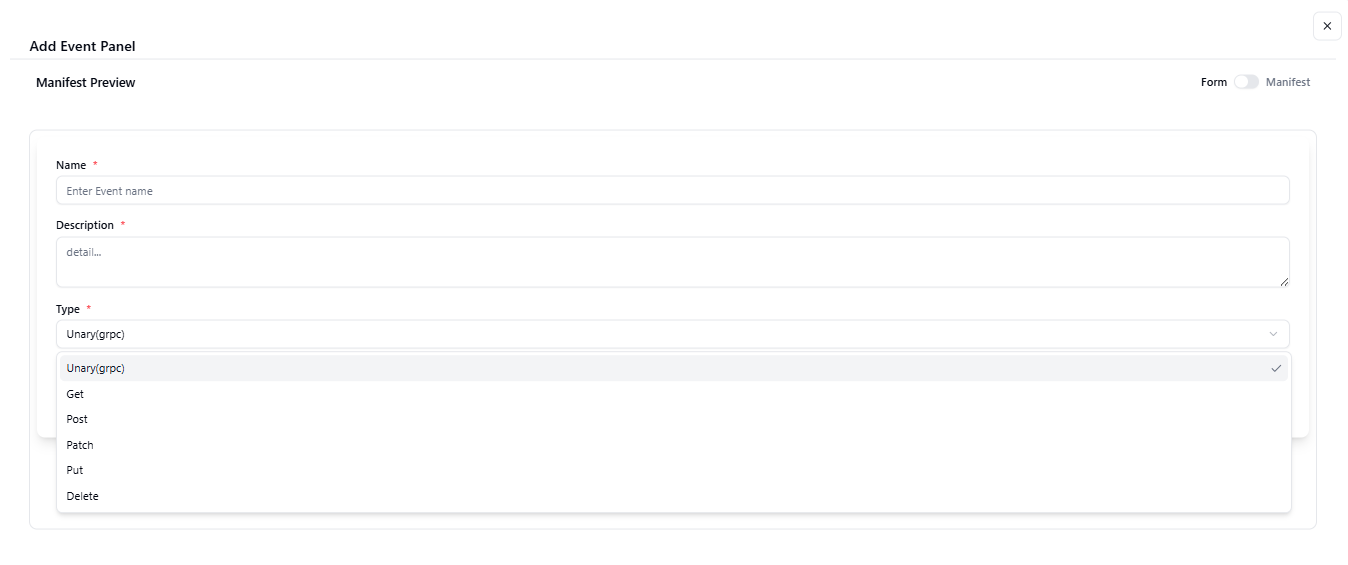
- Name: Enter the event name (e.g., Get All Clusters, Send Message, etc.).
- Description: Write a short description of what this event does.
- Type: Choose the event type.
- Available types are:
Unary: Used for one-time requests that get one reply (mostly used in gRPC type APIs).
GET: Used when you want to get or read data from the server.
POST: Used when you want to add or create something new on the server.
PATCH: Used when you want to update a small part of something already there.
DELETE: Used when you want to remove or delete something.
PUT: Used when you want to replace or fully update something with new data.
- Path: Enter the API path or endpoint URL.
You can find this path in the official API documentation of the service you’re integrating. - After filling in the form, click on the Next button to continue.

- You can add fields in your plugin