Add Events
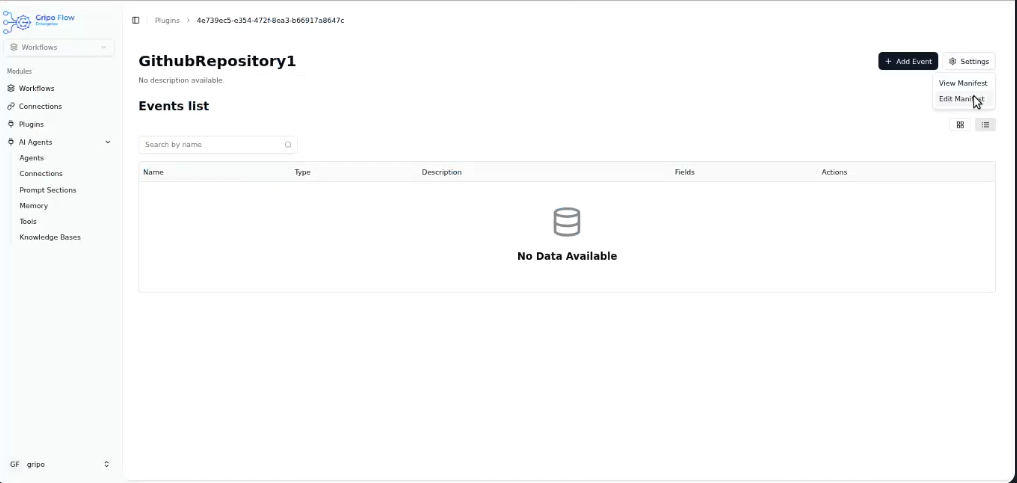
- Once your manifest is ready, it’s time to add Events.
- Events define the actual API actions your plugin can perform (for example: GET data, POST data, delete a record, etc.).
- Click on Add Events.
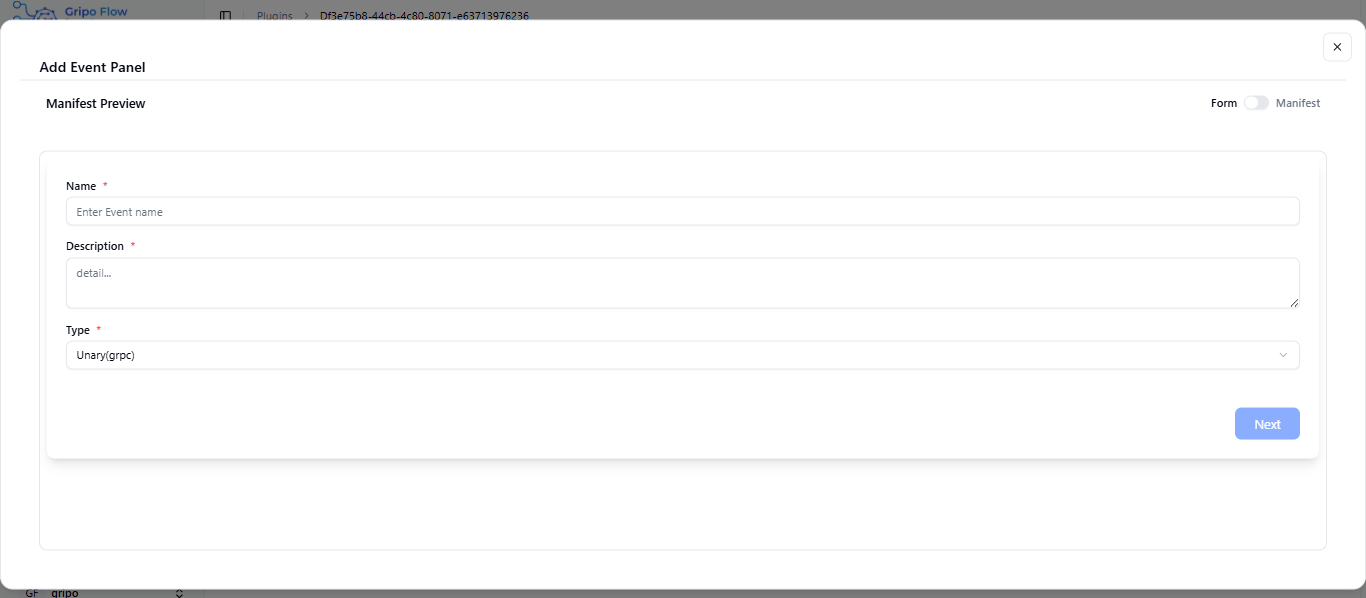
A form will appear with the following fields:
- Name: Enter the event name (e.g., Get All Clusters, Send Message, etc.).
- Description: Write a short description of what this event does.
- Type: type field is automaticcaly filled with unaryy(grpc).
- After filling in the form, click on the Next button to continue.
- You can add fields in your plugin