Create Plugin
The Plugin feature allows you to integrate your workflow with external systems or APIs. You can create your own plugin to connect Gripo with different platforms and automate actions directly through workflows.
Follow the steps below to create and configure a plugin: Create a Plugin
- Go to the Plugins section
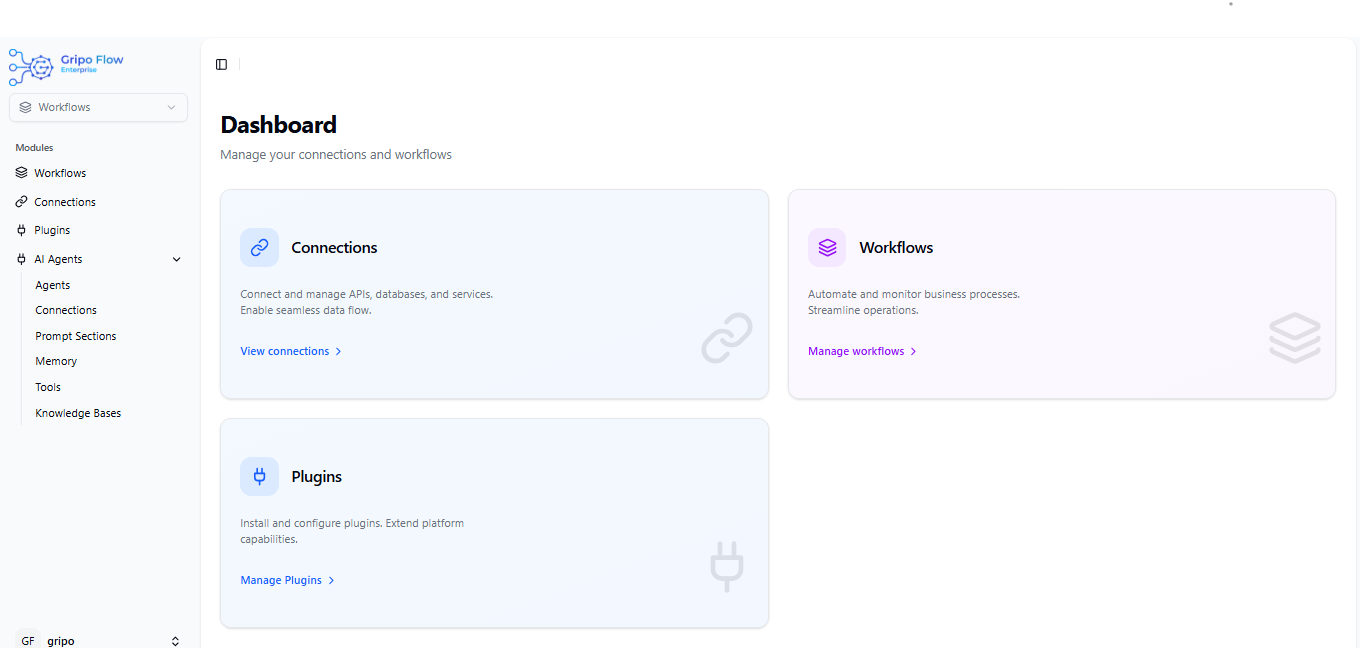
- Click on the Create Plugin button.

A form will appear with the following fields:
- Name: Enter a name for your plugin.
- Type: Select the type of plugin. (Currently, you can choose Manual.)
- Description: Add a short description to explain what your plugin does.
- After filling in all the details, click on the Submit button.
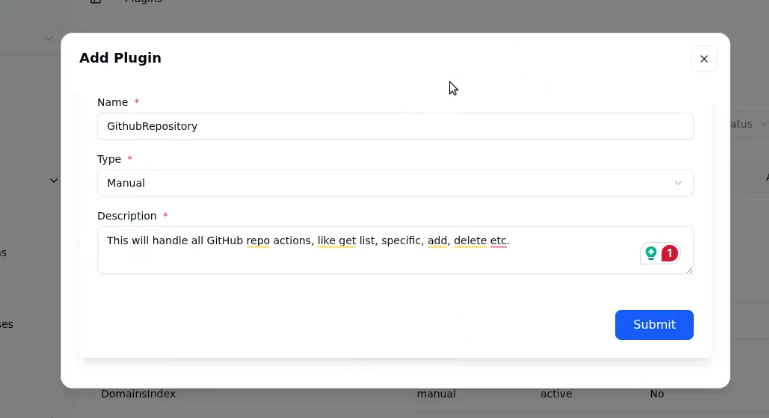
Once submitted, your plugin will be created successfully and listed under “Plugins.”

- You can add manifestin your plugin