Overview:
The Azure Managed Kubernetess activity helps automate the management of your Azure clusters. You can start, stop, or restart resources directly from GRiPO workflows. This ensures smoother operations, reduced downtime, and better control of your Azure environment.
Examples:- Start clusters before deployment automatically.
- Restart nodes when a failure is detected.
- Stop clusters during off-hours to save resources.
Add Azure Managed Kubernetes activity
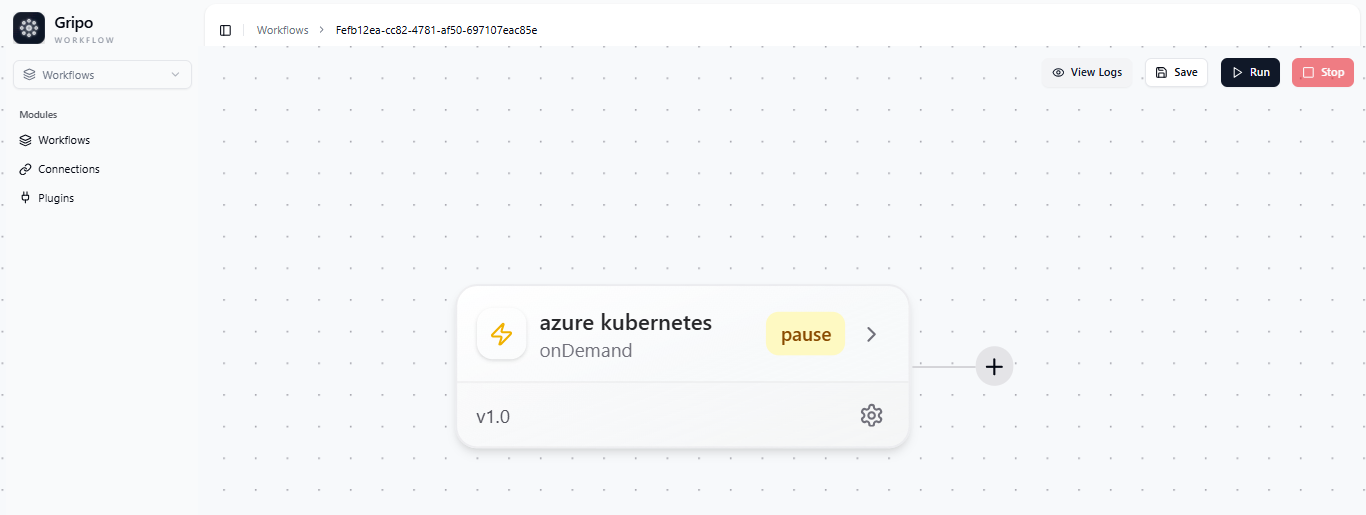
- After the workflow is created, click on the “+” button to add azure managed kubernetets.
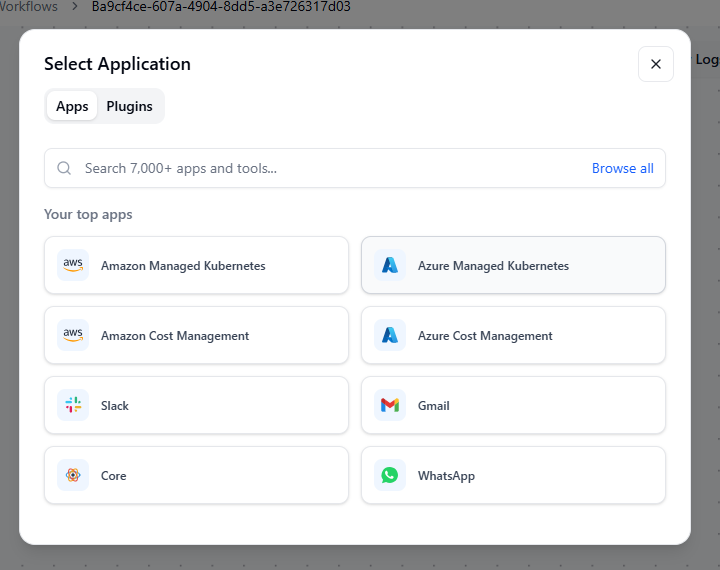
- Select Azure Managed Kubernetes from the list.
Once selected, a list of available actions will appear, including:
- All Clusters : View all your connected Azure clusters.
- Start Cluster :Start a specific cluster when needed.
- Stop Cluster :Stop a running cluster to save resources.
- Nodepool Detail : Retrieve detailed information about a node pool.
- Nodepool Resize : Adjust the size of a node pool by adding or removing nodes.
- Nodepool Event :View or respond to node pool-related events.

- Choose the action you want to add under Azure Managed Kubernetes based on your workflow requirement.