Create OpenAI Connection on Gripo’s Workflow
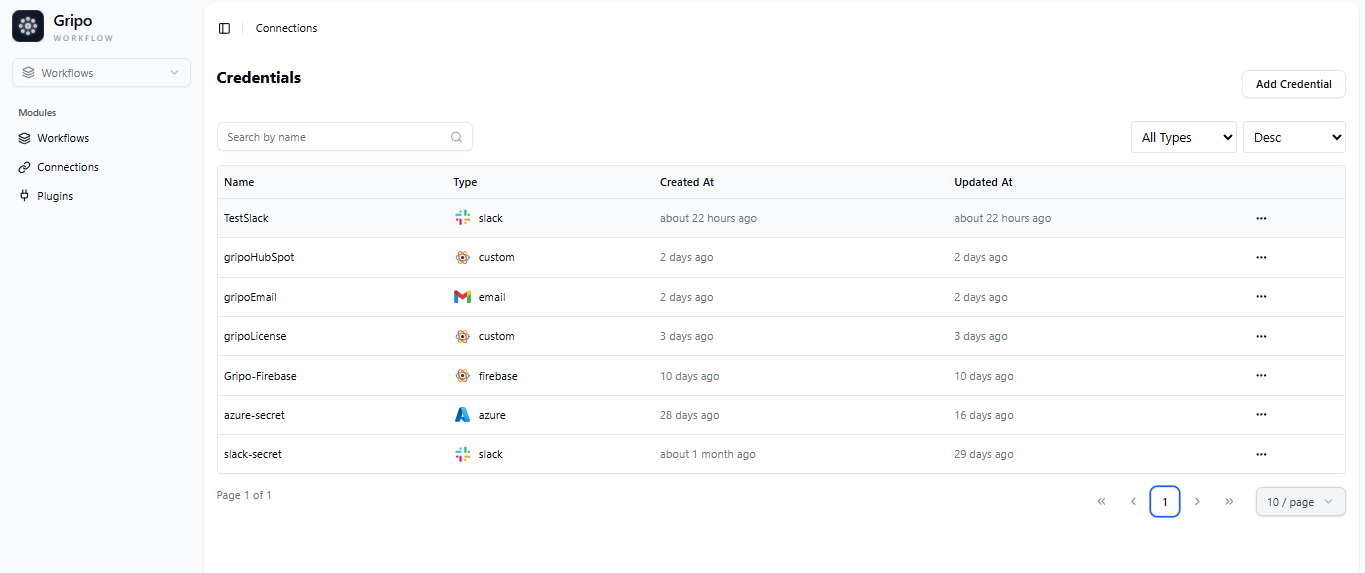
- To create a connection, navigate to the Connection section

- Click on Add Credentials
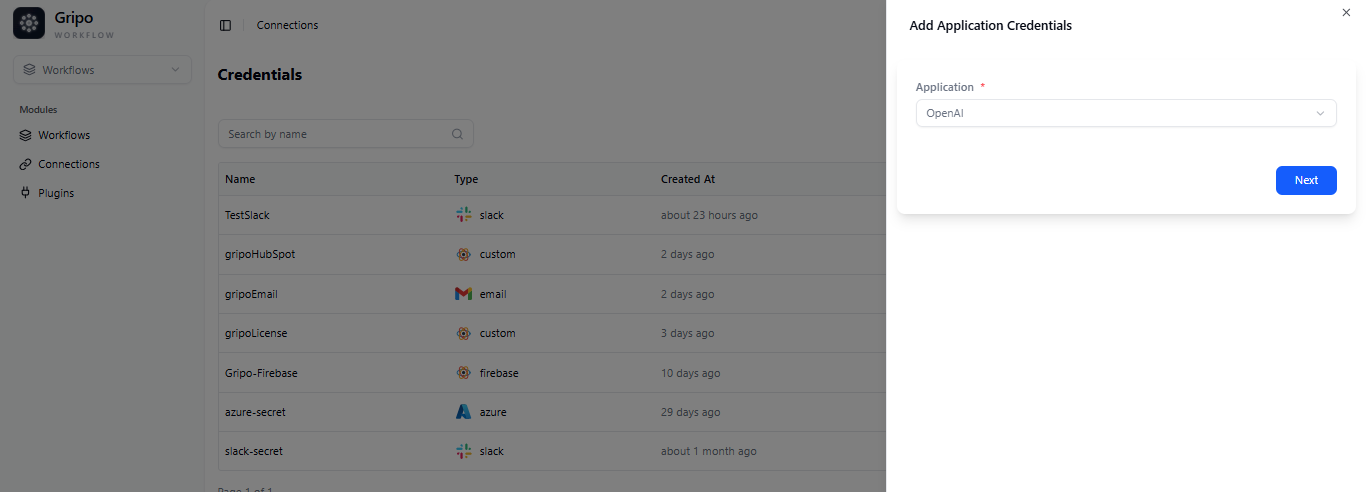
- A window appears. From the Application dropdown, choose OPenAi.
- click on Next button
- A form will be presented for you to enter the required details.
- Enter a designated name for your Credential.
- Provide the OpenAI API Key
- Submit it by clicking the “Submit” button.